Ọrọ Iṣaaju
Thank you for choosing the HISHELL Language Translator Earbuds. These open-ear headphones are designed to provide seamless real-time language translation across 144 online languages, powered by 6 top translation engines. Beyond translation, they also function as versatile devices for music streaming and phone calls. This manual will guide you through the setup, operation, and maintenance of your new device to ensure an optimal user experience.

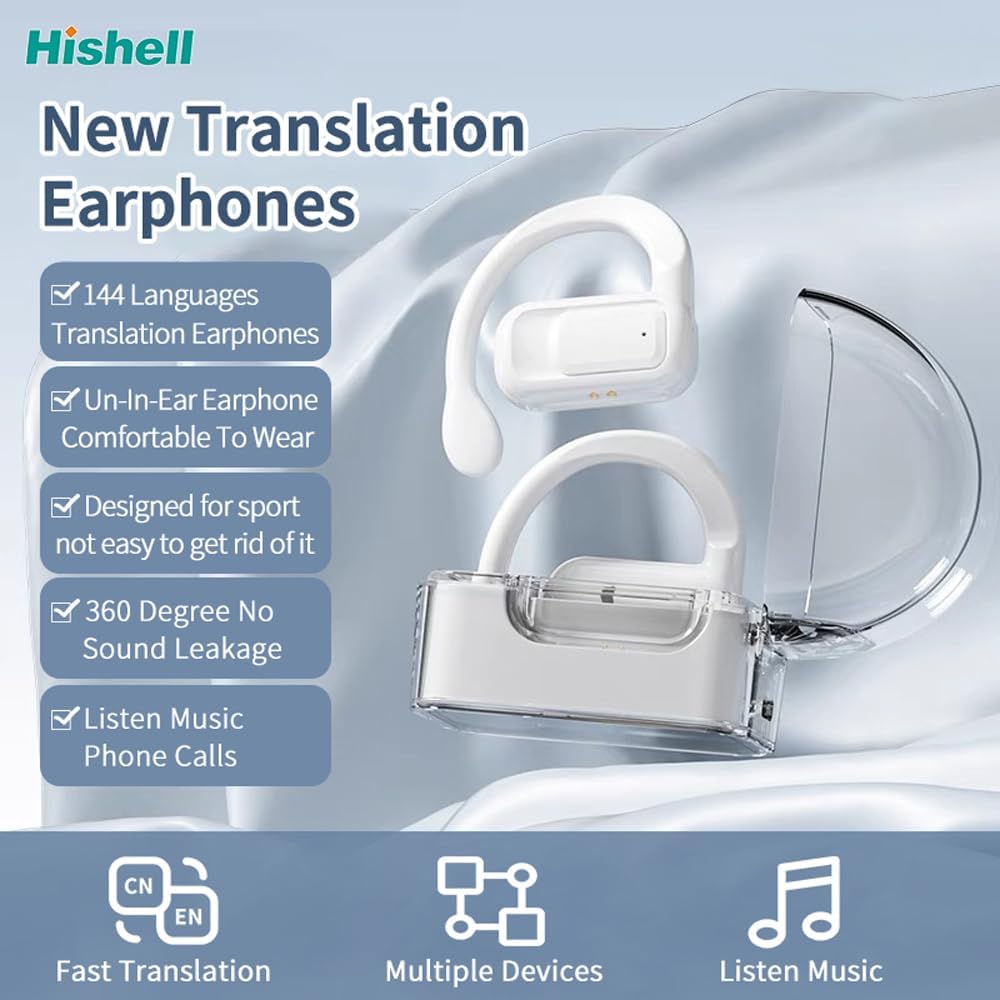
Image: The HISHELL Language Translator Earbuds, showing both earbuds and their transparent charging case.
Ohun ti o wa ninu Apoti
- 2 x Language Translator Earphones
- 1 x Charging Compartment
- 1 x Okun Data (USB-C)
- 1 x Headset User Manual
- 1 x APP Translation User Manual

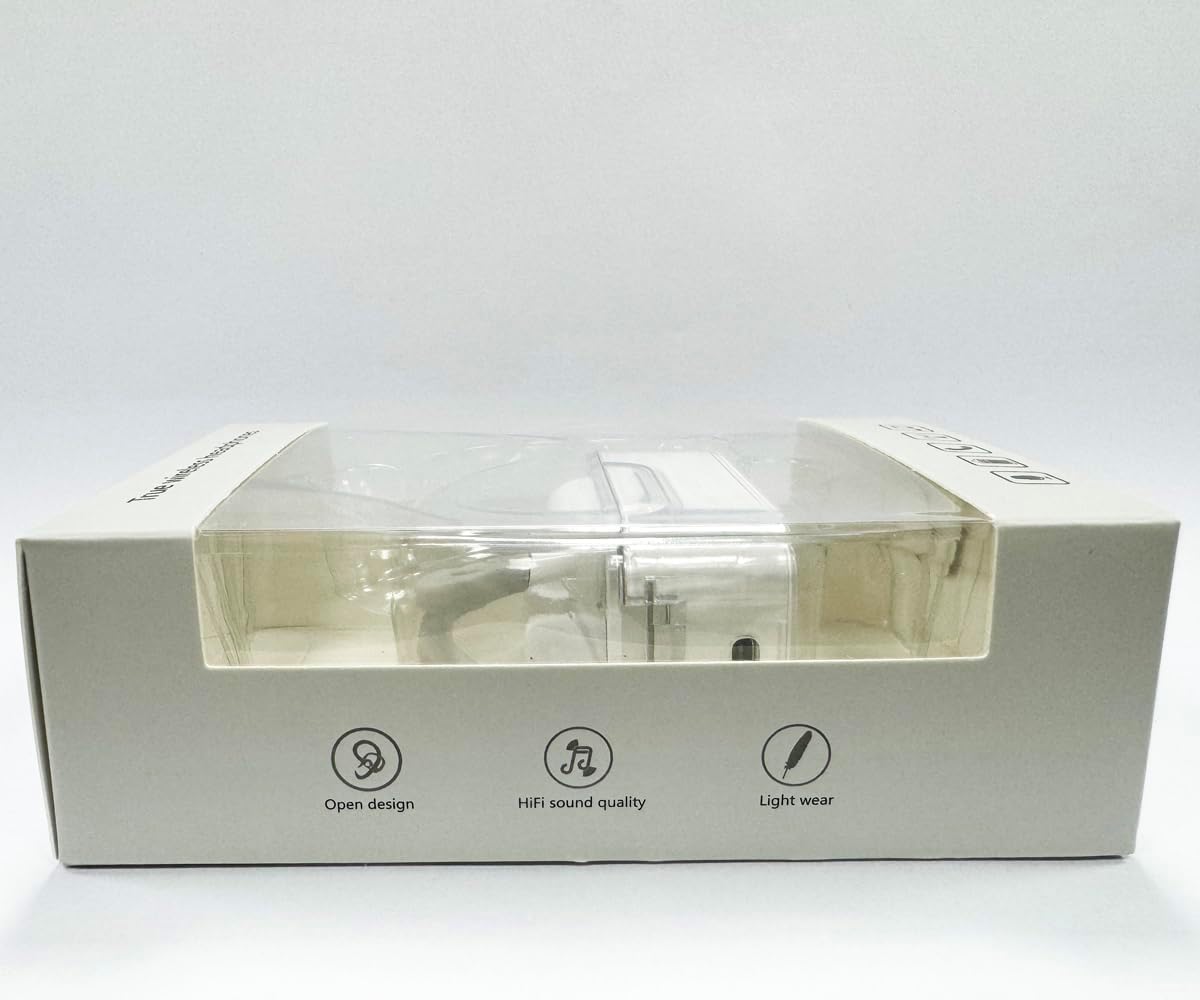
Aworan: Iwaju view of the product packaging, displaying the earbuds inside.
Ṣeto
1. Ngba agbara si Earbuds ati Ọran
Before first use, fully charge the earbuds and the charging case. Connect the provided USB-C data cable to the charging port on the case and plug the other end into a USB power source (e.g., computer, wall adapter). The indicator lights on the case will show charging status.
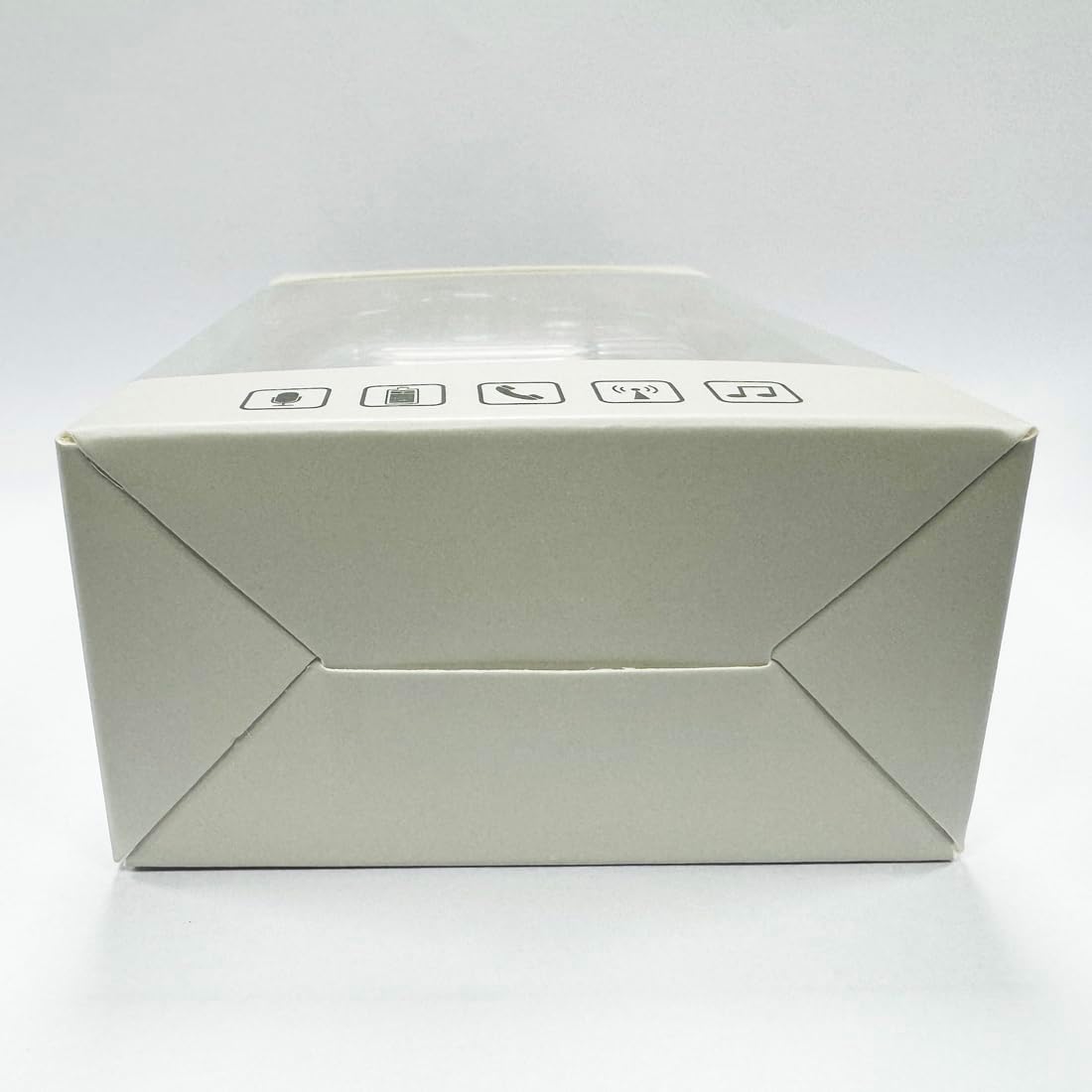
Aworan: Isalẹ view of the charging case, highlighting the USB-C charging port.
2. App sori
To utilize the translation features, you must download the dedicated HISHELL translation app on your smartphone (iOS or Android). Scan the QR code provided in the APP Translation User Manual or search for "HISHELL Translator" in your device's app store.
3. Sisopọ Bluetooth
- Rí i dájú pé àwọn agbekọri náà ti gba agbára, wọ́n sì ti yọ wọ́n kúrò nínú àpótí ìgbara. Wọn yóò wọ inú ipò ìsopọ̀ láìfọwọ́sí.
- On your smartphone, go to Bluetooth settings and turn Bluetooth on.
- Select "HISHELL BL02" (or similar name) from the list of available devices.
- Ni kete ti a ti sopọ, ohun ìmúdájú yoo ṣiṣẹ, ati awọn agbekọri yoo ṣetan fun lilo.
Awọn ilana Iṣiṣẹ
The HISHELL Language Translator Earbuds offer three primary translation modes, along with standard audio functions.
Awọn ọna Itumọ

Image: Visual representation of the three distinct translation modes available with the earbuds.
- Ipo Fọwọkan:
Two people each wear one earphone. Click or double-click the earphone to translate in real-time. This mode is suitable for acquaintances who are willing to wear your earphone.

Image: Two individuals using the translator earbuds in a conversational setting.
- Ipo Agbọrọsọ:
One person wears the earphones, and the other person holds the mobile phone. The phone's speaker will output the translation. This mode is suitable for strangers or situations where it's inconvenient for the other person to wear an earphone.
- Ipo Ọrọ Ọfẹ:
Both users wear an earphone. The device translates in real-time, allowing for natural, continuous conversation without needing to press buttons. This mode facilitates smooth and uninterrupted communication.
Awọn iṣẹ Orin ati Ipe
In addition to translation, the earbuds function as standard Bluetooth headphones:
- Sisisẹsẹhin orin: Once connected via Bluetooth, you can stream audio from your device. Use your phone's media controls for play/pause, skip tracks, and volume adjustment.
- Awọn ipe foonu: The earbuds support hands-free calling. Answer/end calls directly through the earbuds (refer to the APP Translation User Manual for specific touch controls). The binaural HD microphone ensures clear communication.

Aworan: Examples of individuals comfortably wearing the open-ear translator earbuds.
Itoju
Ninu
- Pa awọn afikọti ati apoti gbigba agbara kuro pẹlu asọ ti o gbẹ, asọ ti ko ni lint.
- Maṣe lo awọn afọmọ abrasive, ọti-lile, tabi awọn nkan ti kemikali.
- Yago fun gbigba ọrinrin ni eyikeyi awọn ṣiṣi.
Ibi ipamọ
Nigbati o ko ba si ni lilo, tọju awọn afikọti sinu apoti gbigba agbara wọn lati daabobo wọn ki o jẹ ki wọn gba agbara. Tọju ni itura, aye gbigbẹ kuro lati orun taara ati awọn iwọn otutu to gaju.
Laasigbotitusita
| Isoro | Owun to le Fa | Ojutu |
|---|---|---|
| Earbuds ko so pọ | Low battery; out of range; not in pairing mode; previous connection issue. | Ensure earbuds are charged. Place them closer to your device. Re-insert into case and remove to re-enter pairing mode. Forget device in Bluetooth settings and re-pair. |
| Translation not accurate or delayed | Poor internet connection; background noise; speaking too fast/unclearly; incorrect language selection. | Ensure stable internet connection. Speak clearly and at a moderate pace. Reduce background noise. Verify correct source and target languages in the app. |
| Ko si ohun lati agbekọri | Ohùn náà kéré jù; kò sopọ̀ mọ́ra; àwọn ohun èlò ìgbóhùnsáfẹ́fẹ́ dúró. | Increase volume on your device. Check Bluetooth connection. Ensure media is playing. |
| Ngba agbara ko gba agbara | Aṣiṣe USB / ohun ti nmu badọgba; idọti gbigba agbara ibudo. | Try a different USB-C cable and power adapter. Clean the charging port gently with a dry cotton swab. |
For further assistance, please refer to the APP Translation User Manual or contact customer support.
Awọn pato
| Ẹya ara ẹrọ | Ẹ̀kúnrẹ́rẹ́ |
|---|---|
| Nọmba awoṣe | BL02 |
| Package Mefa | 5.16 x 3.15 x 1.69 inches |
| Iwọn Nkan | 2.12 iwon |
| Awọn batiri | 1 Batiri litiumu polima (pẹlu) |
| Àwọn Èdè Ìtumọ̀ | 144 online languages |
| Translation Engines | Powered by 6 top translation engines |
| Gbohungbohun | Binaural HD microphone |
| Igbesi aye Batiri (gbigbọ) | Isunmọ. wakati meji 3 |
| Akoko Iduro | Isunmọ. wakati meji 240 |
| Gbigba agbara Port | USB-C |


Àwòrán: Oríṣiríṣi views of the HISHELL charging case, showing its dimensions and design.
Atilẹyin ọja ati Support
Alaye atilẹyin ọja
HISHELL products typically come with a standard manufacturer's warranty. Please refer to the warranty card included in your product packaging or visit the official HISHELL webAaye fun alaye awọn ofin ati ipo atilẹyin ọja pato fun agbegbe rẹ ati ọjọ rira.
Onibara Support
If you encounter any issues or have questions not covered in this manual, please contact HISHELL customer support. You can usually find contact information (email, phone, or support portal) on the official HISHELL webaaye tabi nipasẹ alagbata ti o ti ra ọja naa.


