1. Ifihan
Thank you for choosing the LEKATO GA-02 5W Rechargeable Guitar Amplifier. This compact and portable amplifier is designed for electric guitar and bass practice, offering both clean and overdrive effects, Bluetooth connectivity, and multiple input/output options. Please read this manual carefully to ensure proper operation and to maximize your experience with the product.
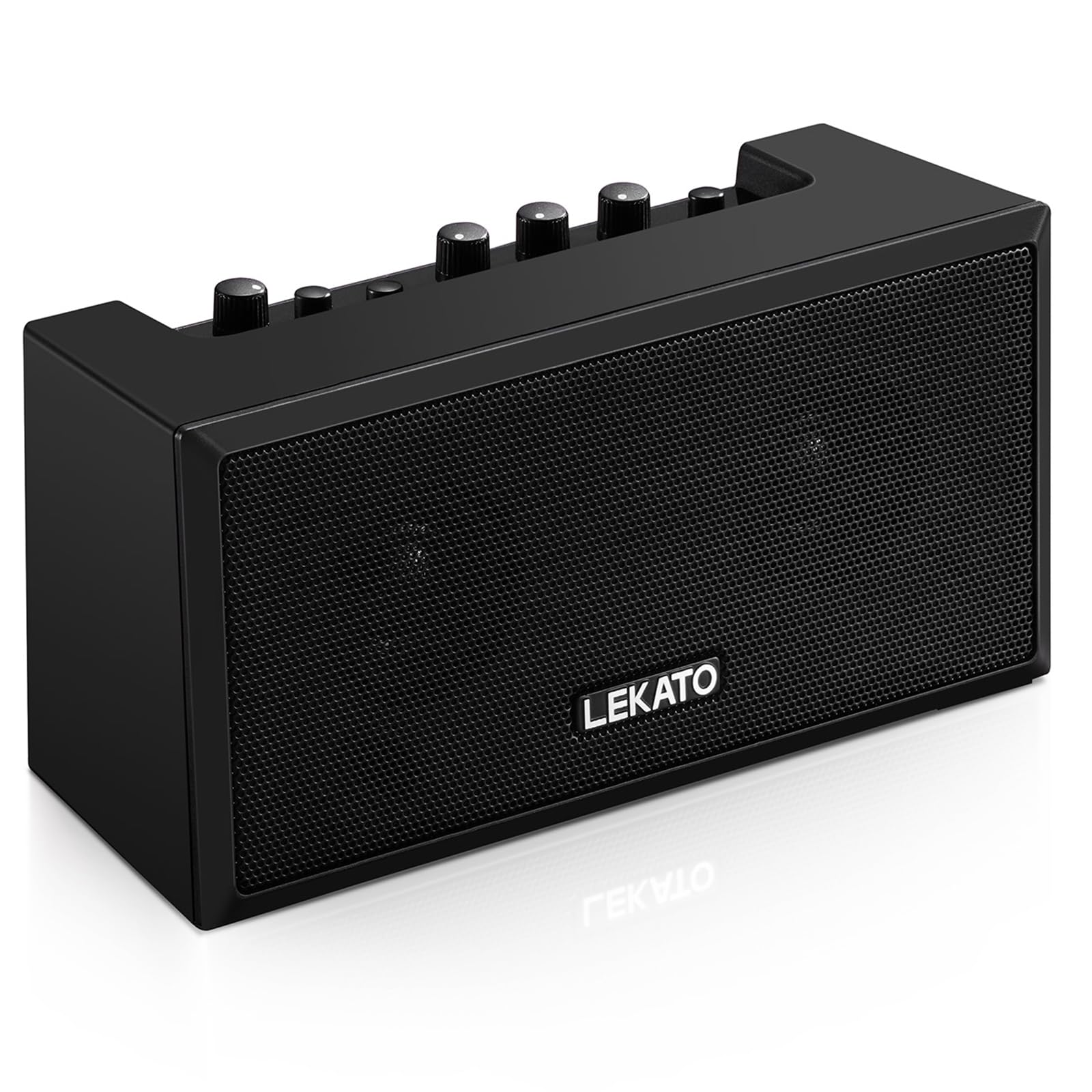
olusin 1: Iwaju view of the LEKATO GA-02 Guitar Amplifier.
2. Key Awọn ẹya ara ẹrọ
- Dual Tone Channels: Easily switch between Clean and Overdrive effects with a single button.
- Iwapọ ati Gbigbe: 5W dual speakers in a mini size, ideal for practice anywhere.
- Bluetooth 5.0 Asopọmọra: Connect wirelessly to your smartphone or other devices for accompaniment.
- Awọn Atupa Ọrọ: Includes 1/8" Aux input, 1/8" stereo headphone output, and 6.35mm instrument input.
- Batiri gbigba agbara: Built-in 3.7V/2000mA battery provides up to 6 hours of playtime on a single charge, rechargeable via Type-C USB.
3. Eto ati awọn isopọ
3.1 Gbigba agbara awọn Ampitanna
Ṣaaju lilo akọkọ, gba agbara ni kikun amplifier. Connect the included Type-C USB cable to the DC 5V charging port on the rear panel of the amplifier and to a standard USB power source (e.g., wall adapter, computer USB port).

Figure 2: Type-C USB charging port on the rear panel.
Gbigba agbara ni kikun pese isunmọ awọn wakati 6 ti akoko iṣere.
3.2 Controls and Interfaces Overview

Figure 3: Front panel controls (top) and rear panel interfaces (bottom) of the amplifier.
Awọn iṣakoso Igbimọ iwaju:
- B.T./AUX VOL: Adjusts the volume for Bluetooth and Aux input.
- B.T. Button: Activates/deactivates Bluetooth pairing mode.
- OVERDRIVE Button: Toggles between Clean and Overdrive channels.
- KỌRỌ NIPA: Adjusts the input sensitivity and distortion level (primarily for Overdrive channel).
- Bọlu TONE: Adjusts the tonal characteristics (treble/bass balance).
- KỌRỌ IWỌRỌ: Adjusts the overall output volume of the guitar signal.
- Bọtini AGBARA: Yipada awọn amplifier tan tabi pa.
Àwọn Ìtọ́sọ́nà Ẹ̀yìn Pánẹ́lì:
- INPUT (6.35mm Jack): Connect your electric guitar or bass.
- AUX (1/8" Jack): Connect external audio sources like smartphones or CD players.
- Headphone Output (1/8" Stereo Jack): So agbekọri pọ fun adaṣe idakẹjẹ.
- DC 5V (Type-C Port): Ipese agbara fun gbigba agbara.
3.3 Nsopọ Ohun elo rẹ
Insert your instrument cable (6.35mm jack) into the ÀWỌN Ọ̀RỌ̀ port on the rear of the amplifier.
3.4 Bluetooth Asopọ
- Tan-an amplifier lilo awọn AGBARA bọtini.
- Tẹ awọn B.T. button on the front panel. The Bluetooth indicator light will flash, indicating pairing mode.
- On your smartphone or Bluetooth-enabled device, search for "TOP-GT" in the Bluetooth settings.
- Select "TOP-GT" to pair. Once connected, the Bluetooth indicator light will remain solid.
- Adjust the Bluetooth/Aux volume using the B.T./AUX VOL koko.

Figure 4: Bluetooth pairing process with a mobile device.
3.5 Aux Input Connection
Connect an external audio source (e.g., MP3 player, computer) to the AUX input jack on the rear panel using a 1/8" (3.5mm) stereo audio cable. Adjust the volume using the B.T./AUX VOL koko.
3.6 Headphone Connection
For silent practice, connect your headphones to the Agbekọri Ijade jack on the rear panel. This will mute the amplifier's internal speakers.
4. Awọn ilana Iṣiṣẹ
4.1 Agbara Tan / Pa
Tẹ awọn AGBARA bọtini lati tan awọn amplifier tan tabi pa.
4.2 Selecting Tone Channels
Awọn amplifier features two tone channels: Clean and Overdrive.
- Tẹ awọn AJỌ button to switch between the Clean and Overdrive channels.
- When the Overdrive channel is active, the corresponding indicator light will illuminate.
- Mọ: Provides a pure instrument tone.
- Overdrive: Produces a distorted rock sound.

Figure 5: Pressing the OVERDRIVE button to switch channels.
4.3 Siṣàtúnṣe iwọn
- Anfani: Rotate the GAIN knob to adjust the input signal level. Higher gain settings will increase distortion, especially in Overdrive mode.
- OHUN: Use the TONE knob to shape the amplifier's frequency response, making the sound brighter or warmer.
- IDAGBASOKE: Adjust the overall output volume of your instrument using the VOLUME knob.
5. Itọju
- Ninu: Mu ese naa nu amplifier with a soft, dry cloth. Do not use liquid cleaners or abrasive materials.
- Ibi ipamọ: Tọju awọn amplifier ni itura, aye gbigbẹ kuro lati orun taara ati awọn iwọn otutu to gaju.
- Itọju Batiri: For optimal battery life, avoid fully discharging the battery frequently. Charge the amplifier regularly, even if not in use for extended periods.
- Mimu: Yẹra fun sisọ tabi tẹriba awọn ampolùdádúró sí àwọn ipa tó lágbára.
6. Laasigbotitusita
| Isoro | Owun to le Fa | Ojutu |
|---|---|---|
| Ko si ohun lati amplifier. |
|
|
| Bluetooth ko sopọ. |
|
|
| Sound is distorted (not desired). |
|
|
| Aye batiri kukuru. |
|
|
7. Awọn pato
| Ẹya ara ẹrọ | Ẹ̀kúnrẹ́rẹ́ |
|---|---|
| Awoṣe | GA-02 |
| Ijade Wattage | 5 Wattis |
| Awọn ikanni | Clean, Overdrive |
| Asopọmọra | Bluetooth 5.0 |
| Awọn igbewọle | 6.35mm Instrument Jack, 3.5mm Aux Input |
| Awọn abajade | 3.5mm Sitẹrio Agbejade Agbekọri |
| Orisun agbara | Batiri Agbara (Agba agbara) |
| Batiri Iru | 3.7V/2000mA Lithium Polymer (included) |
| Gbigba agbara Port | Type-C USB (DC 5V) |
| Approx. Playtime | wakati meji 6 |
| Ọja Mefa | 2.76"D x 4.53"W x 3.23"H (7 x 11.5 x 8.2 cm) |
| Iwọn Nkan | 1.23 poun (0.56 kg) |

Figure 6: Dimensions of the LEKATO GA-02 Amplifier.
8. Atilẹyin ọja ati Support
LEKATO products are designed for reliability and performance. For warranty information or technical support, please refer to the warranty card included with your product or visit the official LEKATO website. You can also contact your retailer for assistance.
For more information about LEKATO products, visit the LEKATO Brand Store.
9. Ifihan fidio ọja
Video 1: Official product demonstration of the LEKATO GA-02 Guitar Amplifier, showcasing awọn ẹya ara ẹrọ ati awọn agbara ohun rẹ.


