Ọrọ Iṣaaju
This manual provides detailed instructions for the installation, operation, and maintenance of your Asiahorse Nyota 120mm Case Fan. Designed for efficient cooling and vibrant ARGB lighting, these fans enhance your PC's performance and aesthetic appeal. Please read this manual thoroughly before installation and use.
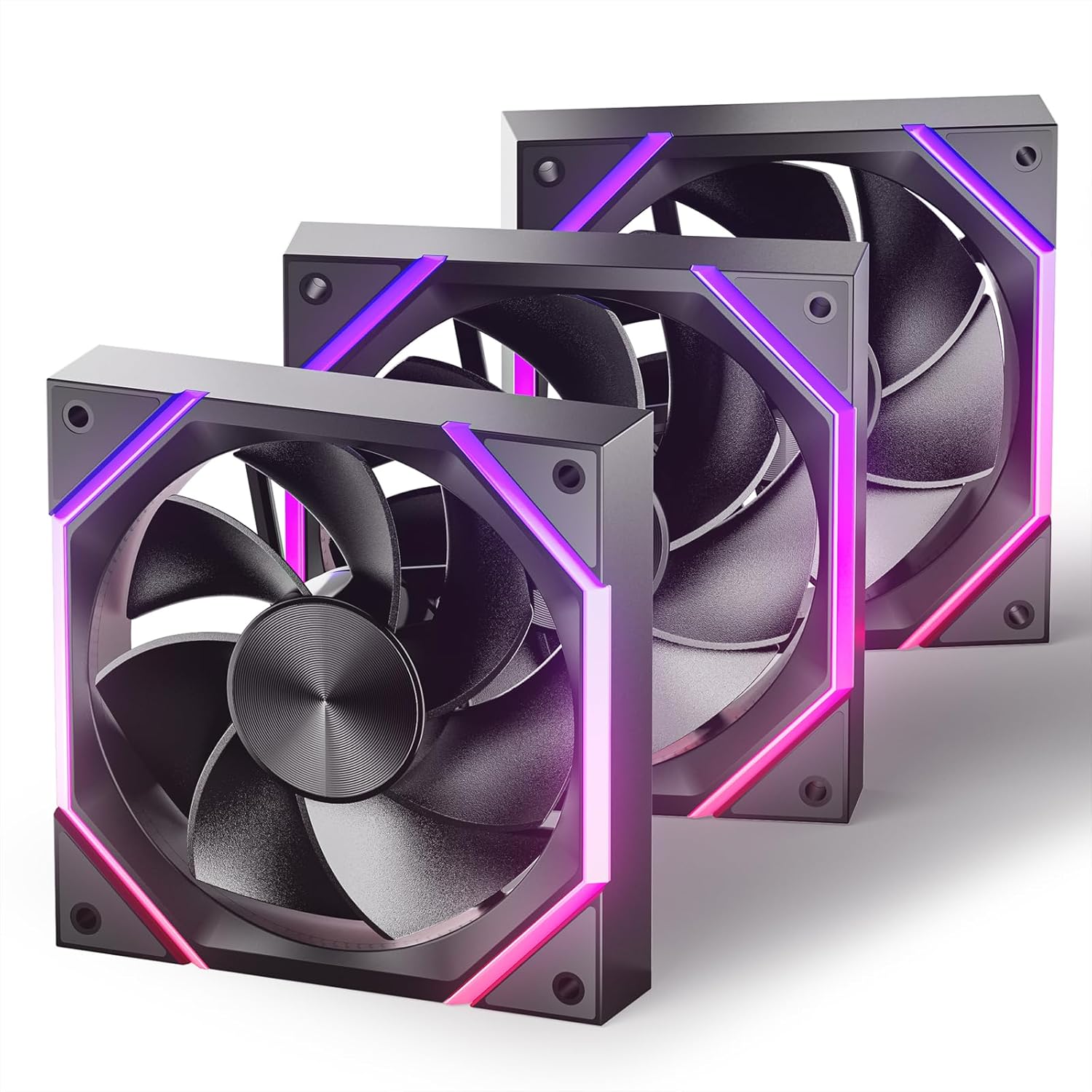
Image: Three Asiahorse Nyota 120mm case fans showcasing their ARGB lighting and sleek design.
Ọja Awọn ẹya ara ẹrọ
- Efficient Cooling Power: These ARGB case fans deliver exceptional cooling performance, ensuring your system stays cool and stable. With a high airflow of up to 61.5 CFM for the 120mm model and an adjustable speed of 800-2000 RPM (PWM), these fans quickly expel hot air, maintaining optimal PC temperatures.
- Isẹ idakẹjẹ: Equipped with high-precision hydraulic bearings, these fans operate at a noise level of less than 29 dBA. The optimized blade design and precision engineering reduce air resistance and friction, ensuring a quiet computing environment.
- ARGB Lighting Effects: Transform your PC with customizable ARGB lighting. Featuring patented OSKAR light beads, these fans provide rich colors and smooth lighting effects. RGB lighting is customizable via motherboard software, allowing synchronization with other components.
- Unique Design Aesthetics: The fans feature a meticulously crafted appearance with light lines and blade lines designed according to the golden ratio, enhancing both cooling efficiency and visual appeal.
- Awọn aṣayan Iwọn Iwapọ: Available in both 120mm and 140mm sizes to fit a wide range of cases, providing optimal cooling and seamless integration into your build.
- Easy Control and Premium Build Quality: Full control over cooling and lighting is provided via PWM and ARGB connectors. Fans are built with high-quality materials, including silicon pads for a secure fit and patented light strips for a unique look.

Aworan: A alaye view of the fan's internal structure, emphasizing its hydraulic bearings for quiet operation.
Ohun ti o wa ninu Apoti
Your Asiahorse Nyota Case Fan package includes:
- Case Fan(s) (Quantity varies by pack size)
- Iṣagbesori skru
- Ilana itọnisọna
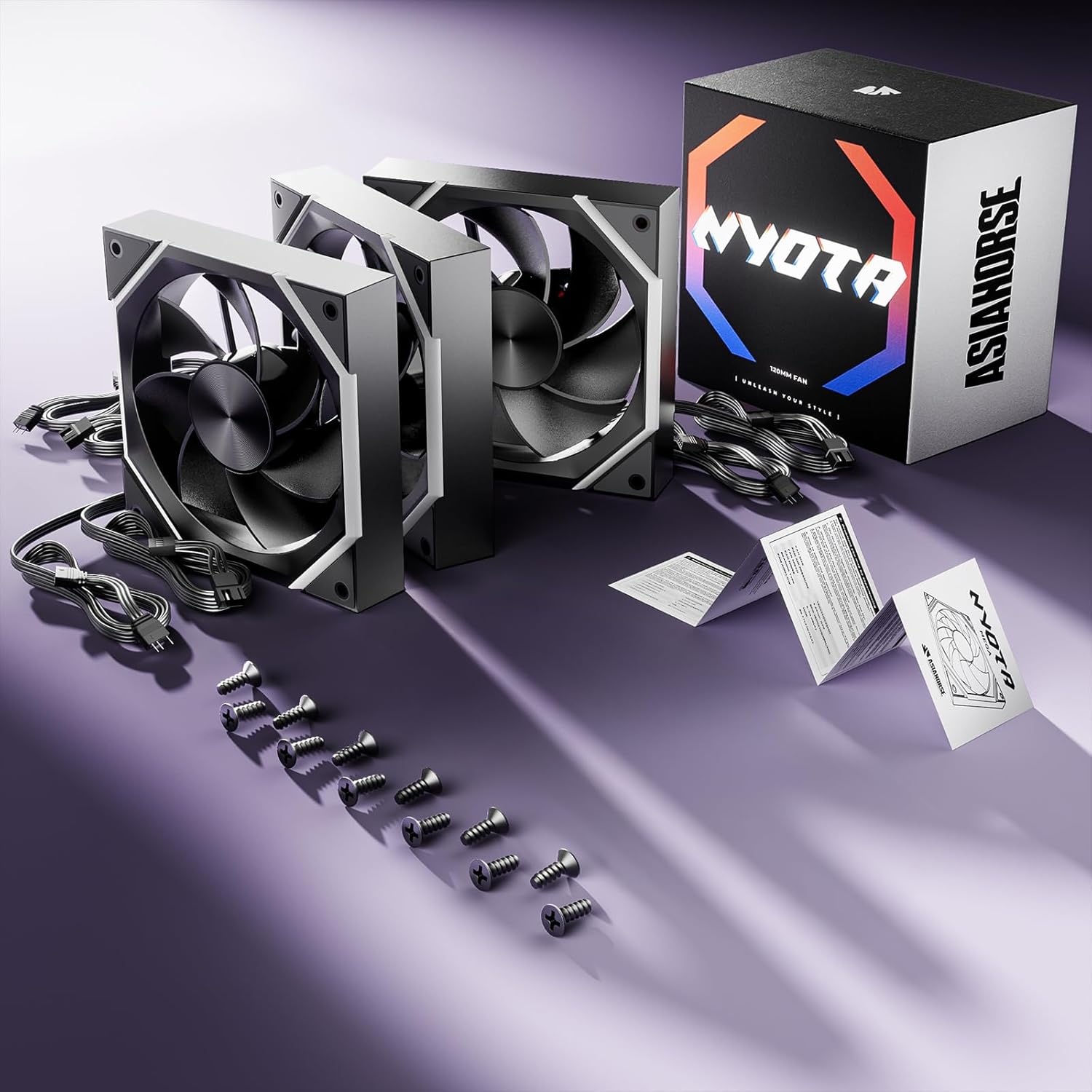
Image: Contents of the Asiahorse Nyota fan package, including fans, cables, and mounting hardware.
Fifi sori Itọsọna
Follow these steps to properly install your Asiahorse Nyota case fans:
- Prepare Your PC Case: Ensure your PC is powered off and unplugged. Open the side panel of your computer case.
- Identify Mounting Locations: Determine the desired mounting locations for your fans (e.g., front, top, rear, bottom). Ensure proper airflow direction (intake or exhaust).
- Mount the Fans: Position each fan in its chosen location. Secure the fan to the case using the provided mounting screws. Ensure the screws are tightened firmly but do not overtighten.
- So awọn okun agbara pọ: Connect the 4-pin PWM power cable from each fan to an available fan header on your motherboard or a fan controller.
- Connect ARGB Cables: Connect the 3-pin ARGB cable from each fan to an available 5V ARGB header on your motherboard or an ARGB controller. Ensure the connector is aligned correctly to avoid damage.
- Iṣakoso USB: Route all cables neatly to ensure optimal airflow and a clean build aesthetic.
- Pa Apo ati Agbara Tan: Once all connections are secure and cables are managed, close your PC case, plug it back in, and power it on.

Image: Asiahorse Nyota fans integrated into a PC build, demonstrating their visual impact and placement.
Awọn ilana Iṣiṣẹ
The Asiahorse Nyota fans offer both speed control and customizable ARGB lighting.
Iṣakoso Iyara Afẹ́fẹ́ (PWM)
The fan speed can be controlled via your motherboard's BIOS/UEFI settings or through motherboard software (e.g., ASUS AI Suite, MSI Dragon Center, Gigabyte SIV). Look for fan control options to adjust the PWM curve based on temperature or set a fixed speed.
ARGB ina Iṣakoso
The ARGB lighting effects are controlled through your motherboard's ARGB software. Compatible software includes:
- ASRock Polychrome amuṣiṣẹpọ
- MSI Mystic Light Sync
- ASUS Aura Sync
- Gigabyte RGB Fusion
Refer to your motherboard's manual for specific instructions on how to use its ARGB control software to customize colors, patterns, and synchronization with other ARGB components.
Fidio: Ipariview of the Asiahorse Nyota Series Case Fan, demonstrating its features and ARGB lighting effects.
Itoju
Itọju deedee n ṣe idaniloju iṣẹ ṣiṣe to dara julọ ati igba pipẹ fun awọn onijakidijagan rẹ.
- Ninu: Periodically clean the fan blades and frame to remove dust buildup. Use compressed air or a soft, dry cloth. Ensure the PC is powered off and unplugged before cleaning.
- Ayewo: Check fan cables for any signs of wear or damage. Ensure all connections remain secure.
- Yago fun Awọn Idilọwọ: Ensure no cables or other components obstruct the fan blades, which can lead to increased noise or reduced performance.
Laasigbotitusita
| Oro | Owun to le Fa | Ojutu |
|---|---|---|
| Fan ko nyi | Loose power connection, incorrect fan header, faulty fan. | Check 4-pin PWM cable connection. Ensure it's connected to a functional fan header. Test with another fan header or replace the fan if necessary. |
| Ina ARGB ko ṣiṣẹ | Loose ARGB connection, incorrect ARGB header (12V RGB vs. 5V ARGB), software issue. | Verify 3-pin ARGB cable connection to a 5V ARGB header. Do not connect to a 12V RGB header. Check motherboard ARGB software settings. |
| Fan jẹ alariwo | Dust buildup, loose mounting screws, fan obstruction, high fan speed. | Clean fan blades. Tighten mounting screws. Ensure no cables obstruct the fan. Adjust fan speed in BIOS/software. |
| Išẹ itutu agbaiye ko dara | Incorrect airflow direction, dust buildup, low fan speed. | Ensure fans are oriented for optimal airflow (intake/exhaust). Clean fans. Increase fan speed in BIOS/software. |
Awọn pato
| Ẹya ara ẹrọ | Ẹ̀kúnrẹ́rẹ́ |
|---|---|
| Nọmba awoṣe | Nyota |
| Fan Iwon | 120x120x25mm |
| Iyara Yiyipo | 800-2000 RPM (PWM) |
| Air Sisan Agbara | 61.5 CFM (Max for 120mm) |
| Ariwo Ipele | Labẹ 29 dBA |
| Iru Asopọ Agbara | 4-PIN (PWM) |
| ARGB Connector Type | 3-Pin (5V ARGB) |
| Voltage | 5 Volts |
| Wattage | 6 watt |
| Ọna Itutu | Afẹfẹ |
| Awọn ẹrọ ibaramu | Awọn PC tabili |
Atilẹyin ọja ati Support
AsiaHorse products are manufactured to high-quality standards. For warranty information, technical support, or service inquiries, please refer to the official AsiaHorse webaaye tabi kan si atilẹyin alabara wọn taara. Jeki ẹri rira rẹ fun awọn iṣeduro atilẹyin ọja.
Fun afikun awọn orisun ati alaye ọja, ṣabẹwo si AsiaHorse Store on Amazon.

