Ọrọ Iṣaaju
The Weofly Lifefits Wireless Earbuds offer an advanced audio experience with a unique smart touchscreen charging case. Designed for convenience and high-quality sound, these earbuds feature Bluetooth 5.4 technology for stable connections, a 13mm dynamic driver for immersive audio, and an IPX4 waterproof rating for durability during various activities. The multifunctional touchscreen on the charging case provides intuitive control over music, calls, and various settings, enhancing user interaction.
Package Awọn akoonu

The package includes the Weofly Lifefits Wireless Earbuds, the smart touchscreen charging case, a USB-C charging cable, and multiple sizes of silicone ear tips to ensure a comfortable fit. A user manual is also provided for detailed instructions.
- Weofly Lifefits Wireless Earbuds (L&R)
- Smart Touchscreen Charging Case
- USB-C Ngba agbara Cable
- Awọn imọran Eti Silikoni (awọn titobi oriṣiriṣi)
- Itọsọna olumulo
Eto ati Lilo akọkọ
1. Ngba agbara ẹrọ
Before first use, fully charge the earbuds and the charging case. Connect the provided USB-C cable to the charging port on the case and a power source. The touchscreen display will show the charging status. The earbuds will automatically charge when placed inside the case.

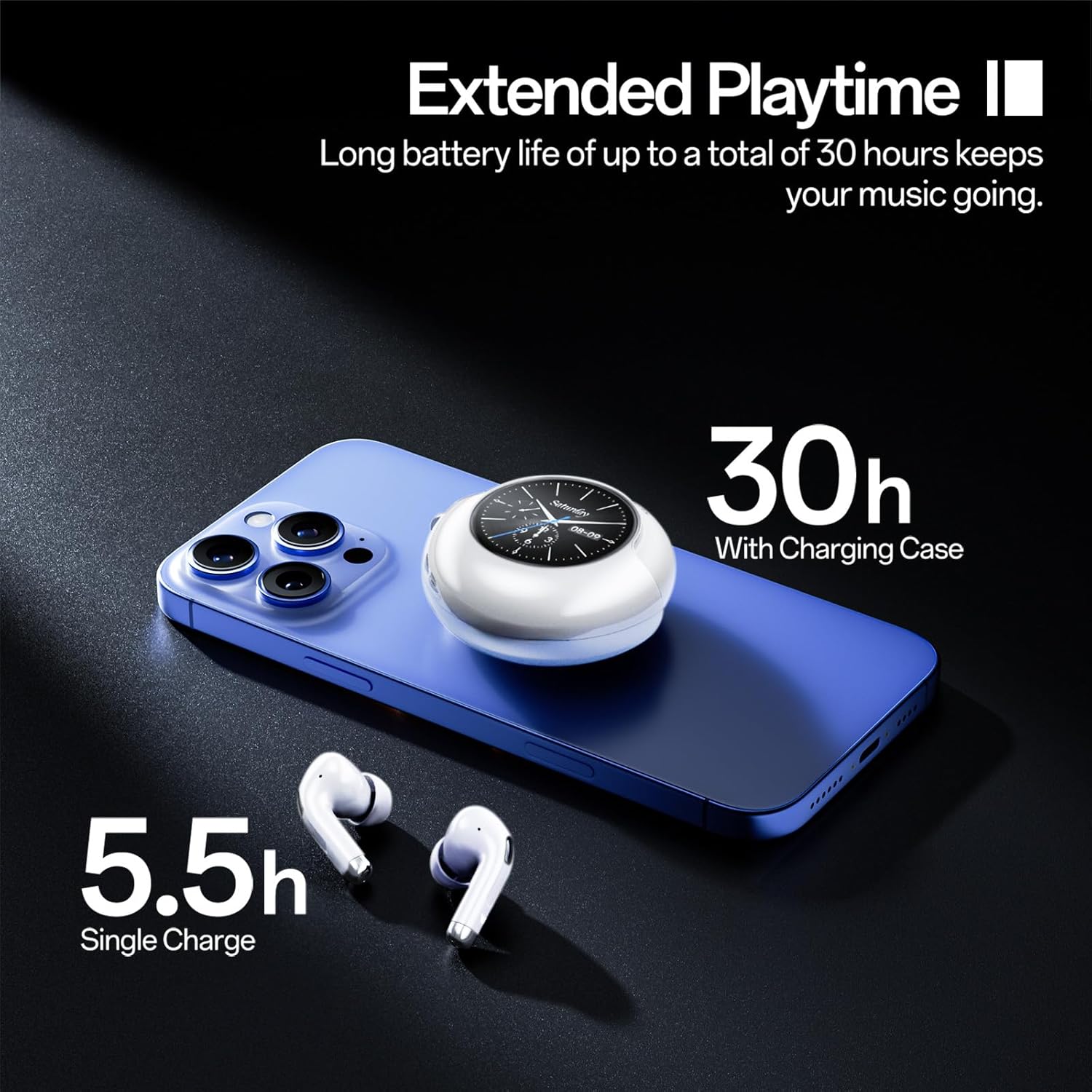
The charging case provides up to 30 hours of additional playtime. A single charge of the earbuds offers 5.5 hours of music playback or 5 hours for calls. The case itself charges quickly via the USB-C port.
2. Sisopọ pẹlu Ẹrọ kan
- Agbara Tan: Ṣii apoti gbigba agbara. Awọn agbekọri yoo tan ina laifọwọyi ati tẹ ipo sisopọ pọ sii.
- Mu Bluetooth ṣiṣẹ: On your smartphone or other device, go to Bluetooth settings and enable Bluetooth.
- Yan Ẹrọ: Look for "Weofly Lifefits" or a similar name in the list of available devices and select it to connect.
- Ìmúdájú: A voice prompt will confirm successful pairing. The touchscreen on the case will also indicate successful connection.
The earbuds feature one-step pairing and will automatically reconnect to the last paired device when taken out of the case.
Equipped with advanced Bluetooth V5.4, these earbuds provide faster transmission speeds, stronger connection stability, and an extended Bluetooth range of up to 15 meters.
Awọn ilana Iṣiṣẹ
Smart Touchscreen Controls (Charging Case)
The charging case features a 1.28-inch smart touchscreen for convenient control without needing your phone. Swipe left or right to navigate through various functions:
- Iṣakoso Orin: Play/pause, skip tracks (next/previous).
- Atunse iwọn didun: Pọ tabi dinku iwọn didun ṣiṣiṣẹsẹhin.
- Isakoso ipe: Answer/reject calls.
- Iyipada ede: Yi ede ifihan pada.
- Wallpaper Switching: Ṣe akanṣe abẹlẹ iboju.
- Imọlẹ iboju: Satunṣe imọlẹ ifihan.
- Wíwá Agbekọri: Locate misplaced earbuds (L/R).
- Aago: Set a timer directly from the case.
- Agbẹgbẹ: Select from various audio equalizer presets (e.g., Jazz, Studio, Bass).
- Iṣakoso kamẹra jijin: Ṣe okunfa kamẹra foonu rẹ latọna jijin.
- Imọlẹ ina: Activate a small flashlight function.

The smart touchscreen provides comprehensive control over your earbuds and additional utility features, all accessible from the charging case.
Awọn iṣakoso Ifọwọkan Earbud
The earbuds themselves also feature touch controls for basic functions:
- Ṣiṣẹ/Daduro: Double-tap (L/R earbud).
- Orin Yipada: Press and hold for 2 seconds (L for previous, R for next).
- Ṣatunṣe Iwọn didun: Single-tap (L for volume down, R for volume up).
- Titan/Apapa: Press and hold for 5 seconds (when not connected).
- Dahun/Fi ipe duro: Double-tap (L/R earbud).
- Kọ Ipe: Press and hold for 2 seconds (L/R earbud).
- Olùrànlọ́wọ́ Ohùn (Siri): Triple-tap (L/R earbud).
This video demonstrates the various functions and controls available on the Weofly Lifefits Wireless Earbuds' smart touchscreen charging case, including music playback, volume adjustment, and other utility features.
Itọju ati Itọju
Ninu
Regular cleaning helps maintain optimal performance and hygiene. Use a soft, dry cloth to wipe the earbuds and charging case. For the charging contacts on the earbuds and inside the case, gently wipe with a dry cloth to prevent corrosion from sweat or debris, which can affect charging and connectivity.
Omi Resistance

The Weofly Lifefits Wireless Earbuds are rated IPX4 waterproof, making them resistant to water splashes and sweat. This makes them suitable for sports and workouts. However, they are not designed for submersion in water. Always ensure the earbuds are dry before placing them back into the charging case.
Ibi ipamọ
Store the earbuds in their charging case when not in use to protect them and keep them charged. Avoid exposing the device to extreme temperatures or direct sunlight for prolonged periods.
Laasigbotitusita
| Isoro | Owun to le Fa | Ojutu |
|---|---|---|
| Earbuds ko so pọ/so pọ. | Bluetooth not enabled, earbuds not in pairing mode, or connection interference. | Ensure Bluetooth is on your device. Place earbuds back in case, close, then reopen to re-enter pairing mode. Forget device in Bluetooth settings and re-pair. |
| One earbud not working/charging. | Dirty charging contacts, low battery, or earbud not seated correctly. | Clean the charging contacts on the earbud and inside the case with a dry cloth. Ensure the earbud is properly seated in the case. Check battery level on the case's touchscreen. |
| Touchscreen on case not responding. | Aṣiṣe sọfitiwia igba diẹ tabi batiri kekere. | Ensure the case is charged. Try restarting the case by closing and reopening it. If issues persist, contact customer support. |
| Poor sound quality (flat/muddy). | Improper ear tip fit, dirty ear tips, or audio source quality. | Try different sized ear tips for a better seal. Clean ear tips. Ensure your audio source is high quality. Adjust equalizer settings on the touchscreen. |
| Earbuds falling out during activity. | Iwọn eti eti ti ko tọ tabi fifi sii aibojumu. | Experiment with different ear tip sizes to find the most secure and comfortable fit. Ensure earbuds are inserted correctly and snugly. |
Awọn pato
- Orukọ awoṣe:
- Lifefits
- Imọ-ẹrọ Asopọmọra:
- Ailokun (Bluetooth V5.4)
- Gbigbe Eti:
- Ninu Eti
- Okunfa Fọọmu:
- Ninu Eti
- Iwọn Awakọ:
- 13mm Yiyi Driver
- Idiwon ti ko ni omi:
- IPX4
- Àkókò eré Agbọ́tísí:
- 6-10 hours (music), 5 hours (calls)
- Àkókò Àkókò Ìgbádùn (pẹ̀lú àpótí ìgbara):
- Titi di wakati 40
- Akoko gbigba agbara:
- O fẹrẹ to awọn wakati 2 fun idiyele ni kikun
- Ibiti Bluetooth:
- Ti o to awọn mita 15
- Ìwọ̀n Nkan:
- 6.4 iwon
- Awọn batiri:
- 2 Batiri ti a beere (pẹlu)
Atilẹyin ọja ati Support
For warranty information, please refer to the documentation included with your purchase or visit the official Weofly website. If you encounter any issues or require technical assistance, please contact Weofly customer support through their official channels. Keep your proof of purchase for warranty claims.
The product typically includes a 30-day return/replacement policy. Extended protection plans may be available for purchase separately.


