Ọrọ Iṣaaju
Thank you for choosing the Philips S2508 Portable Karaoke Machine. This device combines a powerful Bluetooth speaker with dual wireless microphones, multi-colored light modes, and various input options to enhance your entertainment experience. This manual provides essential information for safe and effective use, setup, operation, and maintenance of your karaoke machine.
Alaye Aabo
- Ka gbogbo awọn ilana ṣaaju lilo ọja naa.
- Jeki ẹrọ naa kuro ni omi, ọrinrin, ati awọn iwọn otutu to gaju.
- Ma ṣe gbiyanju lati tunto tabi tun ẹrọ naa funrararẹ. Tọkasi awọn oṣiṣẹ iṣẹ ti o peye.
- Use only the charging cables provided or recommended by the manufacturer.
- Avoid prolonged exposure to very high volume levels to prevent hearing damage.
Package Awọn akoonu
Rii daju pe gbogbo awọn nkan wa ninu package:
- Philips S2508 Portable Karaoke Machine (Main Unit)
- 2 Wireless Karaoke Microphones
- USB Charging Cable for Main Unit
- USB Charging Cable for Microphones
- AUX Cable
- Kaadi atilẹyin ọja
Ọja Pariview
The Philips S2508 features a compact design with a comfortable carry strap for portability. It includes a display screen for song titles and light modes, along with intuitive controls for volume, vocal effects, and playback.

Figure 1: Philips S2508 Portable Karaoke Machine with two wireless microphones.
Àwọn Ẹ̀yà Àkọ́kọ́ Àwọn Ẹ̀yà
- Iboju ifihan: Shows song titles, light modes, and other information.
- Awọn bọtini Iṣakoso: For power, mode selection, volume adjustment, and track control.
- Agbọrọsọ Grille: Nfi ohun afetigbọ han ati alagbara.
- Gbe Okùn: Soft, flexible rubber strap for easy transport.
Gbohungbohun Awọn ẹya ara ẹrọ
- Power/Volume Buttons: Control microphone power and volume levels.
- Vocal Effect Buttons: Apply 6 different vocal effects.
- Ibudo gbigba agbara: Micro-USB port for recharging.

Figure 2: Two wireless microphones included with the Philips S2508.
Input / o wu Ports
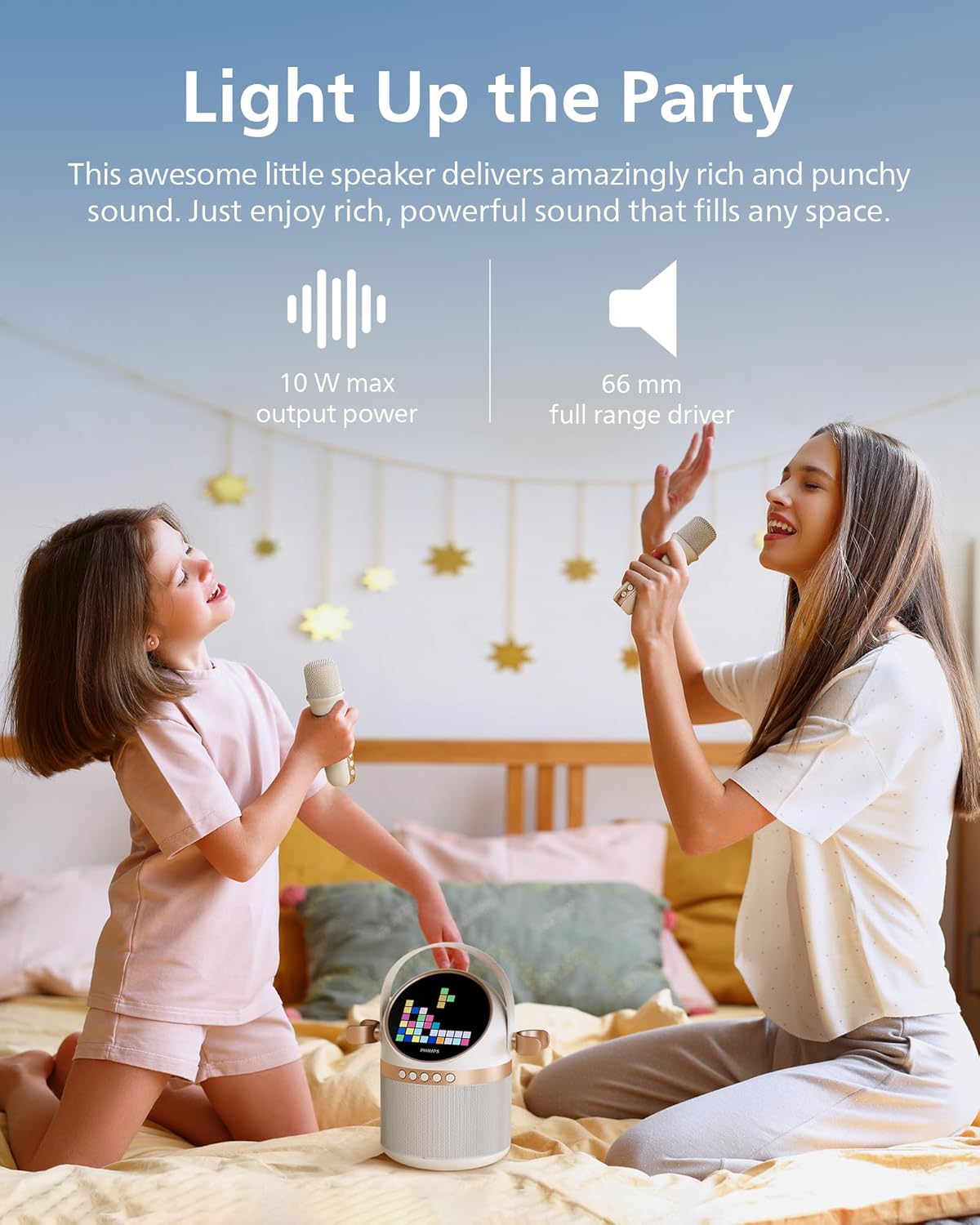
Figure 3: Rear panel with various input and charging ports.
- Iṣawọle AUX: Connect external audio devices via 3.5mm cable.
- Iho Kaadi TF: Play music directly from a TF (microSD) card.
- Ibudo USB: Mu orin ṣiṣẹ lati inu kọnputa USB kan.
- Ibudo Ngba agbara DC 5V: Fun gbigba agbara ẹrọ akọkọ.
Ṣeto
1. Ngba agbara ẹrọ
Before first use, fully charge the karaoke machine and microphones.
- Connect the main unit to a 5V DC power source using the provided USB charging cable. The charging indicator will light up.
- Connect each microphone to a 5V DC power source using their respective USB charging cables. The indicator on the microphone will show charging status.
- A full charge provides up to 7 hours of playtime for the main unit.
2. Ṣíṣeto Gbohungbohun
The two wireless microphones are pre-paired with the main unit. Simply turn them on to connect.
- Press and hold the power button on each microphone until it turns on.
- The microphones will automatically connect to the main unit.
3. Sisopọ Bluetooth
To play music from your mobile device, connect via Bluetooth:
- Turn on the Philips S2508 karaoke machine. It will automatically enter Bluetooth pairing mode.
- On your mobile device, go to Bluetooth settings and search for