1. Ifihan ati Loriview
This manual provides instructions for the assembly, operation, and maintenance of your HOMCOM High Back Executive Office Chair. Designed for comfort and support during long hours, this chair features an ergonomic high back, adjustable height, tilt function, padded armrests, and a durable PU leather finish.
Awọn ẹya pataki pẹlu:
- Ergonomic high back design with lumbar support.
- Foam-filled seat and back with 4.7-inch thick cushions.
- Adjustable sitting height (17.7" - 21.7").
- Tilt mechanism with adjustable tension.
- 360-degree swivel function for easy movement.
- Water-resistant and easy-to-clean PU leather upholstery.
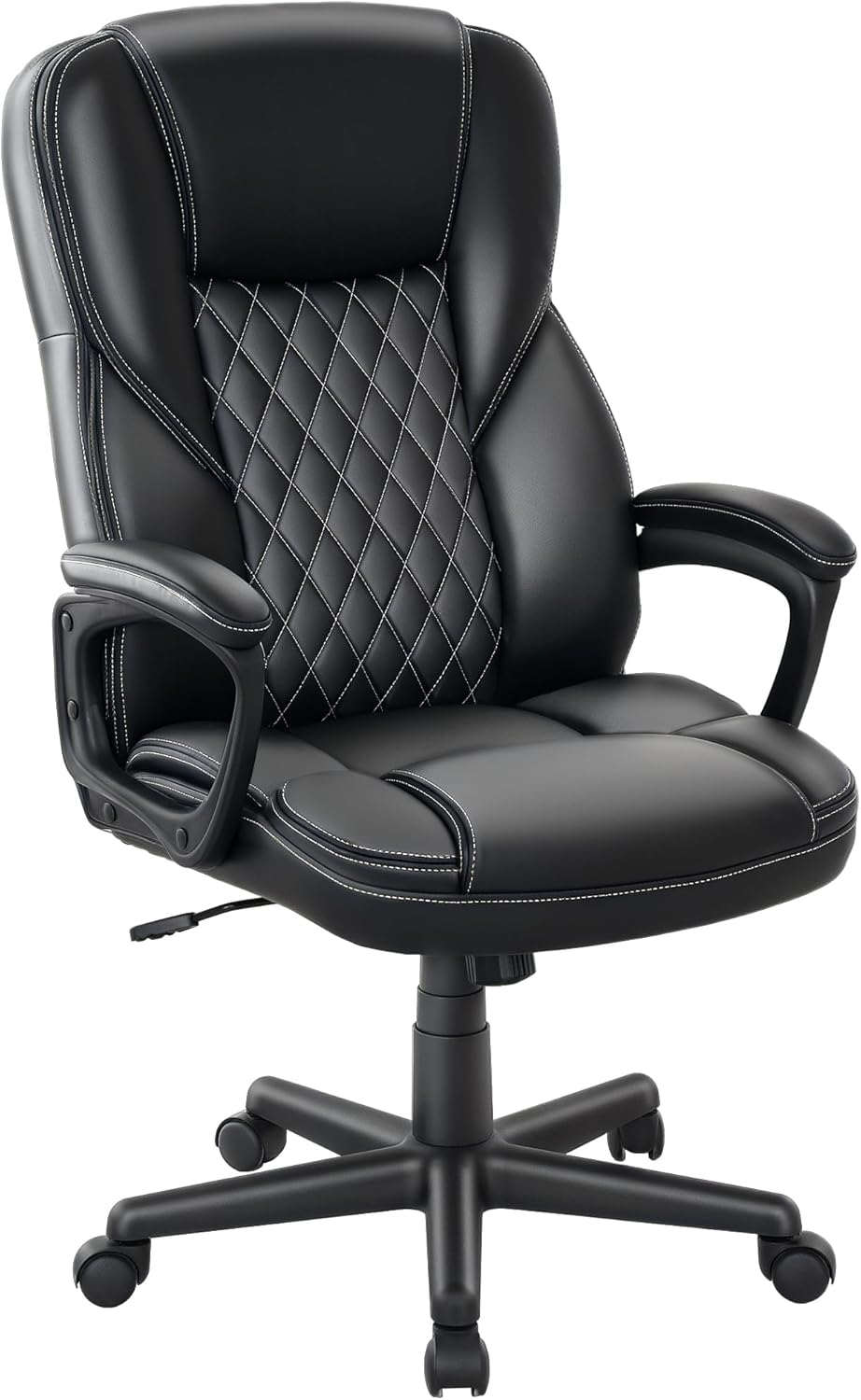
Image 1.1: The HOMCOM Executive Office Chair in a typical office environment.
2. Alaye Aabo
IKILO:
- This chair requires assembly. Always follow the assembly instructions carefully to ensure safe and proper use.
- Do not exceed the maximum weight recommendation of 265 pounds to prevent injury or damage to the chair.
- Pa gbogbo awọn ẹya kekere kuro lọdọ awọn ọmọde lakoko apejọ.
- Rii daju pe gbogbo awọn skru ati awọn boluti ti wa ni wiwọ ni aabo ṣaaju lilo.
3. Package Awọn akoonu
Your HOMCOM Executive Office Chair package includes all necessary components for assembly. Please verify that all parts are present and undamaged before beginning assembly. Refer to the separate assembly guide included in the package for a detailed list of parts.

Image 3.1: The chair is delivered in one package.
4. Eto ati Apejọ
Assembly of the HOMCOM Executive Office Chair is required. Please follow the detailed step-by-step instructions provided in the separate assembly manual included with your product. Ensure you have adequate space and the necessary tools (usually an Allen wrench, often included) before starting.
General assembly steps typically involve:
- Síso àwọn àga mọ́ ìpìlẹ̀ àga náà.
- Fífi sílíńdà gbígbé gaasi sínú ìpìlẹ̀.
- Securing the seat plate mechanism to the underside of the seat cushion.
- Attaching the backrest to the seat.
- Connecting the armrests to both the seat and backrest.
- Placing the assembled seat and backrest onto the gas lift cylinder.
After assembly, double-check all connections to ensure they are tight and secure for safe operation.
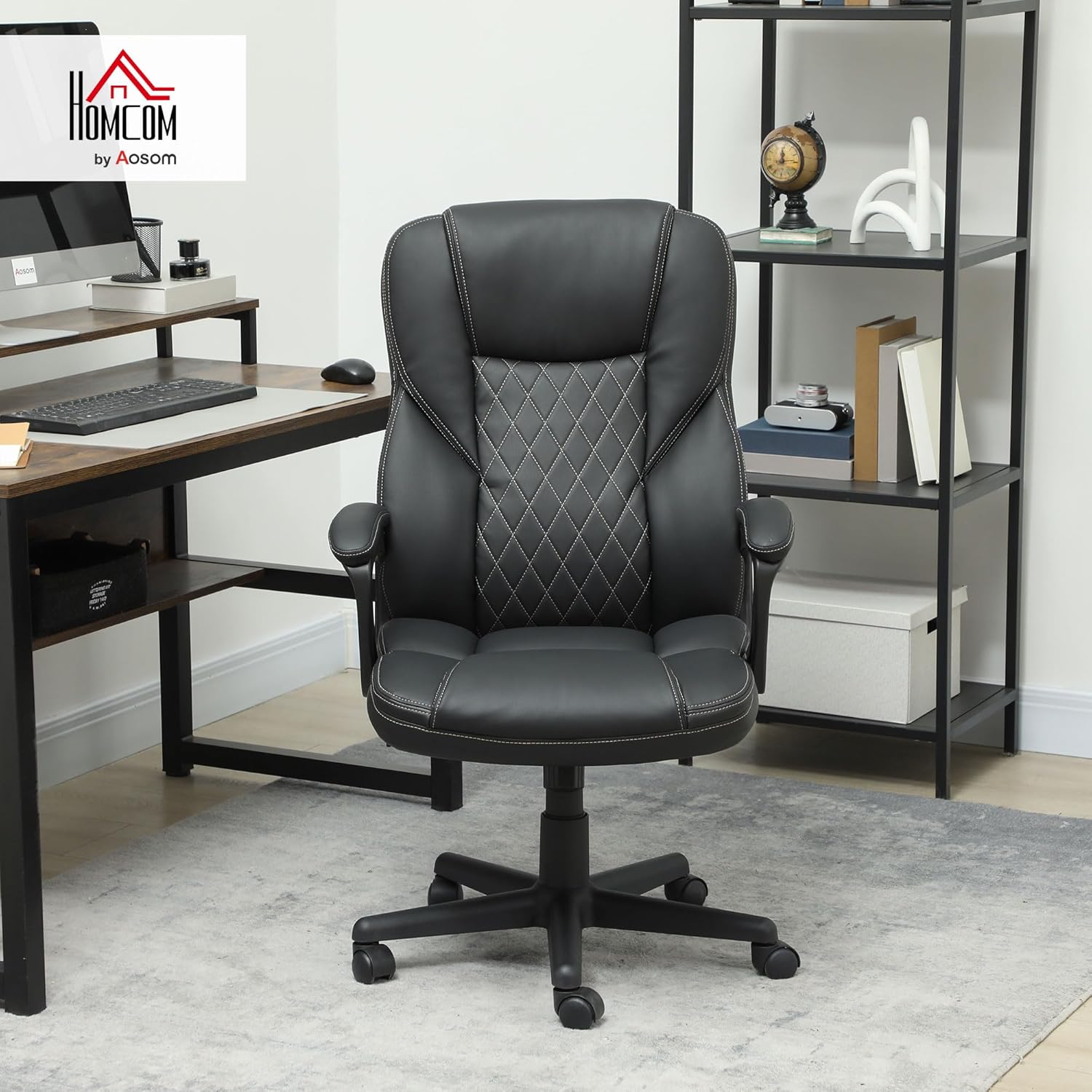
Image 4.1: Chair dimensions for reference during assembly and placement.
5. Awọn ilana Iṣiṣẹ
5.1. Giga tolesese
To adjust the chair's height, locate the lever on the right side, beneath the seat. While seated, pull the lever upwards to raise the chair. To lower the chair, remain seated and pull the lever upwards. Release the lever at your desired height.
5.2. Titẹ Išė
The chair features a tilt function for reclining. To unlock the tilt, pull the same lever (used for height adjustment) outwards. To lock the chair in an upright position, push the lever inwards. The tilt tension can be adjusted by rotating the round knob located at the front, under the seat. Turn clockwise to increase tension (making it harder to tilt) and counter-clockwise to decrease tension (making it easier to tilt).
5.3. 360-ìyí Swivel
The chair is equipped with a 360-degree swivel mechanism, allowing for easy rotation and access to different areas of your workspace without needing to stand up.

Image 5.1: Controls for height adjustment and tilt function.
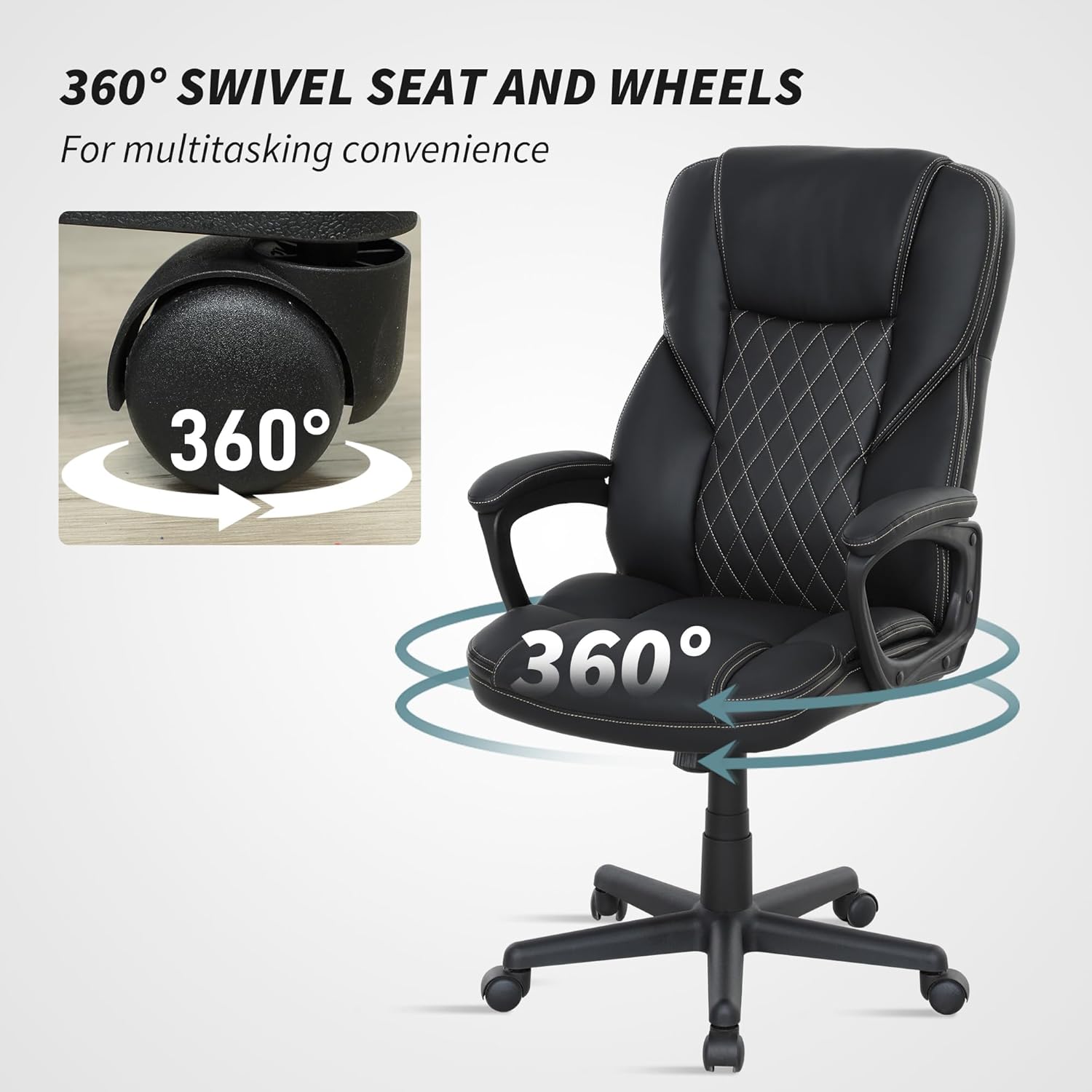
Image 5.2: The chair's 360-degree swivel and rolling casters.
Video 5.3: Official product video demonstrating the features and adjustments of the HOMCOM Executive Office Chair.
6. Itọju
To ensure the longevity and appearance of your HOMCOM Executive Office Chair, follow these maintenance guidelines:
- Ninu: Pa nu pẹlu ipolowoamp Aṣọ. Fún àwọn àbàwọ́n líle lórí awọ PU, lo omi ọṣẹ díẹ̀ kí o sì fi nù ún lẹ́sẹ̀kẹsẹ̀. Yẹra fún àwọn kẹ́míkà líle tàbí àwọn ohun ìfọmọ́ra tí ó lè pa.
- Ayewo: Lokọọkan ṣayẹwo gbogbo awọn skru ati awọn boluti lati rii daju pe wọn wa ni wiwọ. Tun-mu ti o ba wulo.
- Awọn Casters: Jeki awọn simẹnti kuro ninu idoti (irun, eruku) lati rii daju yiyi ti o dara.
- Yago fun Imọlẹ Oorun Taara: Fífi ara hàn sí oòrùn tààrà fún ìgbà pípẹ́ lè fa kí awọ PU náà máa parẹ́ tàbí kí ó fọ́.

Image 6.1: Detail of the padded armrest, highlighting the PU leather and stitching.

Image 6.2: Detail of the diamond-stitched pattern on the chair's back.
7. Laasigbotitusita
If you encounter any issues with your chair, consider the following common troubleshooting steps:
- Alaga Squeaks: Check all bolts and screws for tightness. A loose connection can cause squeaking. Applying a small amount of silicone lubricant to moving parts (like the gas lift or tilt mechanism) may also help.
- Alaga Ko Ṣatunṣe Giga: Ensure the height adjustment lever is fully engaged. If the gas lift is faulty, it may need replacement.
- Alaga Rilara Aiduro: Verify that all components are correctly assembled and all fasteners are securely tightened. Ensure the chair is on a flat, even surface.
- Awọn Casters Ko Yiyi Lara: Inspect casters for trapped debris (e.g., hair, lint) and clean them thoroughly.
For persistent issues or concerns, please contact HOMCOM customer support.
8. Awọn pato
| Ẹya ara ẹrọ | Sipesifikesonu |
|---|---|
| Brand | HOMCOM |
| Orukọ awoṣe | Alase Office Alaga |
| Nọmba awoṣe | 921-807V00BK |
| Àwọ̀ | Dudu |
| Ohun elo | Faux Leather, Foam |
| Ọja Mefa | 28.3"D x 25.6"W x 45.3"H |
| Ijinle ijoko | 17.7 inches |
| Alaga Backrest Iwọn | 20.5 inches |
| Apa Giga | 28.7 inches |
| Iwọn Nkan | 33 iwon |
| Iṣeduro iwuwo ti o pọju | 265 iwon |
| Pataki Awọn ẹya ara ẹrọ | Adjustable Height, Arm Rest, Back Support, Ergonomic, High Back |
| Furniture Base Movement | Swivel |
| Apejọ ti a beere | Bẹẹni |
9. Atilẹyin ọja ati Support
For information regarding product warranty, returns, or technical support, please refer to the warranty card included with your purchase or visit the official HOMCOM website. You may also contact HOMCOM customer service directly for assistance with any product-related inquiries.
Jọwọ ni nọmba awoṣe rẹ (921-807V00BK) ati ẹri rira ti ṣetan nigbati o kan si atilẹyin.