Ọrọ Iṣaaju
Thank you for choosing the ZEBRONICS EnergiPod 10MR1 Power Bank. This device is designed to provide portable and efficient charging for your electronic devices. With its 10000mAh capacity, 22.5W super fast charging, and multiple output ports, it ensures your devices stay powered on the go. This manual provides essential information on how to set up, operate, maintain, and troubleshoot your power bank.

Image: The ZEBRONICS EnergiPod 10MR1 Power Bank, a sleek black device, is shown held comfortably in a hand, highlighting its compact and portable design.
Ohun ti o wa ninu Apoti
Upon unboxing your ZEBRONICS EnergiPod 10MR1 Power Bank, please ensure all the following items are present:
- Power bank - 1 unit
- Okùn gbigba agbara - ẹyọ kan
- Ìtọ́sọ́nà Kóòdù QR - Ẹyọ kan
Ọja Pariview ati Awọn ẹya ara ẹrọ
The ZEBRONICS EnergiPod 10MR1 is engineered with several key features to enhance your charging experience:
Batiri Agbara giga
Featuring a 10000mAh battery capacity, it ensures efficient charging for your devices, providing ample agbara fun o gbooro sii lilo.
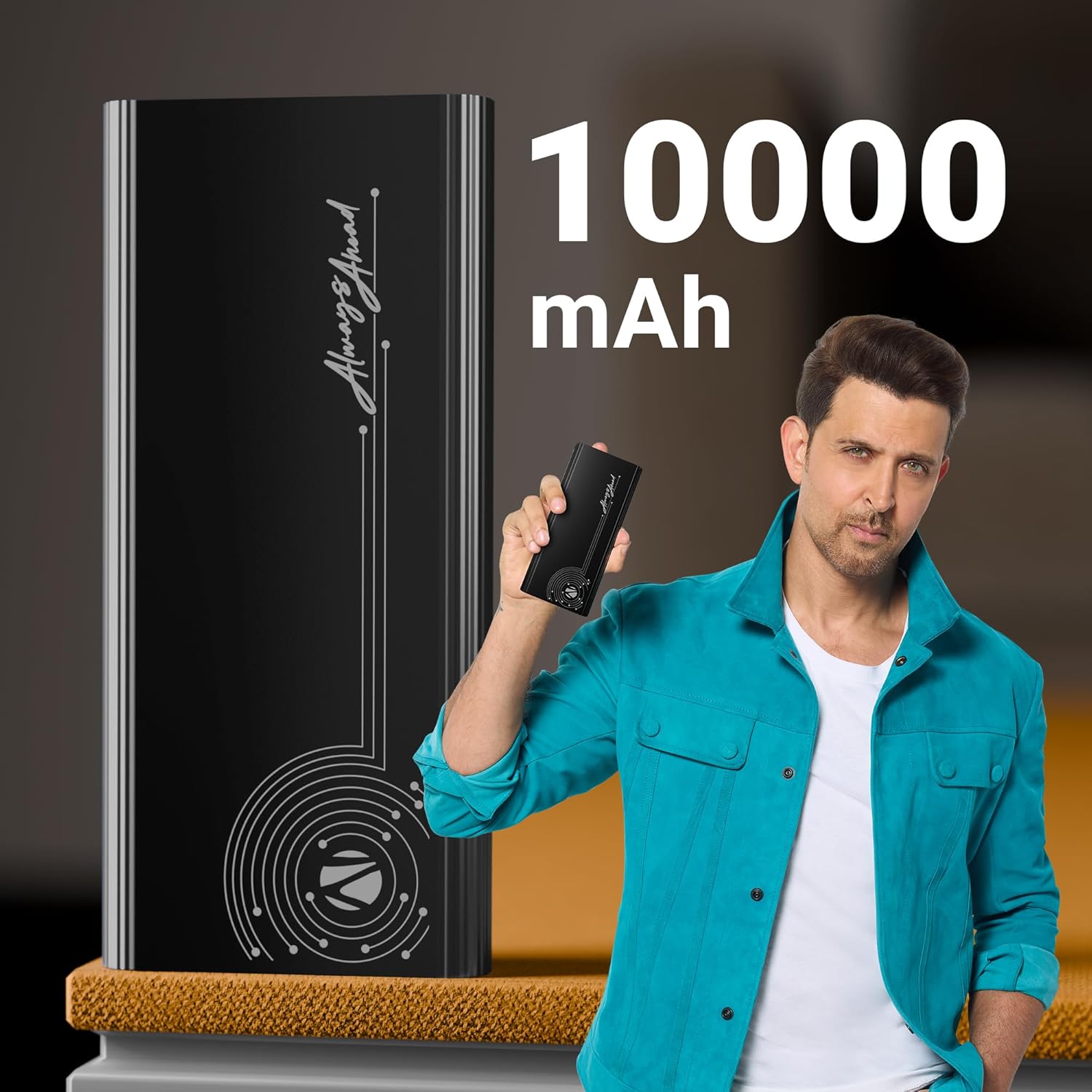
Image: The power bank is displayed alongside text indicating its 10000 mAh capacity, emphasizing its substantial power reserve.
Super Fast Charging Output
Efficiently charges a range of compatible smartphones and tablets with a maximum output of 22.5W. The PD3.0 Type-C output ensures rapid charging for supported devices.
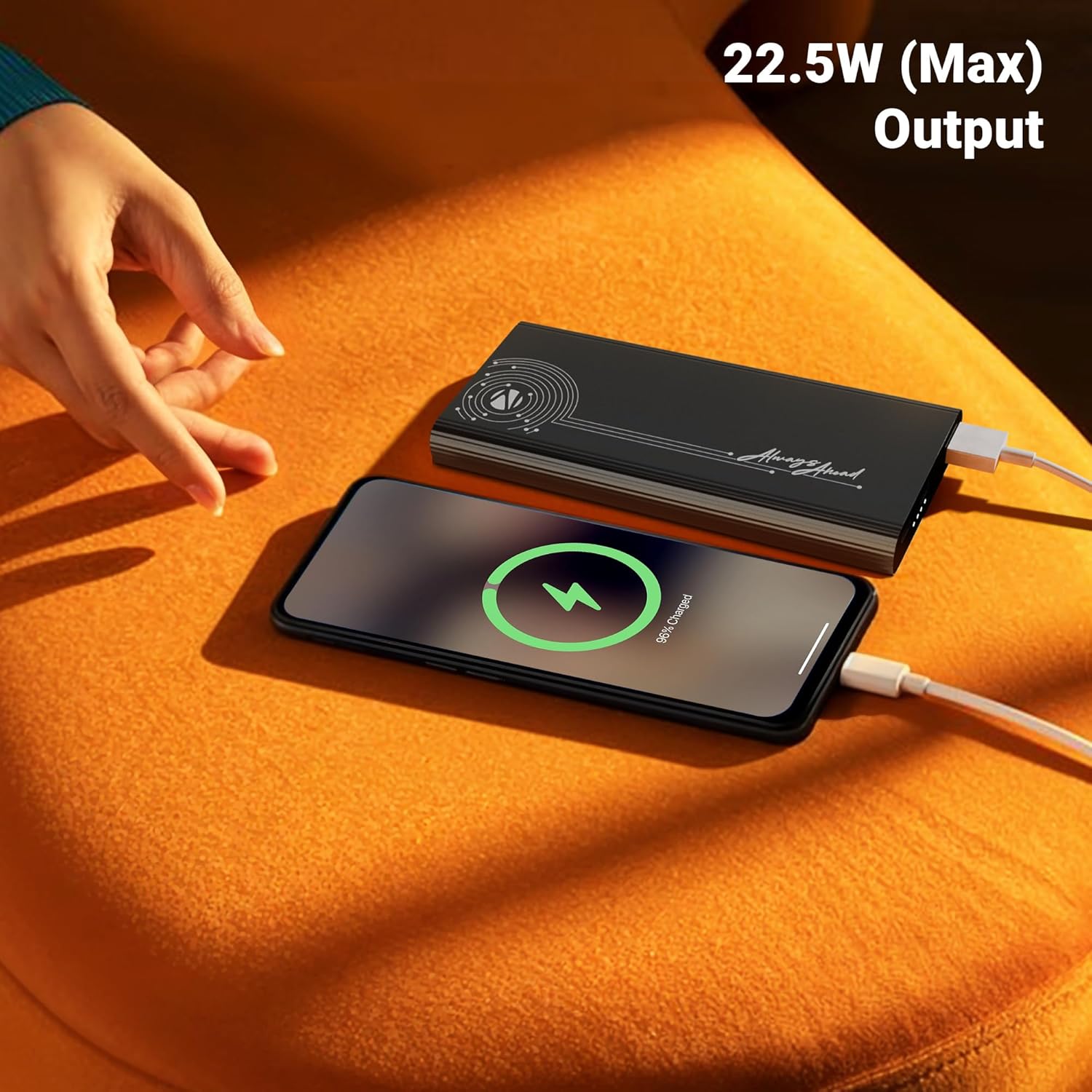
Image: A smartphone is shown connected to the power bank, displaying a charging icon, with text highlighting the 22.5W maximum output for fast charging.
Ọpọ o wu Ports
Distinguished by its DC 5V/3A, 9V/2.22A, 12V/1.67A, 5~11V/2A PPS Type-C2 Output, PD 3.0 (with PPS) Type-C Output, and USB-A port output (DC 5V/3A, 9V/2A, 12V/1.85A), it facilitates the charging of multiple devices simultaneously.

Image: The power bank is shown connected to both a smartphone and a tablet, demonstrating its capability to charge multiple devices using its Type-C output ports.
Asopọ Input
The power bank comes with DC 5V/3A, 9V/2A, 12V/1.5A Input via Type-C1 / C2 input ports for convenient recharging.
Aabo Idaabobo
Incorporates overcharge, overload, and short-circuit protection to ensure a safe charging process for both the power bank and your connected devices.
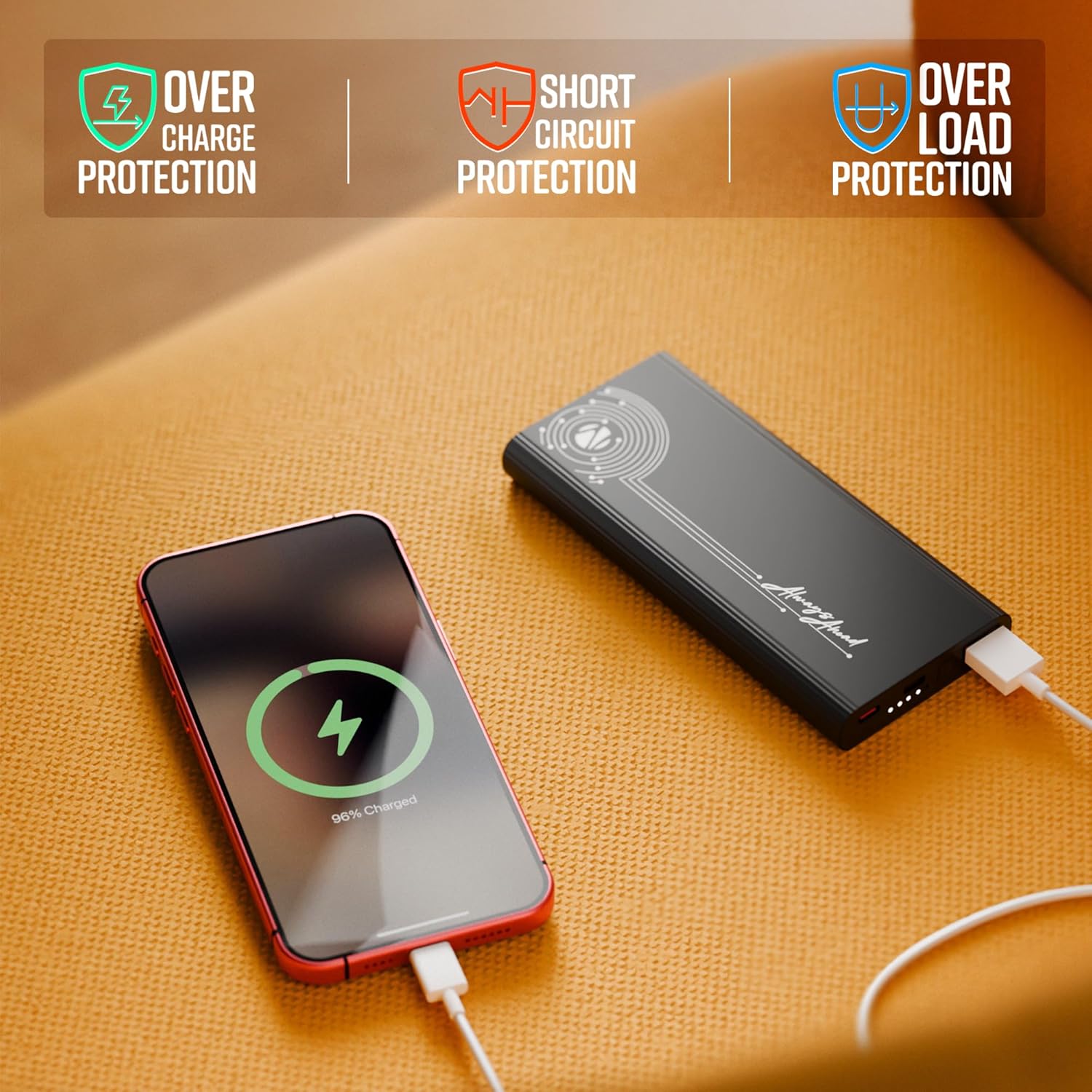
Image: The power bank is shown with visual indicators for its built-in safety features: overcharge protection, short circuit protection, and overload protection.
LED Atọka
A clear LED indicator shows information on the remaining battery percentage, allowing you to monitor the power bank's charge level easily.
Apẹrẹ Ere
Carry this compact and stylish metal-outlook power bank effortlessly. It features a premium finish outlook with patterned edges for a better grip.

Image: A collage of close-up shots highlighting the power bank's design elements: patterned edges for grip, durable metal body, sleek profile, LED battery indicators, and its rapid charging capability.
Ṣeto
Gbigba agbara Bank agbara
- Connect the provided charging cable to one of the Type-C input ports (Type-C1 or Type-C2) on the power bank.
- Connect the other end of the charging cable to a compatible USB wall adapter (not included) or a computer's USB port. For optimal charging speed, use a fast-charging adapter.
- The LED indicator lights will illuminate to show the charging progress. When all indicators are solid, the power bank is fully charged.
Akiyesi: A ṣe iṣeduro lati gba agbara ni kikun banki agbara ṣaaju lilo akọkọ rẹ lati rii daju iṣẹ ṣiṣe to dara julọ.
Awọn ilana Iṣiṣẹ
Ngba agbara si Awọn ẹrọ rẹ
- Identify the appropriate charging cable for your device (USB-A to your device, or Type-C to your device).
- Connect one end of your device's charging cable to the corresponding output port on the power bank (USB Out, Type C Out).
- So opin miiran ti okun pọ si ẹrọ rẹ.
- Ile-ifowopamọ agbara yoo bẹrẹ gbigba agbara ẹrọ rẹ laifọwọyi. Awọn afihan LED yoo ṣe afihan ipele batiri ti o ku ti banki agbara.

Aworan: A alaye view of the power bank's ports, including USB Out, Power Button, Type C In, and Type C In/Out, illustrating the various connectivity options.
Ṣiṣayẹwo Ipele Batiri
Press the power button once to activate the LED indicators, which will display the current battery level of the power bank.
Itoju
- Ninu: Lo asọ ti o rọ, ti o gbẹ lati nu dada ti banki agbara. Yago fun lilo awọn kẹmika lile tabi awọn ohun elo abrasive.
- Ibi ipamọ: Tọju banki agbara ni itura, aye gbigbẹ kuro lati orun taara, awọn iwọn otutu to gaju, ati ọriniinitutu.
- Itọju Batiri: Láti mú kí batiri pẹ́ sí i, má ṣe jẹ́ kí agbára bank agbára máa jáde nígbà gbogbo. Tún un gba agbára padà nígbà tí agbára bátìrì bá lọ sílẹ̀.
- Mimu: Má ṣe ju sílẹ̀, tú u ká, tàbí gbìyànjú láti tún páńkì agbára ṣe fúnra rẹ. Èyí lè sọ àtìlẹ́yìn náà di òfo kí ó sì fa ìbàjẹ́.
Laasigbotitusita
| Isoro | Owun to le Fa | Ojutu |
|---|---|---|
| Bank agbara ko gba agbara |
|
|
| Ẹrọ ko gba agbara lati banki agbara |
|
|
| Gbigba agbara lọra |
|
|
Ti iṣoro naa ba wa lẹhin igbiyanju awọn solusan wọnyi, jọwọ kan si atilẹyin alabara.
Awọn pato
| Nọmba awoṣe | Zeb-PB 13 |
| Agbara Batiri | 10000 mAh |
| Agbara Ijade ti o pọju | 22.5W |
| Input (Type-C1 / C2) | DC 5V/3A, 9V/2A, 12V/1.5A |
| Output (Type-C2) | DC 5V/3A, 9V/2.22A, 12V/1.67A, 5~11V/2A PPS |
| Ijade (USB-A) | DC 5V/3A, 9V/2A, 12V/1.85A |
| Asopọmọra Iru | 1 x USB A, 2 x USB Type C |
| Àwọ̀ | Dudu |
| Iwọn Nkan | 628 g |
| Ilu isenbale | India |
Atilẹyin ọja ati Support
This product is covered by a standard manufacturer's warranty. For specific warranty terms and conditions, please refer to the QR Code Guide included in the box or visit the official ZEBRONICS webojula.
For technical support, troubleshooting assistance, or any inquiries regarding your ZEBRONICS EnergiPod 10MR1 Power Bank, please contact ZEBRONICS customer service. Contact details can typically be found on the manufacturer's webaaye tabi apoti ọja.
You may also find additional support and FAQs on the Ile itaja ZEBRONICS lori Amazon.


