1. Ifihan
Thank you for choosing the Green Lion Voyager Radio. This versatile device combines a powerful 5W Bluetooth speaker, a multi-band FM/AM/SW radio tuner, and a convenient 1.2W LED flashlight. Designed for portability and durability, it is an ideal companion for outdoor activities, emergencies, or everyday use. This manual provides detailed instructions to help you get the most out of your Voyager Radio.

Figure 1.1: Green Lion Voyager Radio - Front and Side View
This image displays the Green Lion Voyager Radio from a slightly angled front and side perspective, highlighting its compact design, digital display, speaker grille, and various control buttons.
2. Package Awọn akoonu
Jọwọ ṣayẹwo package fun awọn nkan wọnyi:
- Green Lion Voyager Radio
- USB-C Ngba agbara Cable
- Itọsọna olumulo
3. Ọja Ipariview
Familiarize yourself with the various parts and controls of your Voyager Radio.
3.1 Key Awọn ẹya ara ẹrọ
- FM/AM/SW Radio Tuner with Digital Display
- Asopọmọra Bluetooth V5.4
- 5W High-Fidelity Speaker
- 1.2W LED flashlight
- Iru-C Gbigba agbara Port
- Sisisẹsẹhin Kaadi Micro SD
- Agbọrọsọ Jack
- Lock & Sleep Mode
3.2 Awọn iṣakoso ati awọn ibudo
Refer to the images below for a visual guide to the radio's features.

Figure 3.1: Integrated Flashlight
This image highlights the 1.2W LED flashlight located at the top of the radio, providing reliable illumination.

Figure 3.2: Earphone Jack
The image shows the 3.5mm earphone jack on the side of the radio, allowing for private listening.

Figure 3.3: Micro SD Playback
This graphic illustrates the Micro SD card slot, enabling playback of audio files directly from a memory card.
4. Eto
4.1 Ngba agbara si Ẹrọ
- Locate the Type-C charging port on the side of the Voyager Radio.
- Connect the provided USB-C charging cable to the radio and the other end to a compatible USB power adapter (not included) or a computer's USB port.
- The charging indicator on the display will show the charging status. A full charge provides approximately 6-7 hours of playtime.
4.2 Ibẹrẹ Agbara Lori
Tẹ mọlẹ bọtini agbara (⏻) for a few seconds until the digital display illuminates.
5. Awọn ilana Iṣiṣẹ
5.1 Agbara Tan / Pa
- Lati tan -an, tẹ mọlẹ Agbara bọtini.
- Lati fi agbara si pipa, tẹ mọlẹ Agbara bọtini lẹẹkansi.
5.2 Iṣẹ́ Rédíò (FM/AM/SW)
- Awọn ọna Yipada: Tẹ awọn IPO/ORUN button to cycle through FM, AM, SW, Bluetooth, and Micro SD modes.
- Ṣiṣayẹwo Aifọwọyi: Ni ipo redio, tẹ Ṣayẹwo/SERE bọtini lati ṣe ayẹwo laifọwọyi ati fipamọ awọn ibudo ti o wa.
- Itọsọna Afowoyi: Lo awọn TUNTUN koko tabi awọn +/- buttons to fine-tune frequencies.
- Àwọn Ibùdó Ìrántí: Lo awọn MEM/EQ bọtini lati yipo nipasẹ awọn ibudo ti a fipamọ.

Figure 5.1: Auto Scan Mode
This graphic illustrates the radio's auto scan feature, which automatically finds and saves radio stations for convenience.
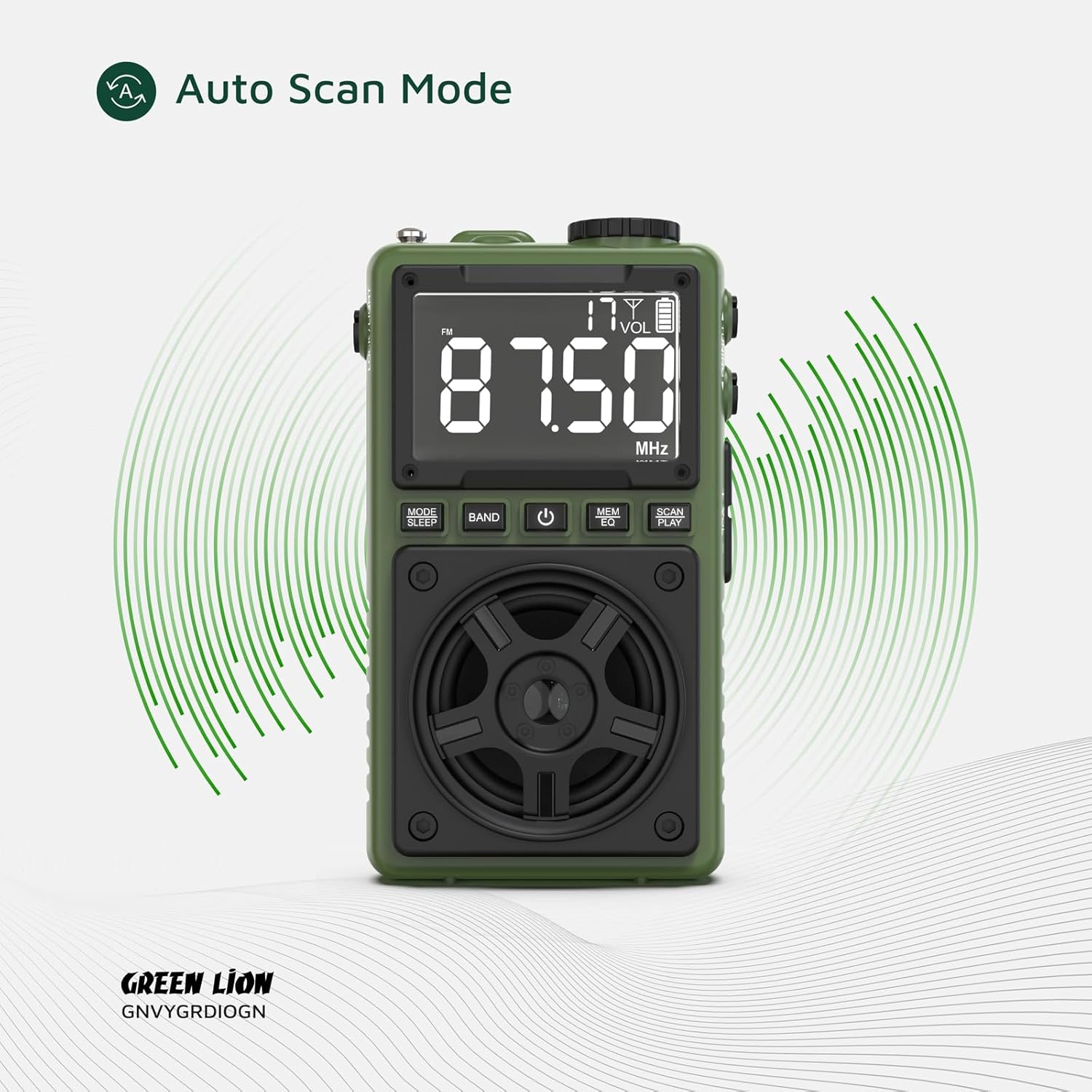
Figure 5.2: Multi Radio Bands
The image highlights the radio's capability to receive multiple frequency bands, including FM, AM, and SW.
5.3 Iṣẹ́ Agbọrọsọ Bluetooth
- Pipọpọ: Switch the radio to Bluetooth mode. The display will indicate 'BT' and the device will enter pairing mode.
- On your smartphone or other Bluetooth-enabled device, search for 'Green Lion Voyager' in the Bluetooth settings and select it to pair.
- Once paired, you can stream audio wirelessly to the Voyager Radio. The Bluetooth range is 8-10 meters.
- Iṣakoso Sisisẹsẹhin: Lo awọn Ṣayẹwo/SERE button to play/pause, and the +/- awọn bọtini fun iṣakoso iwọn didun.
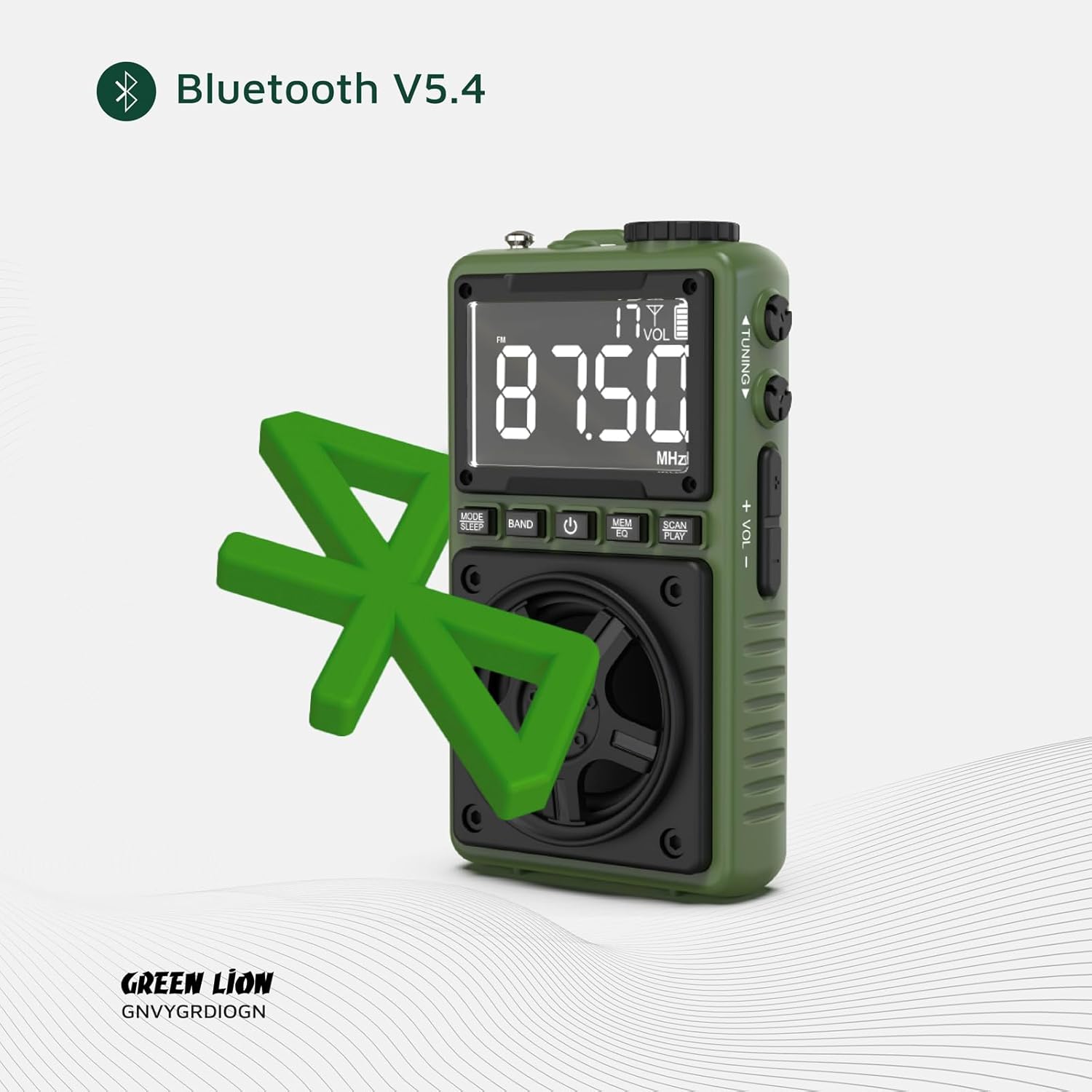
Figure 5.3: Bluetooth V5.4 Connectivity
This image visually represents the radio's advanced Bluetooth V5.4 capability for stable and efficient wireless audio streaming.
5.4 Flashlight isẹ
To turn the 1.2W LED flashlight on or off, locate the dedicated Titiipa / Imọlẹ switch on the side of the device and slide it to the desired position.

olusin 5.4: Ògùṣọ ni Lilo
The image demonstrates the powerful beam of the integrated flashlight, useful for various situations.
5.5 Ipo titiipa
To prevent accidental button presses, slide the Titiipa / Imọlẹ switch to the 'LOCK' position. This will disable all buttons except the flashlight.
5.6 Ipo orun
Tẹ mọlẹ IPO/ORUN button to activate sleep mode. The radio will automatically turn off after a set period (refer to display for timer settings).
6. Itọju
- Ninu: Lo aṣọ rírọrùn tí ó gbẹ láti nu ojú rédíò náà. Má ṣe lo àwọn ohun ìfọṣọ tàbí àwọn ohun èlò ìfọṣọ.
- Ibi ipamọ: Tọju ẹrọ naa ni itura, aye gbigbẹ kuro lati orun taara ati awọn iwọn otutu to gaju.
- Itọju Batiri: Lati pẹ aye batiri, yago fun gbigba agbara si batiri ni kikun nigbagbogbo. Gba agbara si ẹrọ nigbagbogbo, paapaa ti ko ba wa ni lilo fun awọn akoko ti o gbooro sii.
7. Laasigbotitusita
| Isoro | Owun to le Fa | Ojutu |
|---|---|---|
| Ẹrọ naa ko ṣiṣẹ. | Batiri naa kere tabi ti dinku. | Gba agbara si ẹrọ naa nipa lilo okun USB-C ti a pese. |
| Gbigba redio ti ko dara. | Ifihan agbara tabi kikọlu. | Extend the antenna fully. Try moving to a different location. Use auto scan mode. |
| Bluetooth ko sopọ. | Ẹ̀rọ náà kò sí ní ipò ìsopọ̀; ó jìnnà jù sí orísun; ìdènà. | Ensure the radio is in Bluetooth mode. Move closer to the source device. Restart both devices. |
| Ko si ohun lati agbọrọsọ. | Volume too low; muted; earphone plugged in. | Increase volume. Check if earphones are connected. |
8. Awọn pato
| Ẹya ara ẹrọ | Ẹ̀kúnrẹ́rẹ́ |
|---|---|
| Brand | Kiniun Alawọ ewe |
| Nọmba awoṣe | 990478120969 |
| Asopọmọra Technology | USB-C, Bluetooth V5.4 |
| Ijade Agbọrọsọ | 5W |
| Flashlight Power | 1.2W LED |
| Awọn ẹgbẹ redio | FM/AM/SW |
| Bluetooth Ibiti | 8-10 mita |
| Akoko ere | Awọn wakati 6-7 (isunmọ) |
| Ọja Mefa | 6.1L x 3.2W x 10.5H sẹntimita |
| Package Mefa | 13.13 x 11.03 x 4.7 cm |
| Iwọn | 131 g |
| Batiri | 1 Batiri ti kii ṣe deede (pẹlu) |
9. Atilẹyin ọja ati Support
The Green Lion Voyager Radio comes with a Free 12+12 months warranty. For any inquiries or technical assistance, please contact our customer service.
- Iṣẹ onibara: 24-hour customer service is available.
- Oluranlowo lati tun nkan se: Atilẹyin imọ-ẹrọ igbesi aye ti pese.


