Ọrọ Iṣaaju
This manual provides essential instructions for the safe and efficient use of your Paladone Bluey Icon Light, Model 14355. This battery-powered LED night light is designed to provide a soft, warm glow, featuring the beloved character Bluey.
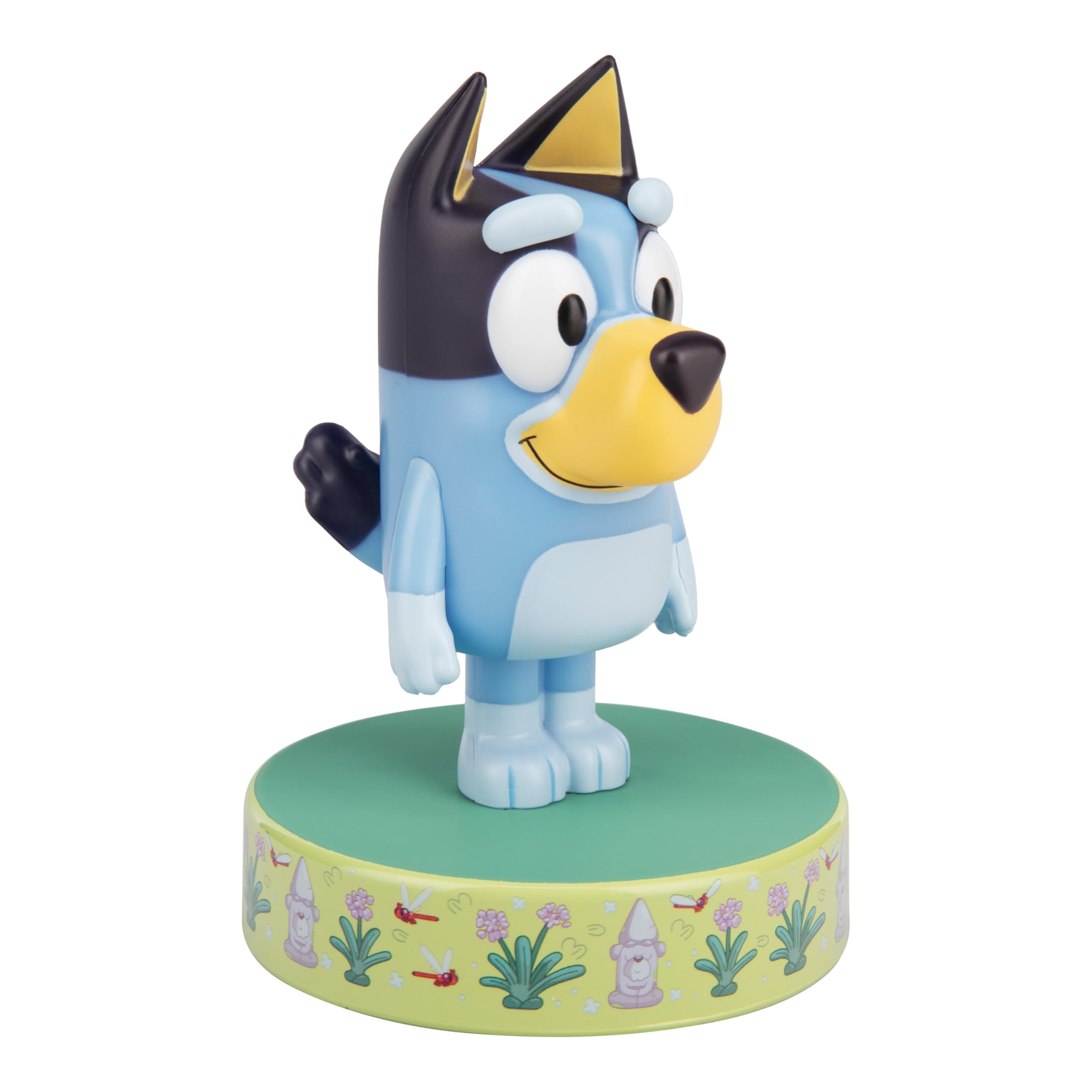
Image: The Paladone Bluey Icon Light in its off state, showcasing the character design.
Ṣeto
1. Unpacking
Carefully remove the Bluey Icon Light from its packaging. Inspect the product for any damage. Retain the packaging for future reference or disposal. The packaging also features a colour-in design for creative activity.

Image: The Paladone Bluey Icon Light in its retail packaging, highlighting the colour-in feature.
2. Fifi sori batiri
- Locate the battery compartment cover on the base of the light.
- Using a small screwdriver (not included), unscrew the cover and remove it.
- Insert 2x AAA batteries (not included) into the compartment, ensuring the correct polarity (+/-) as indicated inside.
- Rọpo ideri kompaktimenti batiri ki o ni aabo pẹlu dabaru.
3. Ifiweranṣẹ
Place the Bluey Icon Light on a stable, flat surface. Ensure it is away from direct sunlight, heat sources, and moisture.
Awọn ilana Iṣiṣẹ
Titan/Pa a
The Bluey Icon Light features a push-button switch. To turn the light on, press the button located on the base of the unit. To turn it off, press the button again.

Image: The Paladone Bluey Icon Light illuminated, providing a soft, warm glow.
Itoju
Ninu
To clean the light, gently wipe the surface with a soft, dry cloth. Do not use abrasive cleaners, solvents, or immerse the unit in water.
Batiri Rirọpo
When the light appears dim or stops working, it is time to replace the batteries. Follow the "Battery Installation" steps in the Setup section to replace the 2x AAA batteries. Always dispose of used batteries responsibly according to local regulations.
Laasigbotitusita
| Isoro | Owun to le Fa | Ojutu |
|---|---|---|
| Imọlẹ ko tan. | Batteries are incorrectly installed or depleted. | Ṣayẹwo polarity batiri. Ropo pẹlu alabapade AAA batiri. |
| Imọlẹ jẹ baibai. | Awọn batiri ti wa ni kekere. | Ropo pẹlu alabapade AAA batiri. |
| Ina flickers. | Asopọ batiri ti o ni alaimuṣinṣin tabi awọn batiri ti o kere si. | Ensure batteries are securely seated. Replace with fresh AAA batteries. |
Awọn pato
| Ẹya ara ẹrọ | Ẹ̀kúnrẹ́rẹ́ |
|---|---|
| Nọmba awoṣe | 14355 |
| Ọja Mefa | 3.54"D x 4.13"W x 5.31"H (isunmọ. 9cm D x 10.5cm W x 13.5cm H) |
| Iwọn Nkan | 0.08 kilo (iwọn 2.82 iwon) |
| Imọlẹ Orisun Orisun | LED |
| Awọ Imọlẹ | Gbona |
| Orisun agbara | Agbara Batiri (2x AAA, ko si) |
| Igbesi aye batiri | O fẹrẹ to awọn wakati 8 |
| Yipada Iru | Titari Bọtini |
| Ohun elo | Ṣiṣu |
| inu ile / ita gbangba Lilo | Ninu ile |
| Olupese | Paladone |

Image: Diagram showing the approximate dimensions of the Bluey Icon Light: 11cm (4.3") tall and 7.7cm (3") wide at the base.
Atilẹyin ọja ati Support
Alaye atilẹyin ọja
Specific warranty details for this product may vary by region and retailer. Please refer to your purchase receipt or contact the retailer where the product was purchased for information regarding warranty coverage.
Onibara Support
For further assistance, technical support, or inquiries regarding your Paladone Bluey Icon Light, please contact the manufacturer, Paladone, through their official website or customer service channels. Contact information can typically be found on the product packaging or the manufacturer's webojula.


