Ọrọ Iṣaaju
The Novastar Shrimp No.901 Digital Body Weight Scale is designed for accurate and consistent weight tracking in a home environment. Featuring a durable tempered glass surface and an ultra-bright LCD display, this scale provides reliable measurements for monitoring your health and fitness progress. Its user-friendly design includes automatic power on/off, zero-reset, and calibration functions for a seamless experience.
Ṣeto
- Yọ Iwọn naa kuro: Farabalẹ yọ iwọnwọn kuro ninu apoti rẹ.
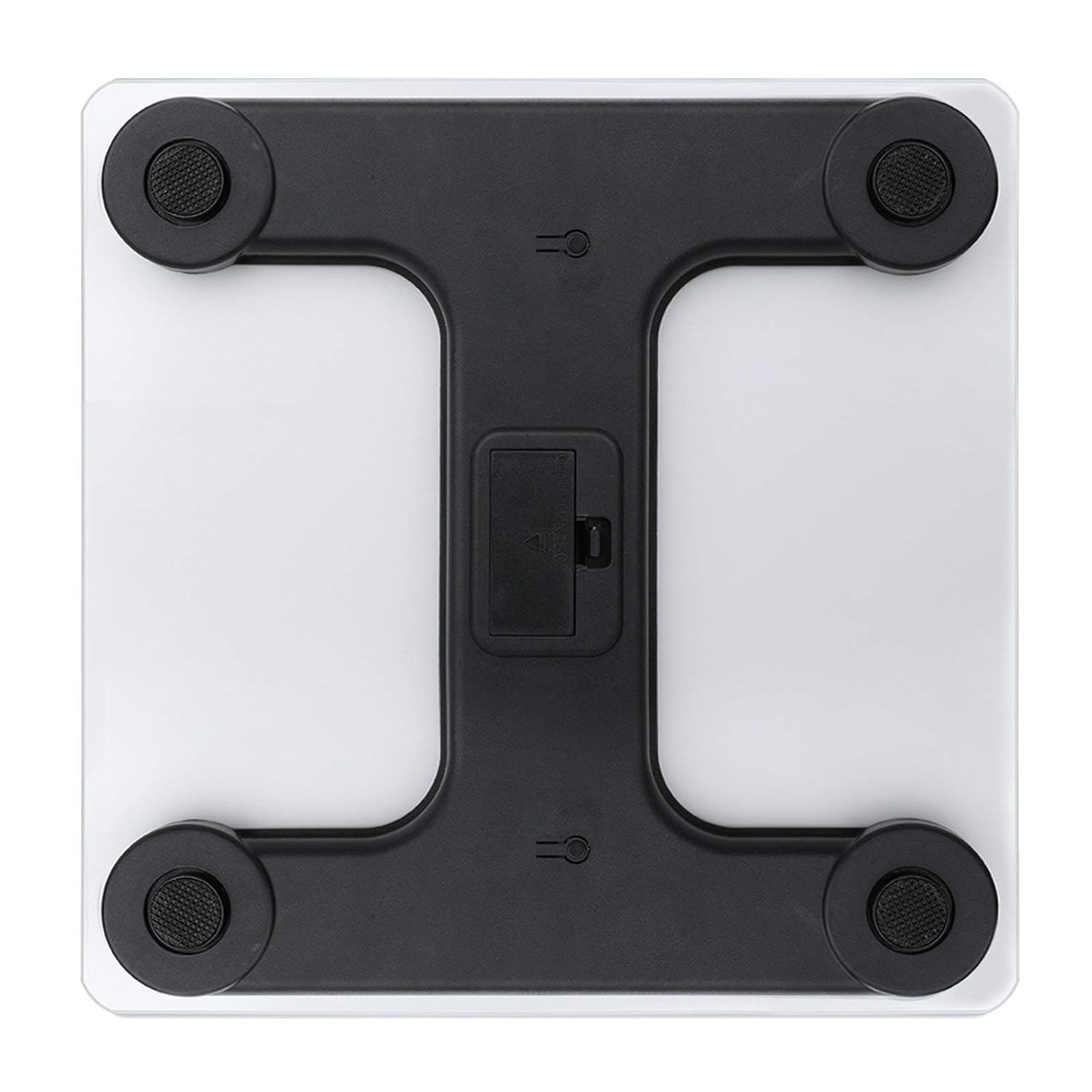
- Fi Awọn batiri sii: Open the battery compartment located on the underside of the scale. Insert the required batteries (typically AAA, not included) according to the polarity indicators. Close the compartment securely.
- Ibi: Gbe iwọn naa sori ilẹ lile, alapin, ati dada iduroṣinṣin. Yago fun awọn carpets tabi ilẹ-ilẹ ti ko ni deede, nitori eyi le ni ipa lori deede.
- Iṣatunṣe akọkọ: For first-time use or after moving the scale, gently step on the scale until the display shows a reading, then step off. The scale will display '0.0' or 'CAL' and then turn off, indicating it is calibrated and ready for use.
Awọn ilana Iṣiṣẹ
- Igbesẹ-Lori Muu ṣiṣẹ: Gently step onto the center of the scale platform with bare feet. The scale will automatically turn on.
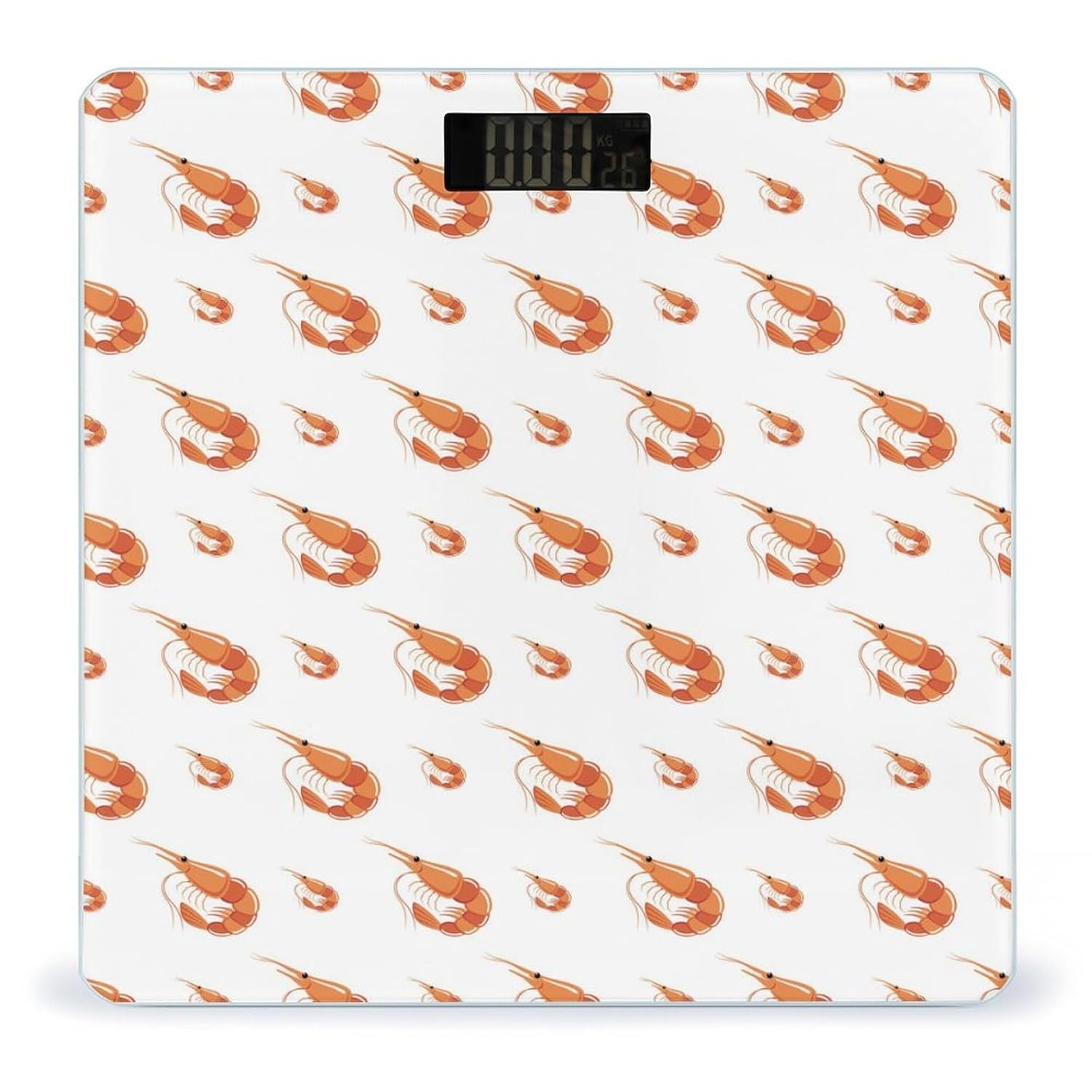
- Reading Your Weight: Stand still on the scale. Your weight will be displayed on the ultra-bright LCD screen within a few seconds.
- Iyipada Ẹka: If your scale supports unit switching (e.g., kg/lb), there may be a button on the underside or side of the scale to toggle between units. Refer to the specific markings on your device.
- Agbara Aifọwọyi Paa: The scale will automatically turn off after a few seconds of inactivity to conserve battery life.

Itoju ati Itọju
- Ninu: Pa oju iwọn rẹ nu pẹlu ipolowoamp asọ ati ìwọnba detergent. Ma ṣe lo awọn olutọpa abrasive tabi fi omi irẹjẹ bami.
- Ibi ipamọ: Tọju iwọn naa ni itura, ibi gbigbẹ. Yago fun awọn iwọn otutu to gaju tabi ọriniinitutu giga.
- Rirọpo Batiri: If the display shows a 'Lo' indicator or becomes dim, replace the batteries promptly.
- Yago fun Ipa: While the tempered glass is sturdy, avoid dropping heavy objects on the scale or subjecting it to strong impacts.
Laasigbotitusita
- Awọn kika ti ko pe:
- Rí i dájú pé ìwọ̀n náà wà lórí ilẹ̀ líle, títẹ́jú, tí ó sì dúró ṣinṣin.
- Re-calibrate the scale by stepping on and off once before weighing.
- Ṣayẹwo ipele batiri ki o rọpo ti o ba jẹ dandan.
- 'Lo' Display: Indicates low battery. Replace batteries.
- 'Err' or Overload Display: Indicates the maximum weight capacity has been exceeded. Step off the scale immediately.
- Ko si Ifihan: Check if batteries are correctly installed or need replacement.
Awọn pato
| Ẹya ara ẹrọ | Ẹ̀kúnrẹ́rẹ́ |
|---|---|
| Awoṣe | No.901 |
| Brand | Novastar |
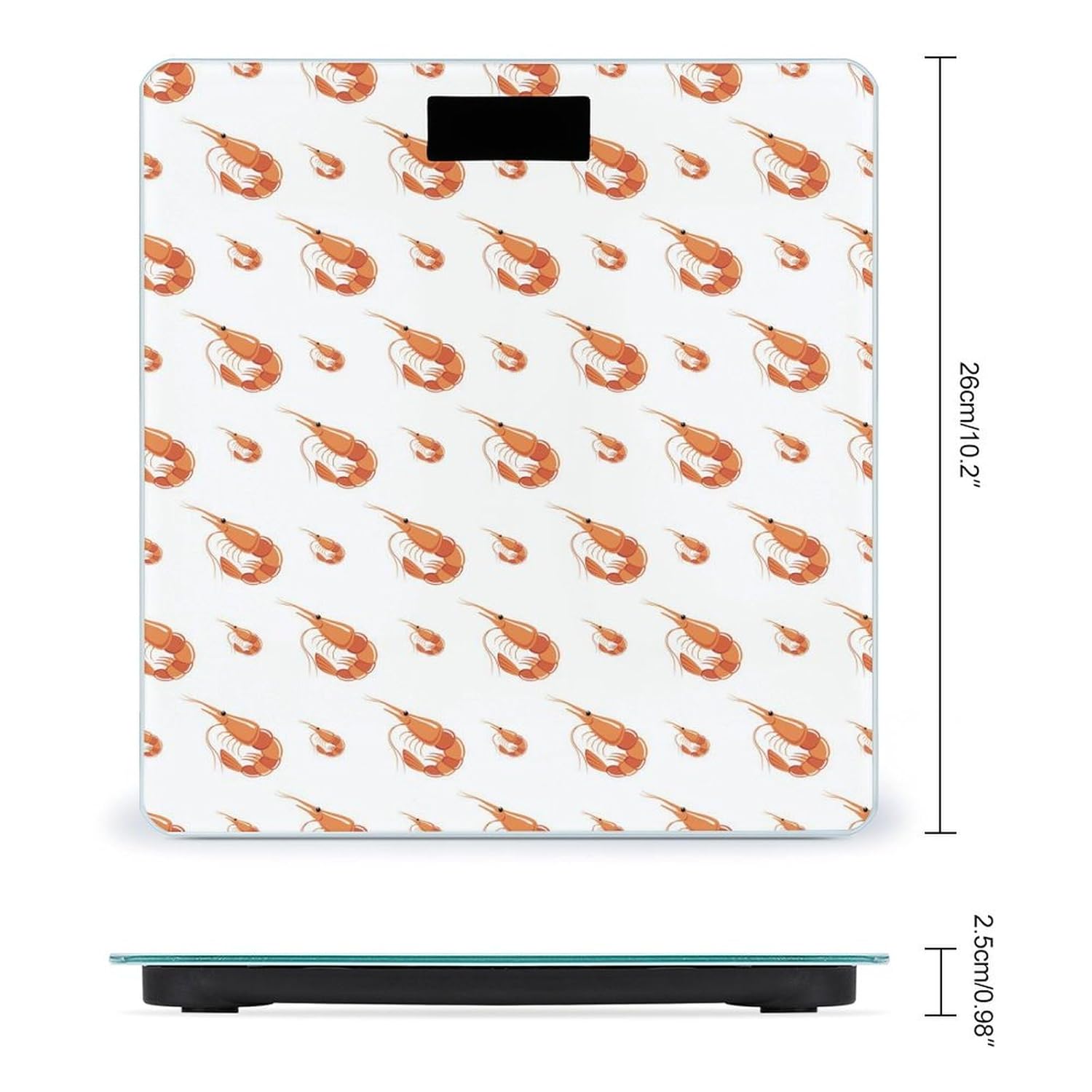
| Ọja Mefa | 10.2 x 10.2 x 0.98 inches (26 x 26 x 2.5 cm) |
| Ohun elo | Tempered Gilasi dada |
| Awọn sensọ | 4 High-Sensitivity Sensors |
| Ifihan | Ultra-Bright LCD |
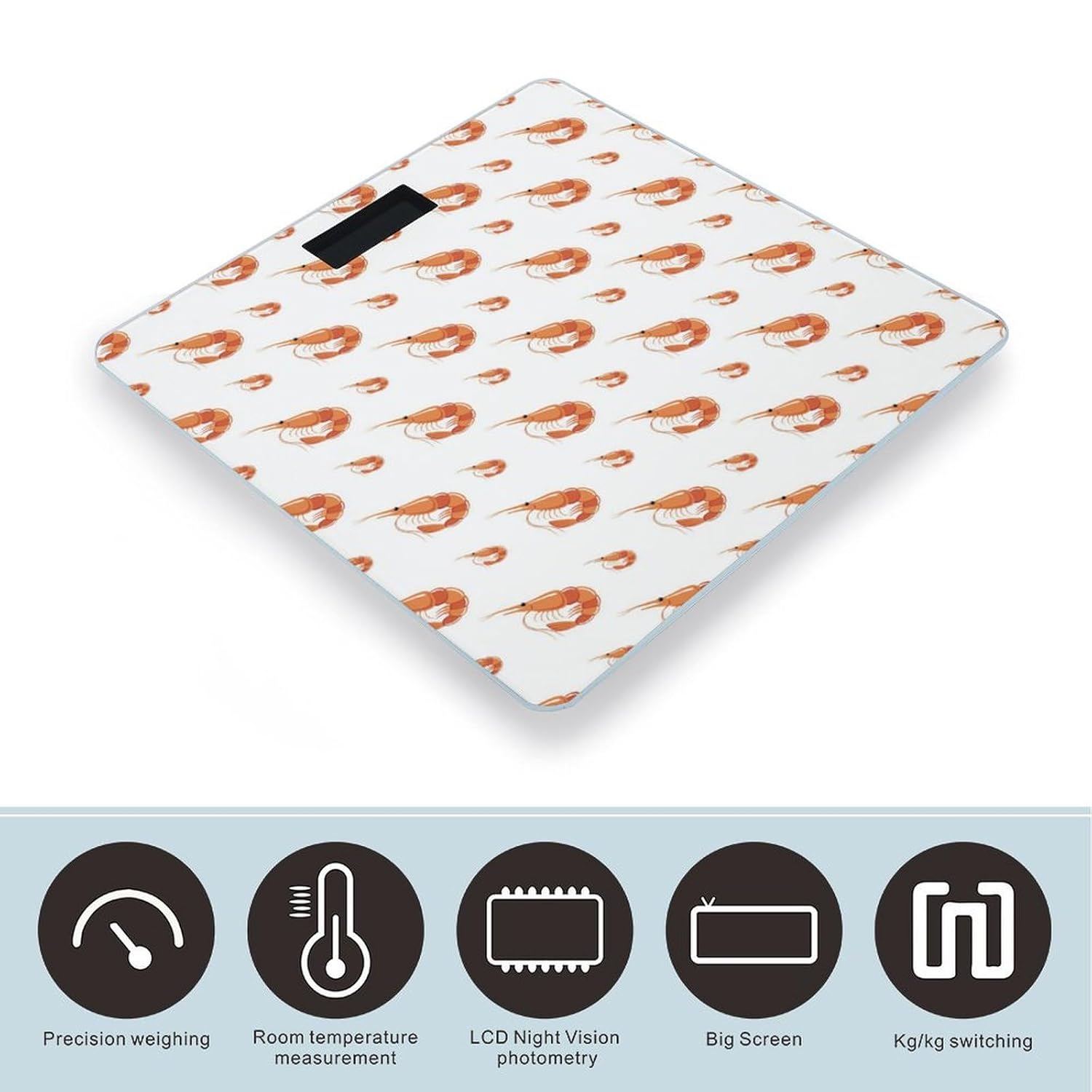
| Awọn iṣẹ | Automatic On/Off, Zero-Reset, Calibration, Unit Switching (kg/lb) |
| Olupese | NOVASTAR |
Alaye atilẹyin ọja
Specific warranty details for the Novastar Shrimp No.901 Digital Body Weight Scale are not provided in this manual. Please refer to the product packaging or contact the retailer/manufacturer for warranty terms and conditions.
Onibara Support
For further assistance, technical support, or inquiries regarding your Novastar Shrimp No.901 Digital Body Weight Scale, please contact Novastar customer service through their official webaaye tabi alaye olubasọrọ ti a pese pẹlu rira rẹ.


