1. Eto
1.1 Unboxing
Carefully unpack your FOSSIBOT F109S smartphone and all included accessories. Verify that all items listed in the package contents are present.

Image: Contents of the FOSSIBOT F109S retail package, including the smartphone, USB cable, 18W charger, user manual, warranty card, and SIM card pin.
1.2 Fifi sori ẹrọ Kaadi SIM ati Kaadi MicroSD
Locate the SIM card tray on the side of the device. Use the provided SIM ejector tool to open the tray. Insert your Nano-SIM card(s) and/or MicroSD card into the designated slots. Ensure the cards are correctly oriented before reinserting the tray firmly into the phone.

Image: Close-up of the FOSSIBOT F109S SIM card tray, showing slots for two Nano-SIM cards and a MicroSD card for up to 2TB expandable storage.
1.3 Agbara akọkọ Lori ati Eto
Press and hold the Power button until the FOSSIBOT logo appears. Follow the on-screen instructions to complete the initial setup, including language selection, Wi-Fi connection, Google account login, and security settings.
2. Operating Your FOSSIBOT F109S
2.1 Main Display Navigation
The FOSSIBOT F109S features a 6.745-inch HD+ display. Navigate through applications, settings, and content using touch gestures. Swipe down from the top for notifications and quick settings. Swipe up from the bottom to access the app drawer.

Image: The FOSSIBOT F109S main 6.745-inch HD+ display showing the Android 15 home screen with various app icons and a scenic wallpaper.
2.2 Rear Display Functions
The unique 1.32-inch round rear display provides quick access to essential information and functions without needing to activate the main screen. This includes notifications, time, battery status, music controls, and a compass.

Image: The FOSSIBOT F109S rear panel, highlighting the 1.32-inch round display showing various widgets like battery percentage, call notifications, and customizable dial designs.
2.3 kamẹra Lilo
The F109S is equipped with a versatile camera system: a 50MP main camera, a 5MP macro lens, and a 16MP front camera. Open the Camera app to capture photos and videos. Utilize the various modes for optimal results in different scenarios.

Image: The FOSSIBOT F109S rear camera module, detailing the 16MP front camera, 5MP macro camera, and 50MP main camera, with example photos taken by each lens.
2.4 Custom Button and Security
The device features a customizable side button for quick access to your preferred apps or functions. For security, use the side-mounted fingerprint sensor or facial recognition for instant unlocking.

Image: Visual representation of the FOSSIBOT F109S custom button, NFC for Google Pay, Face ID, fingerprint unlock, and GPS navigation features.
2.5 Asopọmọra
The FOSSIBOT F109S supports 4G connectivity, global navigation systems (GPS, GLONASS, Beidou, Galileo), and NFC for contactless payments. Ensure your SIM card is active for cellular network access.
Video: An official FOSSIBOT video showcasing the F109S Rugged Smartphone, highlighting its features and durability in various environments.
3. Itọju ati Itọju
3.1 Ninu ẹrọ rẹ
To clean your FOSSIBOT F109S, use a soft, lint-free cloth. For stubborn dirt, dampen the cloth with water. Avoid harsh chemicals or abrasive materials that could damage the screen or casing. Ensure all ports are closed before cleaning with liquids.
3.2 batiri Management
The 10600mAh battery provides extended usage. For optimal battery life, avoid extreme temperatures, use the provided 18W quick charger, and enable power-saving modes when necessary. The rear display can also help conserve power.
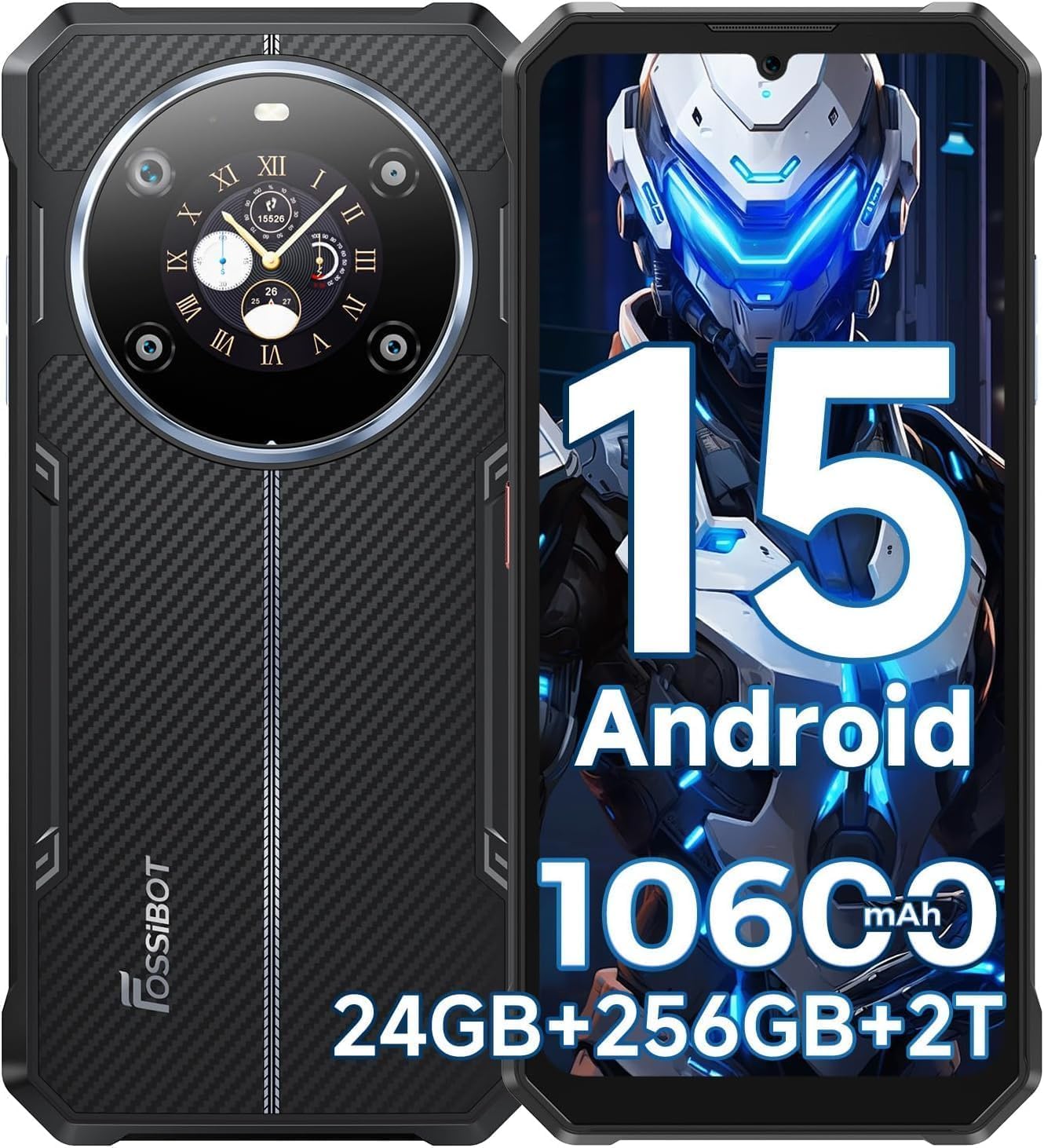
Image: The FOSSIBOT F109S showcasing its 10600mAh battery capacity, with icons indicating long standby time, music time, video time, talk time, and 18W OTG charging capability.
3.3 Software imudojuiwọn
Regularly check for and install software updates to ensure your device has the latest features, security patches, and performance improvements. Updates are typically found in the device's settings under 'System' or 'About Phone'.

Image: The FOSSIBOT F109S displaying the Android 15 operating system, surrounded by various app interfaces, emphasizing advanced features and customization.
4. Laasigbotitusita wọpọ oran
| Isoro | Owun to le Solusan |
|---|---|
| Ẹrọ naa ko ṣiṣẹ | Rí i dájú pé batiri náà ti gba agbára. So mọ́ ẹ̀rọ amúṣẹ́ náà kí o sì dúró díẹ̀ kí o tó gbìyànjú láti tún un ṣiṣẹ́. |
| Ko ri kaadi SIM | Reinsert the SIM card tray, ensuring the SIM card(s) are correctly seated. Check if the SIM card is active with your carrier. |
| Ifihan nẹtiwọki ti ko dara | Move to an area with better network coverage. Restart the device. Check carrier settings. |
| Iboju ifọwọkan ko dahun | Tun ẹrọ naa bẹrẹ. Ti ọrọ naa ba tẹsiwaju, ṣe atunto ile-iṣẹ kan (data yoo sọnu). |
| Awọn ohun elo kọlu tabi didi | Clear the cache of the problematic app. Update the app or the device's operating system. |
5. Imọ ni pato
The FOSSIBOT F109S is engineered for durability and performance, meeting MIL-STD-810H standards for shock and drops, and IP68/IP69K ratings for water and dust resistance.

Image: The FOSSIBOT F109S demonstrating its rugged features, including IP68 waterproof rating, MIL-STD-810G drop protection, and IP69K dustproof rating, shown in water, being dropped, and covered in sand.
| Ẹya ara ẹrọ | Sipesifikesonu |
|---|---|
| Eto isesise | Android 15 |
| isise | 2 GHz CPU Speed (MediaTek Helio G81 Octa-core Chip) |
| Àgbo | 24GB (6GB physical + 18GB expandable) |
| Ibi ipamọ inu | 256GB ROM |
| Expandable Ibi ipamọ | Up to 2TB via TF Card |
| Ifihan akọkọ | 6.745-inch HD+ (720 x 1600 Resolution, 60Hz Refresh Rate) |
| Afihan Atẹyin | 1.32-inch Round Display |
| Kamẹra ẹhin | 50MP Main Camera, 5MP Macro Camera |
| Kamẹra iwaju | 16MP |
| Agbara Batiri | 10600mAh |
| Gbigba agbara | 18W Fast Charging (250 minutes for full charge) |
| Iduroṣinṣin | IP68/IP69K Waterproof & Dustproof, MIL-STD-810H Drop Protection |
| Asopọmọra | 4G, Dual SIM, GPS, GLONASS, Beidou, Galileo, NFC |
| Awọn iwọn | 7.48 x 3.57 x 1.57 inches |
| Iwọn | 1.57 iwon |
6. Atilẹyin ọja ati Support
The FOSSIBOT F109S comes with a 30-day free return guarantee and a full 2-year warranty. For any inquiries or assistance, our customer service team is available 24/7. Please refer to your warranty card for detailed terms and conditions.


