Ọrọ Iṣaaju
This manual provides essential instructions for the proper use and maintenance of your oneisall Type-C Cable, designed for compatibility with oneisall PF05 and PF8 automatic cat feeders. Please read this manual thoroughly before use to ensure optimal performance and safety.
Alaye Aabo
- Use only with compatible oneisall PF05 and PF8 automatic cat feeders.
- Do not expose the cable to water or excessive moisture.
- Yago fun atunse tabi lilọ okun pọ ju lati yago fun ibajẹ.
- Jeki kuro ni arọwọto awọn ohun ọsin lati ṣe idiwọ jijẹ tabi ibajẹ.
- Disconnect from power source before cleaning or if not in use for extended periods.
Ṣeto
Follow these steps to connect the Type-C cable to your oneisall automatic cat feeder:
- Ensure your oneisall PF05 or PF8 automatic cat feeder is turned off and unplugged from any power source.
- Locate the Type-C port on your automatic cat feeder. This port is typically found on the back or bottom of the unit.
- Insert the Type-C connector end of the cable into the feeder's Type-C port. Ensure a snug fit.
- Insert the USB-A connector end of the cable into a compatible USB power adapter (not included) or a powered USB port.
- Plug the USB power adapter into a standard electrical outlet.
- Turn on your automatic cat feeder. The feeder should now receive power and function as intended.
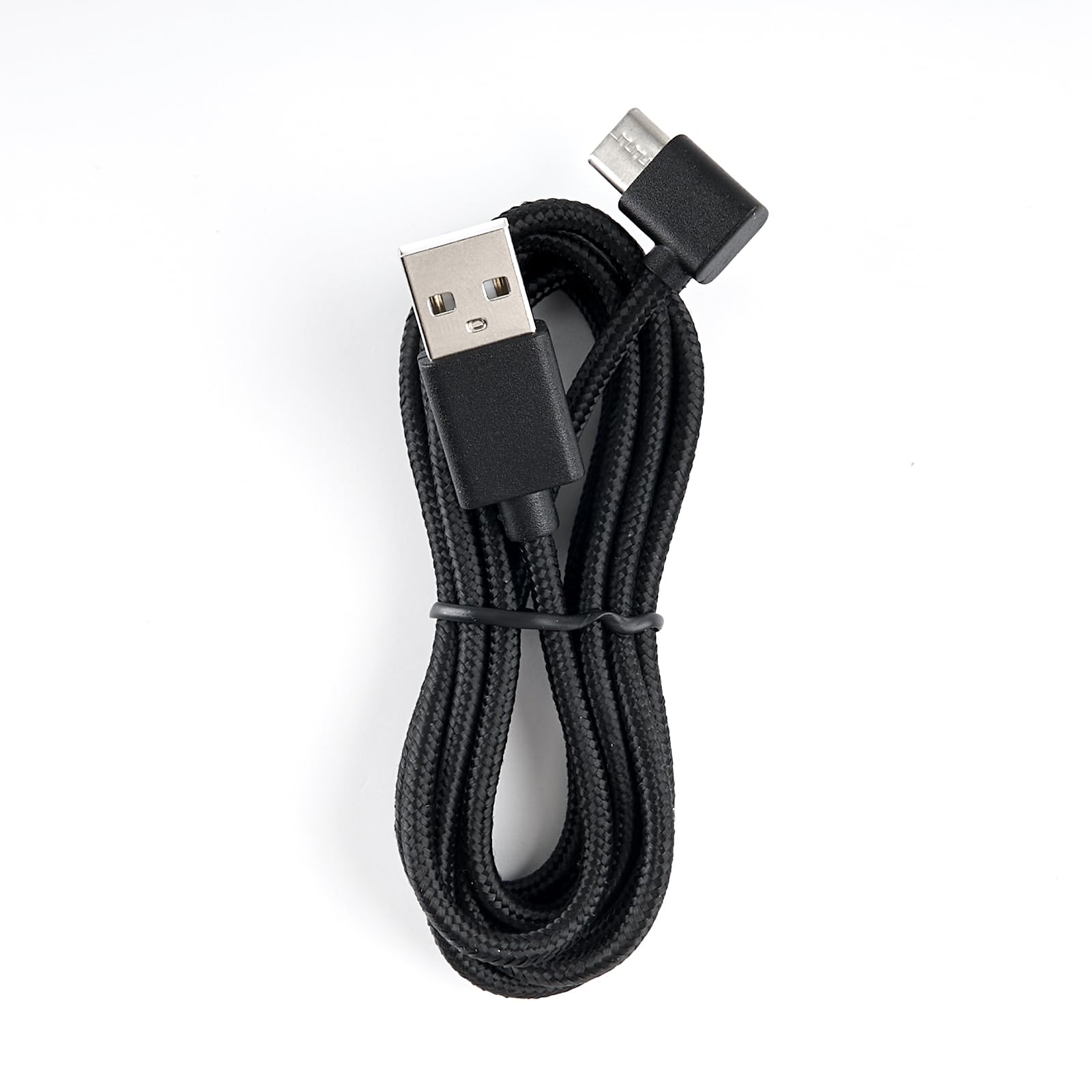
Apejuwe aworan: This image displays the oneisall Type-C cable, featuring a braided black cord with a right-angle Type-C connector on one end and a standard USB-A connector on the other. Below the cable, an arrow points downwards to illustrate compatibility with various oneisall automatic cat feeders. The feeders shown are models PF05 and PF8, both in black, with transparent food reservoirs filled with kibble. Some feeders display a digital clock (e.g., "AM 11:30") and others show a battery percentage (e.g., "99% POWER"), indicating their operational status. The image visually confirms that the cable is designed to fit these specific feeder models.
Ṣiṣẹ
The oneisall Type-C cable serves as the primary power connection for your automatic cat feeder. Once properly connected to a power source, it provides continuous power to the feeder, allowing it to operate according to its programmed settings. The cable does not require any specific operational steps beyond proper connection.
Itoju
- Ninu: Wipe the cable with a dry, soft cloth if it becomes dusty. Do not use liquid cleaners or immerse in water.
- Ibi ipamọ: When not in use, store the cable in a cool, dry place, away from direct sunlight and extreme temperatures. Avoid tightly coiling or kinking the cable.
- Ayewo: Periodically inspect the cable for any signs of wear, fraying, or damage to the connectors. If any damage is observed, discontinue use and replace the cable.
Laasigbotitusita
| Isoro | Owun to le Fa | Ojutu |
|---|---|---|
| Feeder not powering on. | USB ko sopọ mọ daradara. | Ensure both ends of the cable are securely plugged into the feeder and the power adapter/USB port. |
| Feeder intermittently loses power. | Asopọ alaimuṣinṣin tabi okun ti bajẹ. | Check connections. Inspect the cable for visible damage. If damaged, replace the cable. Try a different USB power adapter or outlet. |
| Cable does not fit the feeder port. | Incorrect cable or feeder model. | Verify that you have the correct oneisall Type-C cable for PF05/PF8 feeders. Ensure the port on your feeder is indeed a Type-C port. |
Awọn pato
- Orukọ awoṣe: 9C10BAZ
- Orisi Asopọmọra: USB-A to Type-C (Right-angle Type-C)
- Ibamu: oneisall PF05 and PF8 Automatic Cat Feeders (3L/5L Single Bowl)
- Àwọ̀: Dudu
- Ìwọ̀n Nkan: 1.76 iwon (50 Giramu)
- Awọn iwọn ọja: Nǹkan bí 4 x 2 x 2 inches (àpótí)
- Ẹya Pataki: Durable (braided cable)
Atilẹyin ọja ati Support
For warranty information or technical support, please refer to the documentation provided with your oneisall automatic cat feeder or visit the official oneisall webojula. Tọju iwe-ẹri rira rẹ fun awọn ẹtọ atilẹyin ọja.


