1. Ifihan
This manual provides essential information for the proper use and maintenance of your Picun F5 Active Noise Cancelling Headphones. Please read it thoroughly before operating the device.
2. Package Awọn akoonu
Daju pe gbogbo awọn nkan wa ninu apo rẹ:
- 1 x Picun F5 Headphone
- 1 x 3.5mm Audio Cable
- 1 x Okun Ngba agbara USB
- 1 x Itọsọna olumulo

3. Awọn ẹya Ọja
- Ifagile Ariwo Nṣiṣẹ (ANC): Advanced technology to reduce ambient noise for an immersive audio experience.
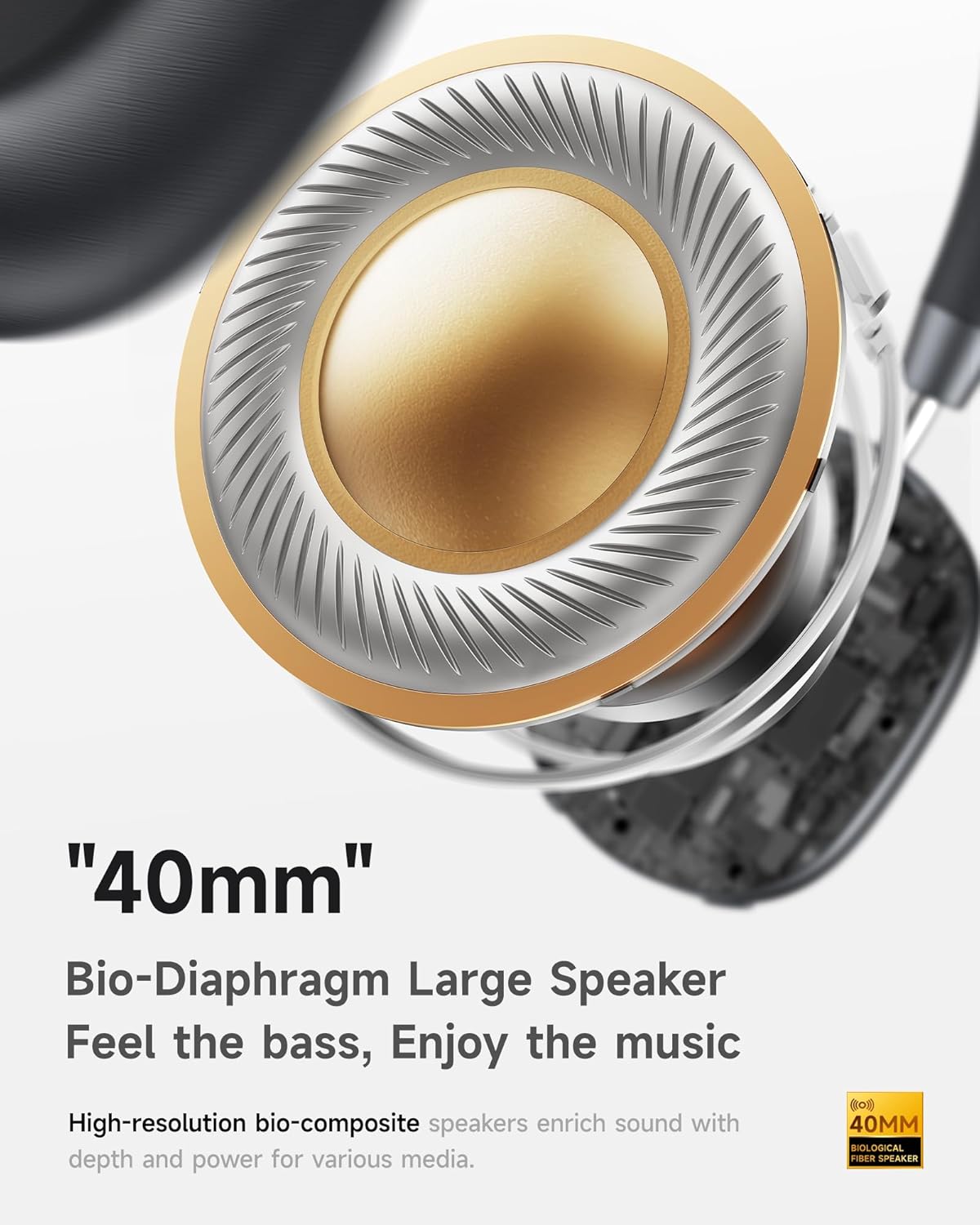
- Hi-Fi Audio with Deep Bass: Delivers clear sound with enhanced bass.
- App-Controlled EQ: Customize audio settings via a dedicated companion application.
- Gbohungbohun ti a ṣe sinu: Ensures clear voice calls.
- Asopọ-Opo-pupọ: Allows seamless switching between two connected Bluetooth devices.
- Apẹrẹ Ergonomic: Lightweight build with soft memory-foam earcups for extended comfort.
- Long Playtime & Fast Charging: Up to 30 hours of playback on a single charge, with quick recharge capabilities.



4. Eto
4.1 Ngba agbara si awọn Agbekọri
Before first use, fully charge your Picun F5 headphones. Connect the provided USB charging cable to the headphone's charging port and a compatible USB power source. The charging indicator light will show the charging status.
4.2 Sisopọ Bluetooth
- Rii daju pe awọn agbekọri ti wa ni pipa.
- Tẹ bọtini agbara ki o si di mu titi ti ina ifihan yoo fi tàn, ti o fihan ipo isopọmọ.
- Lori ẹrọ rẹ (foonuiyara, tabulẹti, kọmputa), mu Bluetooth ṣiṣẹ ki o wa awọn ẹrọ to wa.
- Select "Picun F5" from the list of devices to connect.
- Once connected, the indicator light will change to a steady blue or turn off, depending on the model.
4.3 Olona-Point Asopọ
The Picun F5 supports connecting to two Bluetooth devices simultaneously. After pairing with the first device, disable Bluetooth on that device. Pair the headphones with the second device. Then, re-enable Bluetooth on the first device. The headphones should now be connected to both devices, allowing seamless audio switching.

5. Isẹ
5.1 Ipilẹ idari
Àwọn agbekọri náà ní àwọn ìṣàkóso tó ṣeé gbẹ́kẹ̀lé fún ṣíṣàkóso ohun àti àwọn ìpè:
- Titan/Apapa: Tẹ mọlẹ bọtini Agbara.
- Atunse iwọn didun: Use the dedicated volume knob/buttons on the earcup.
- Ṣiṣẹ/Daduro: Single press the Multi-function button.
- Orin t’okan: Lẹẹmeji tẹ bọtini iṣẹ-ọpọlọpọ.
- Tẹlẹ Orin: Meteta tẹ awọn Olona-iṣẹ bọtini.
- Idahun/Ipe Ipari: Tẹ bọtini Multi-function kan nigba ipe ti nwọle.
- Kọ Ipe: Tẹ mọlẹ bọtini iṣẹ-ọpọlọpọ nigba ipe ti nwọle.
5.2 Active Noise Cancelling (ANC) Modes
The ANC feature can be toggled or adjusted using a dedicated button on the headphones. Refer to the specific button layout on your device for exact functionality. Some models may offer different ANC levels or transparency modes.
5.3 App Control and Custom EQ
Download the companion app for your Picun F5 headphones to unlock personalized features. The app allows you to:
- Customize Equalizer (EQ) settings to match your audio preferences.
- Adjust ANC levels or switch between different noise control modes.
- Access additional smart features and settings.


6. Itọju
To ensure the longevity and optimal performance of your Picun F5 headphones, follow these maintenance guidelines:
- Ninu: Lo asọ gbigbẹ, asọ ti o gbẹ lati nu awọn afikọti ati ideri ori. Yago fun lilo awọn kẹmika lile tabi awọn ohun elo abrasive.
- Ibi ipamọ: Store the headphones in a cool, dry place, away from direct sunlight and extreme temperatures. When not in use, consider storing them in a protective case.
- Yago fun Ọrinrin: Ma ṣe fi awọn agbekọri han si omi tabi ọrinrin pupọ.
- Mu pẹlu Itọju: Yago fun sisọ tabi tẹriba awọn agbekọri si awọn ipa to lagbara.

7. Laasigbotitusita
If you encounter issues with your Picun F5 headphones, refer to the following common solutions:
- Ko si Agbara: Ensure the headphones are fully charged. Connect them to a power source and check the charging indicator.
- Ko le So pọ: Make sure the headphones are in pairing mode (indicator flashing). Disable and re-enable Bluetooth on your device, then try pairing again. Ensure the headphones are not already connected to another device.
- Ko si Ohun: Check the volume levels on both the headphones and your connected device. Ensure the headphones are properly paired. If using a wired connection, ensure the 3.5mm audio cable is securely plugged in.
- Didara Ohun Ko dara: Move closer to your connected device to avoid interference. Check for any obstructions between the headphones and the device. Ensure the audio source is of good quality.
- ANC Ko Ṣiṣẹ: Ensure the ANC feature is activated. Check for any physical obstructions around the microphones.
If the issue persists, try resetting the headphones (refer to the full user manual for specific reset instructions) or contact customer support.
8. Awọn pato
| Brand | Picun |
| Orukọ awoṣe | F5 |
| Asopọmọra Technology | Ailokun (Bluetooth 4.0) |
| Ariwo Iṣakoso | Sound Isolation (Active Noise Cancelling) |
| Idahun Igbohunsafẹfẹ | 20 kHz |
| Ifamọ | 42 dB |
| Awọn agbekọri Jack | 3.5 mm Jack |
| Igbesi aye batiri | Awọn wakati 30 |
| Audio Driver Type | Yiyi Awakọ |
| Apẹrẹ Akọti | Yika |
| Ipalara | 32 ohm |
| Iwọn Nkan | 14 iwon (0.4 kilo) |
| Ohun elo | Acrylonitrile Butadiene Styrene (ABS) |
9. Atilẹyin ọja ati Support
Picun products are designed for reliability and performance. For warranty information, product support, or technical assistance, please refer to the warranty card included in your package or visit the official Picun webojula. Tọju iwe-ẹri rira rẹ fun awọn ẹtọ atilẹyin ọja.


