1. Ifihan
This manual provides essential information for the safe and efficient operation of your Philips 36W LED Motion Sensor Security Light. Please read these instructions thoroughly before installation and use, and retain them for future reference.

Figure 1: Philips Outdoor LED Security Light highlighting key features.
2. Alaye Aabo
Máa tẹ̀lé àwọn ìlànà ààbò pàtàkì nígbà gbogbo nígbà tí o bá ń fi àwọn ọjà iná mànàmáná sí àti nígbà tí o bá ń ṣiṣẹ́ wọn láti dín ewu iná, ìkọlù iná mànàmáná àti ìpalára ara ẹni kù.
- Rii daju pe ipese agbara ti ge asopọ ṣaaju fifi sori ẹrọ tabi itọju.
- This product is designed for outdoor use and is water-resistant. However, avoid submerging it in water.
- If hardwiring the unit, installation should be performed by a qualified electrician in accordance with local electrical codes.
- Do not attempt to modify or repair the product yourself. Contact qualified service personnel for repairs.
- Jeki kuro lati flammable ohun elo.
3. Package Awọn akoonu
Daju pe gbogbo awọn paati wa ṣaaju ki o to bẹrẹ fifi sori:
- 1 x Philips 36W Motion Sensor Security Light
- 4 x Iṣagbesori skru
- 4 x Awọn skru Imugboroosi (Awọn oran odi)
Note: A junction box is not included and may be required for hardwired installations.

Nọmba 2: Awọn iwọn ọja ati awọn ẹya ẹrọ to wa.
4. Awọn ẹya Ọja
- Imọlẹ giga: Delivers 3800 lumens of cool white light at 5000K for extensive illumination.
- Awọn ori ti o le ṣatunṣe: Features three rotatable light heads, allowing for customizable and wide coverage.
- Sensọ Ìṣípo Ìmọ́lẹ̀-Gíga: Passive Infrared (PIR) sensor detects motion up to 69 feet away within a 180° angle.
- Awọn ọna Imọlẹ Ọpọ: Offers Test mode, Security mode, Dusk-to-Dawn mode, and Manual Override mode for versatile operation.
- Ti o tọ ati Oju ojo-Atako: Constructed to withstand corrosion, rust, heavy rain, humidity, UV exposure, and extreme temperatures.
- Fifi sori ẹrọ Plug-ati-Play: Designed for easy setup with a 4.92 ft plug, requiring no complex wiring for standard outlet use.

Olusin 3: Pariview of the security light's main features.
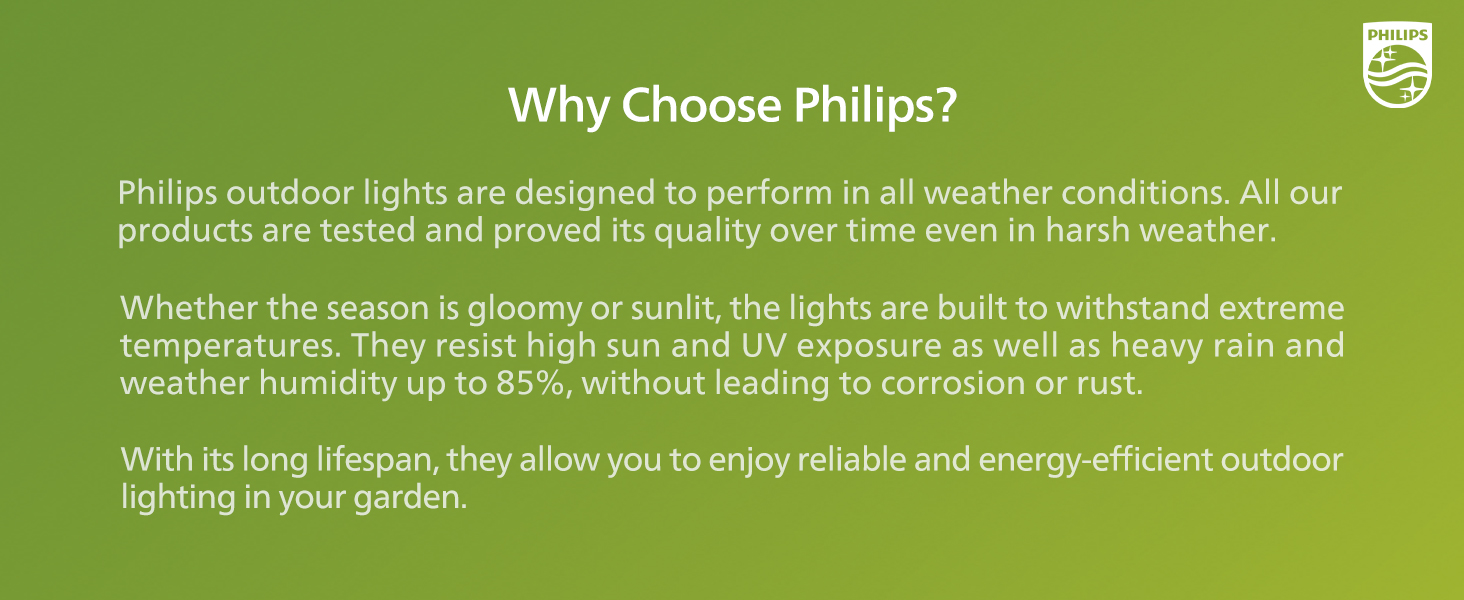
Figure 4: Adjustable heads and mounting versatility.

Figure 5: Water-resistant design for all weather conditions.
5. Eto ati fifi sori
The Philips Security Light offers flexible installation options. The recommended installation height is 8.2 feet.
5.1 Yiyan ipo iṣagbesori kan
Select a sturdy surface (wall or eave) that provides optimal coverage for the desired area. Ensure the location allows for the motion sensor to detect movement effectively and is within reach of a power outlet if using the plug-and-play method.
5.2 Iṣagbesori Light
- Using the mounting bracket as a template, mark the positions for drilling.
- Drill pilot holes at the marked positions. Insert the expansion screws (wall anchors) if mounting into masonry or drywall.
- Secure the mounting bracket to the surface using the provided mounting screws.
- So imuduro ina mọ akọmọ iṣagbesori.
5.3 Asopọ agbara
Plug-and-Play: Simply plug the 4.92 ft power cord into a standard outdoor electrical outlet. Ensure the outlet is weather-protected.
Hardwiring (Optional): If direct wiring is preferred, the plug can be cut off. The product includes black (L) and white (N) wires for connection. This type of installation should only be performed by a qualified electrician to ensure safety and compliance with electrical codes.

Figure 6: Plug-and-play installation steps and hardwiring option.
6. Awọn ilana Iṣiṣẹ
Your Philips Security Light features adjustable settings for distance, time, and various lighting modes.
6.1 Adjusting Motion Sensor Settings
The motion sensor has controls for 'DISTANCE' and 'TIME'.
- Ijinna: Adjusts the motion detection range. Options typically include L (Low, 0-32 ft), M (Medium, 0-49 ft), and H (High, 0-69 ft).
- Àkókò: Sets how long the light remains on after motion is detected. Options include 1 minute, 3 minutes, or 10 minutes.

Figure 7: Motion sensor distance and time adjustments.
6.2 Awọn ọna itanna
The light offers four distinct operating modes:
- Ipo Idanwo: (Operates day and night) When motion is detected, the light turns on for approximately 5 seconds. This mode is useful for verifying sensor placement and sensitivity.
- Ipo Aabo: (Operates only at nighttime) When motion is detected, the light turns on at 100% brightness for the set duration (1, 3, or 10 minutes), then turns off if no further motion is detected.
- Ipo Ọsan-si-Ọsan: (Operates only at nighttime) The light automatically turns on at dusk at a low brightness (e.g., 20%). When motion is detected, it brightens to 100% for the set duration, then returns to low brightness. It turns off automatically at dawn.
- Ipo Yipada afọwọṣe: This mode allows the light to stay on continuously for a set period.

Figure 8: Explanation of the four lighting modes.
6.3 Ìpo Ìfàsẹ́yìn Ọwọ́ Mú Ṣiṣẹ́/Dáwọ́ Mú Ṣiṣẹ́
This mode is controlled by quickly cycling the power switch connected to the light.
- Lati muu ṣiṣẹ: Turn the light switch OFF, then ON, then OFF, then ON again within 3 seconds. The light will activate at 70% brightness and stay on for 6 hours. After 13 minutes, it will dim to 70% brightness.
- Lati Muu ṣiṣẹ: If the light is in manual override mode, turn the light switch OFF for more than 3 seconds, then turn it ON. The light will return to its previous sensor mode. The light will also automatically return to sensor mode after 6 hours.

Figure 9: Manual override mode activation and deactivation.
7. Itọju
Itọju deede ṣe idaniloju iṣẹ ṣiṣe to dara julọ ati igbesi aye gigun ti ina aabo rẹ.
- Ninu: Lẹ́ẹ̀kọ̀ọ̀kan, nu ohun èlò ìmọ́lẹ̀ àti lẹ́ńsì sensọ̀ ìṣípo pẹ̀lú ohun èlò rírọ, damp cloth to remove dirt, dust, or debris. Do not use abrasive cleaners or solvents, as they may damage the finish or electronic components.
- Ayewo: Regularly check the power cord and connections for any signs of wear, damage, or corrosion. Ensure all mounting screws are tight.
- Orisun Imọlẹ: A ti so orisun ina LED pọ mọ ara wọn, kii ṣe ohun ti olumulo le rọpo.
8. Laasigbotitusita
If you encounter issues with your security light, refer to the following common problems and solutions:
| Isoro | Owun to le Fa | Ojutu |
|---|---|---|
| Imọlẹ ko tan. | No power, sensor blocked, incorrect mode. | Check power connection. Clear sensor. Verify mode settings (e.g., not in Dusk-to-Dawn during daytime). |
| Imọlẹ duro nigbagbogbo. | Continuous motion, Manual Override active. | Remove obstructions from sensor view. Deactivate Manual Override mode (refer to Section 6.3). |
| Sensọ išipopada ko ṣe iwari. | Incorrect distance setting, sensor obstructed, improper angle. | Adjust 'DISTANCE' setting. Clear sensor lens. Reposition sensor head for optimal coverage. |
| Ina flickers tabi dims lairotẹlẹ. | Unstable power supply, loose connection. | Ensure secure power connection. Check for stable voltage ipese. |
Ti iṣoro naa ba wa lẹhin igbiyanju awọn ojutu wọnyi, jọwọ kan si atilẹyin alabara Philips.
9. Awọn pato
| Ẹya ara ẹrọ | Ẹ̀kúnrẹ́rẹ́ |
|---|---|
| Brand | Philips |
| Orukọ awoṣe | Imọlẹ aabo |
| Nọmba awoṣe | 7600107330 |
| Wattage | 36 watt |
| Imọlẹ | 3800 Lumens |
| Iwọn otutu awọ | 5000 Kelvin (Imọlẹ oju-ọjọ) |
| Orisun agbara | Okun Itanna |
| inu ile / ita gbangba Lilo | Ita gbangba |
| Pataki Awọn ẹya ara ẹrọ | Motion Sensor, Waterproof, Anti-Rust, Adjustable Heads |
| Ohun elo | Ṣiṣu, Polycarbonate |
| Ọja Mefa | 11.22"L x 4.33"W x 9.25"H |
| Iwọn Nkan | 1.43 iwon |
| Voltage | 120 Volts |
| Omi Resistance Ipele | Omi sooro |
10. Atilẹyin ọja ati Support
For detailed warranty information, please refer to the product packaging or the official Philips website. For technical support, product inquiries, or assistance with troubleshooting beyond this manual, please contact Philips customer service directly.


