Ọrọ Iṣaaju
This manual provides detailed instructions for the installation, operation, and maintenance of your LongPlus 2K Vicohome Wireless Outdoor Security Camera. Please read this manual thoroughly before using the product to ensure proper functionality and safety.

Image: Two LongPlus 2K Vicohome Wireless Outdoor Security Cameras, black, with water droplets, mounted on a wall bracket.
Package Awọn akoonu
Daju pe gbogbo awọn nkan ti a ṣe akojọ rẹ si isalẹ wa ninu package rẹ:
- Security Camera with Bracket
- Pack ti skru
- Abẹrẹ atunto
- Okun USB
- Quick Bẹrẹ Itọsọna
Ọja Awọn ẹya ara ẹrọ
- Ìwádìí Àwọn Ìṣẹ̀lẹ̀ AI: Identifies and differentiates between people, pets, vehicles, and packages to reduce false alarms.
- Ìran Aláwọ̀ 3MP Aláwọ̀: Captures clear color images in low light conditions up to 33 feet.
- PIR Motion Detection & Siren Alarm: Triggers an audio and strobe light alarm upon detecting humanoid motion.
- Ibi ipamọ to rọ: Supports up to 128GB Micro SD card (not included) and optional cloud storage.
- Ọrọ 2-Ọna: Allows communication through the Vicohome app.
- 100% Wire-free: Battery-operated design for easy installation without wiring.
- Iṣọkan Ile Smart: Ni ibamu pẹlu Amazon Alexa.
- Wide Field ti View: 125-ìyí viewigun igun.
- Apẹrẹ oju ojo: IP65 ti a fun ni idiyele fun lilo ita gbangba.
Ṣeto
1. Ngba agbara si Kamẹra
Before initial use, fully charge the camera using the provided USB cable. The charging indicator light will show the charging status.
2. App sori ati Account Creation
- Download the "Vicohome" app from your smartphone's app store (iOS or Android).
- Ṣii app naa ki o tẹle awọn ilana loju iboju lati ṣẹda akọọlẹ kan ki o wọle.
3. Nsopọ si Wi-Fi
- Ensure your camera is powered on and near your Wi-Fi router.
- In the Vicohome app, tap the "+" icon to add a new device.
- Follow the app's instructions to connect the camera to your 2.4GHz Wi-Fi network. 5GHz networks are not supported.
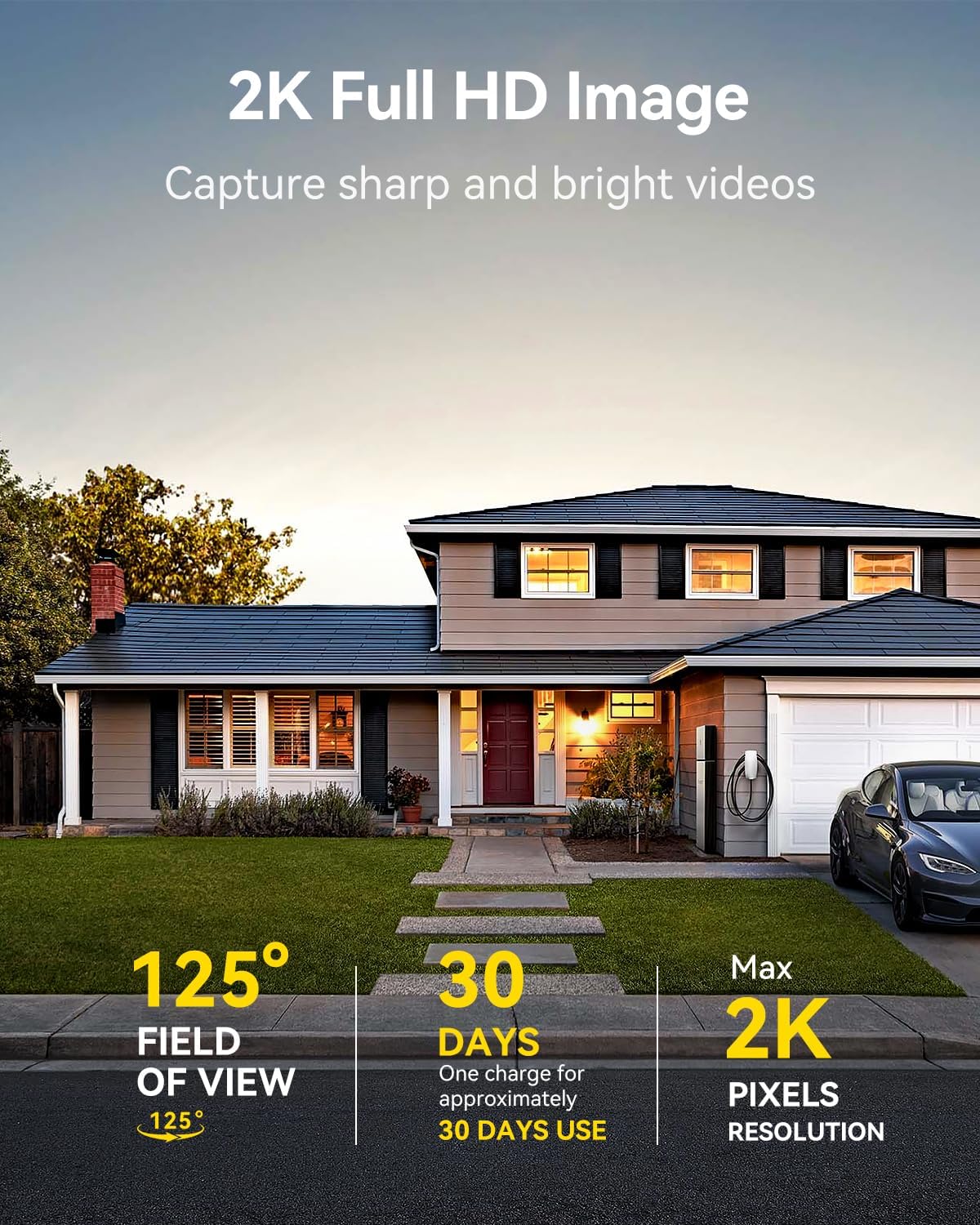
Image: A LongPlus security camera on a wooden table, illustrating its 2.4GHz WiFi connectivity.
4. Iṣagbesori Kamẹra
The camera can be mounted on a ceiling or wall. Choose a location that provides the desired viewing angle and is within Wi-Fi range.
- Mark the positions for drilling using the camera bracket as a template.
- Lu awọn ihò awaoko ki o si fi awọn ìdákọró odi ti o ba jẹ dandan.
- Secure the bracket to the surface using the provided screws.
- Attach the camera to the bracket and adjust the angle.

Image: A LongPlus security camera mounted on an outdoor wall, demonstrating its wire-free installation.
Isẹ
1. Gbe View
Open the Vicohome app and select your camera to view the live feed. You can monitor your surroundings in real-time.

Image: A smartphone displaying the live feed from a LongPlus security camera, showing children playing in a yard.
2. Meji-Ọna Ọrọ
Lati igbesi aye view screen in the app, tap the microphone icon to initiate two-way communication. Speak into your phone to communicate with individuals near the camera.

Image: A person receiving a package at their front door, demonstrating the two-way talk feature of the LongPlus camera.
3. Motion Detection Settings
Configure motion detection sensitivity and define detection zones within the Vicohome app settings for your camera. This helps in reducing unwanted alerts.

Image: A man walking past a LongPlus security camera, illustrating motion detection and app alerts.

Aworan: eriali view of a house with a pool, illustrating customizable motion detection zones for different objects.

Image: A house with a lawn, demonstrating the ability to set specific motion detection zones.
4. Night Iran
The camera automatically switches to color night vision in low light conditions, providing clear visibility.

Image: A LongPlus security camera mounted outdoors at night, showing its color night vision capability on a smartphone screen.
5. Gbigbasilẹ ati Sisisẹsẹhin
Recordings are stored on a Micro SD card (if installed) or in the cloud (subscription may be required). Access and playback recorded events through the Vicohome app's library section.

Image: A LongPlus camera with an SD card being inserted, illustrating local and cloud storage options.
6. Pipin ẹrọ
You can share access to your camera with other users through the Vicohome app, allowing multiple individuals to monitor the feed simultaneously.
7. Smart Home Integration
The camera is compatible with Amazon Alexa. Follow the instructions in the Vicohome app or Alexa app to link your devices and use voice commands for monitoring.

Image: A person using an Amazon Echo Show to view the camera feed via Alexa voice commands.
Itoju
1. Batiri Ngba agbara
Monitor the battery level through the Vicohome app. Recharge the camera when the battery is low to ensure continuous operation. If the camera is installed in a hard-to-reach location, consider using a compatible solar panel charger (sold separately) to reduce the frequency of manual charging.
2. SD Card Management
If using a Micro SD card, ensure it is a genuine card and inserted correctly. Periodically review ati ṣakoso foo ti o ti fipamọtage. The card can be ejected with a gentle press.
3. Ninu
Gently wipe the camera lens and body with a soft, dry cloth to remove dust and debris. Avoid using harsh chemicals or abrasive materials.
Laasigbotitusita
| Isoro | Owun to le Fa | Ojutu |
|---|---|---|
| Kamẹra ko sopọ mọ Wi-Fi | Incorrect Wi-Fi password; camera too far from router; 5GHz Wi-Fi network used. | Verify Wi-Fi password. Move camera closer to router. Ensure you are connecting to a 2.4GHz Wi-Fi network. Reset the camera using the reset needle and try pairing again. |
| Awọn itaniji eke loorekoore | High motion detection sensitivity; environmental factors (e.g., moving branches, insects). | Reduce motion detection sensitivity in the Vicohome app. Define specific detection zones to exclude irrelevant areas. |
| Aye batiri kukuru | Frequent motion detection events; cold weather; continuous live view lilo. | Reduce motion detection sensitivity. Limit live view sessions. Consider purchasing a solar panel charger for continuous power. Ensure the camera is fully charged before deployment. |
| Didara aworan ti ko dara ni alẹ | Obstructions near the lens; insufficient ambient light for color night vision. | Ensure the camera lens is clean and free from obstructions. Verify that the night vision mode is active in the app settings. |
| Kaadi SD ko gbasilẹ | SD card not inserted correctly; incompatible SD card; SD card full or corrupted. | Reinsert the SD card carefully. Use a genuine Micro SD card up to 128GB. Format the SD card through the app. Replace the SD card if corrupted. |
Awọn pato
| Ẹya ara ẹrọ | Ẹ̀kúnrẹ́rẹ́ |
|---|---|
| Nọmba awoṣe | X84 |
| inu ile / ita gbangba Lilo | Ninu ile, ita gbangba |
| Orisun agbara | Agbara Batiri |
| Ilana Asopọmọra | Wi-Fi (2.4GHz) |
| Adarí Iru | Amazon Alexa, Vicohome App |
| Ipinnu Yaworan fidio | 1440p (2K) |
| Ipinnu Iduro ti o munadoko | 3 MP |
| Viewigun igun | Awọn iwọn 130 |
| Ibiti Iran Night | 33 Ẹsẹ |
| Iwọn fireemu | 15 awọn fireemu fun keji |
| Ohun elo | Didara giga ABS |
| Omi Resistance Ipele | IP65 (Mabomire) |
| Filaṣi Iranti Atilẹyin Iwon O pọju | 128 GB (Micro SD) |
| Awọn Iwọn Nkan (L x W x H) | 2.36 x 2.16 x 4 inches |
| Iwọn Nkan | 1.59 iwon (0.72 kilo) |
| Awọn batiri | Batiri Lithium ion 1 nilo (pẹlu) |
Atilẹyin
For technical assistance, troubleshooting beyond this manual, or warranty inquiries, please contact LongPlus customer support. Refer to the product packaging or the official LongPlus webojula fun alaye olubasọrọ.
O tun le ṣabẹwo si LongPlus Store on Amazon fun afikun ọja alaye ati oro.


