1. Ifihan
O ṣeun fun riraasing the WOLFANG Portable Projector WP05. This device is designed to provide a versatile and immersive viewing experience with its Android 11 operating system, high-definition resolution, and portable design. This manual provides essential information for setting up, operating, and maintaining your projector. Please read it thoroughly before use to ensure optimal performance and safety.
2. Alaye Aabo
Please observe the following safety precautions to prevent damage to the projector and ensure user safety:
- Ma wo taara sinu pirojekito lẹnsi nigbati awọn lamp wa lori.
- Rii daju pe fentilesonu to dara ni ayika pirojekito lati ṣe idiwọ igbona.
- Lo oluyipada agbara nikan ti a pese pẹlu pirojekito.
- Keep the projector away from water, moisture, and flammable materials.
- Do not attempt to disassemble or repair the projector yourself. Contact qualified service personnel for assistance.
- Jeki kuro ni arọwọto awọn ọmọde.
3. Package Awọn akoonu
Daju pe gbogbo awọn nkan wa ninu apo rẹ:
- WOLFANG Portable Projector WP05
- Remote Control (with Air Mouse function)
- Adapter agbara
- Itọsọna olumulo

Aworan: Iwaju view of the WOLFANG Portable Projector WP05 retail box, showing the product name and a graphic of the projector.
4. Ọja Ipariview
Familiarize yourself with the components of your WOLFANG Portable Projector WP05.
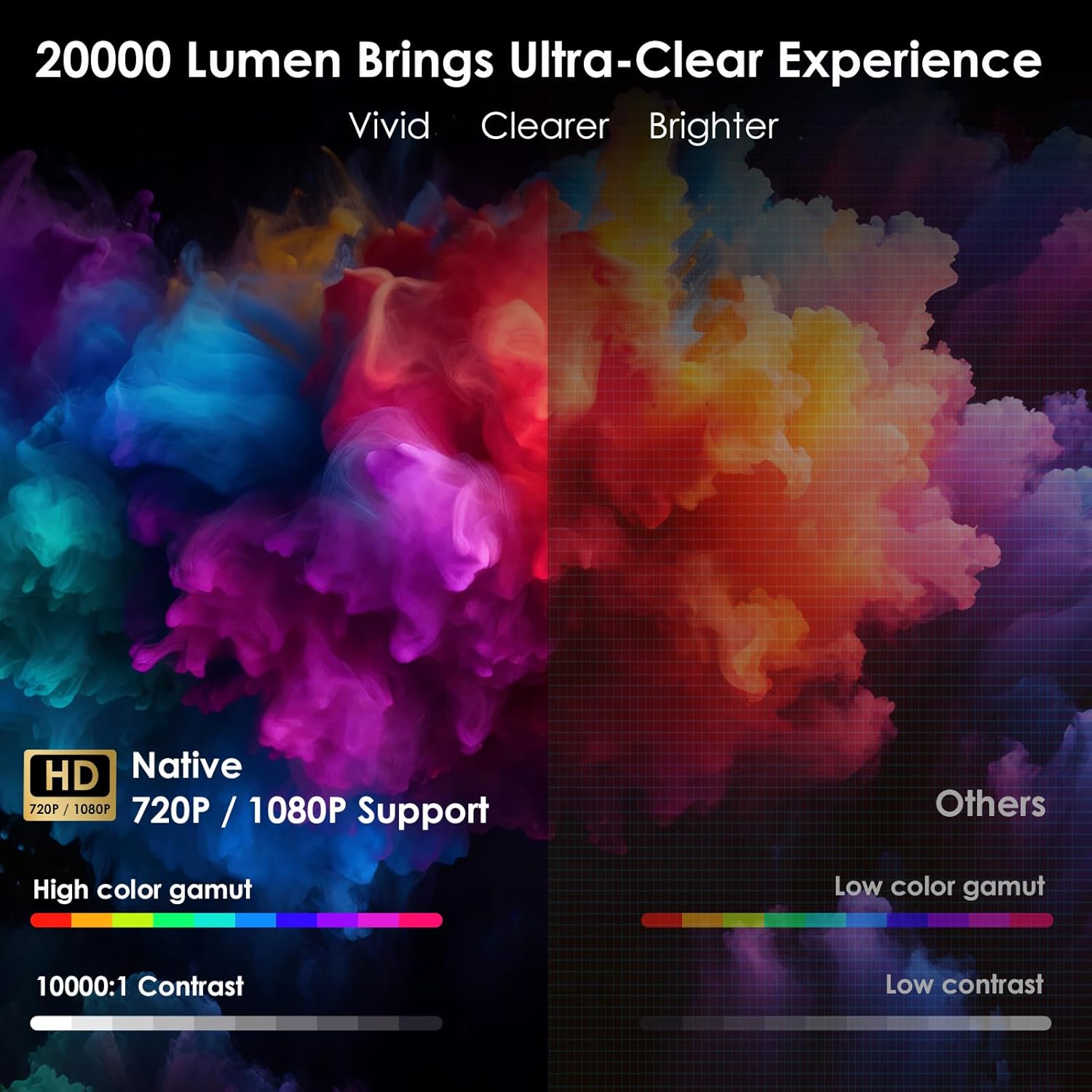
Image: The WOLFANG Portable Projector WP05 shown from the front, highlighting its compact cylindrical design and lens.
Awọn ẹya pataki:
- HD 1080P Resolution: Supports 1920 x 1080P resolution for clear visuals.
- Android 11 OS: Built-in operating system with access to over 5,000 applications.
- Atunse okuta bọtini aladaaṣe: ±45° auto vertical keystone correction for image alignment.
- Iduro Yiyi 180°: Flexible projection angle for walls, ceilings, or floors.
- Wi-Fi 6 oní-ẹ̀gbẹ́ méjì: Supports 2.4G and 5G networks for stable and fast streaming.
- Bluetooth 5.2: Fun sisopọ awọn ohun elo ita gbangba.
- Agbọrọsọ Hi-Fi ti a ṣe sinu: Integrated 3W speaker for audio output.
- Iwapọ ati Gbigbe: Weighs approximately 0.6KG for easy transport.

Image: The WOLFANG Portable Projector WP05 being placed into a backpack, illustrating its compact and portable design with dimensions of 6.14 inches in length and 3.74 inches in width.
5. Eto
5.1 Ibi
Position the projector on a stable, flat surface. The 180° rotatable stand allows for flexible projection angles, including walls, ceilings, or floors.

Image: The WOLFANG Portable Projector WP05 projecting onto a ceiling, demonstrating its 180-degree rotatable stand for versatile viewing awọn ipo.
5.2 Asopọ agbara
- So ohun ti nmu badọgba agbara si awọn pirojekito ká agbara input ibudo.
- Pulọọgi ohun ti nmu badọgba agbara sinu iṣan ogiri kan.
- Tẹ bọtini agbara lori pirojekito tabi isakoṣo latọna jijin lati tan-an.
5.3 Idojukọ ati Atunse Keystone
The projector features automatic vertical keystone correction and manual focus adjustment.
- Auto Vertical Keystone: The projector automatically adjusts vertical image distortion.
- Idojukọ Afowoyi: Rotate the focus ring on the projector to achieve a clear image.
- Manual 4-Corner Correction: For more precise adjustments, navigate to the settings menu to manually adjust each corner of the projection.
- Iṣẹ Sún: Adjust the projection size from 50% to 100% via the settings.

Image: A diagram illustrating the auto vertical keystone correction, manual 4-corner correction, and 50-100% zoom features of the WOLFANG Portable Projector WP05, along with a close-up of the manual focus ring.
6. Awọn ilana Iṣiṣẹ
6.1 Remote Control with Air Mouse
The included remote control features an Air Mouse function for easy navigation.
- Turn on the remote control's Air Mouse mode (refer to remote control instructions for specific button).
- Shake the remote control to activate the on-screen cursor.
- Use the directional buttons and OK button for menu navigation and selection.

Image: A hand holding the WOLFANG Portable Projector WP05 remote control, with an inset showing how to activate the Air Mouse function and use the OK and arrow buttons for navigation on a projected Netflix screen.
6.2 Android 11 OS and Built-in Apps
The projector runs on Android 11, providing access to a wide range of applications.
- Upon startup, you will see the Android home screen.
- Pre-installed apps include Netflix, YouTube, Prime Video, and access to the Google Play Store for additional downloads.
- Customize your desktop wallpaper and organize your apps as desired.

Image: The WOLFANG Portable Projector WP05 projecting a screen displaying various streaming service logos like Netflix, YouTube, Prime Video, HBO Max, and the Google Play Store icon, indicating built-in Android app functionality.
Image: A projected screen from the WOLFANG Portable Projector WP05 showing a customizable Android interface with icons for Netflix, YouTube, ScreenCast, File Manager, HDMI, Settings, App Store, Music, and Play Store, emphasizing its 'Customized Personal Cinema' capabilities.
6.3 iboju Mirroring
The projector supports fast screen mirroring via Wi-Fi 6 for iOS, Android, and Windows devices.
- Miracast: For Android and Windows devices.
- Ofurufu: Fun awọn ẹrọ iOS.
- Rii daju pe ẹrọ rẹ ati pirojekito ti sopọ si nẹtiwọki Wi-Fi kanna.
- Select the appropriate screen mirroring option from the projector's menu.
- Initiate screen mirroring from your mobile device or computer.

Image: The WOLFANG Portable Projector WP05 projecting a dynamic image, with icons for Miracast and Airplay, and a smartphone displaying content being mirrored to the projector, highlighting its WiFi 6 fast screen mirroring capability.
7. Asopọmọra
7.1 Wi-Fi Asopọ
The projector supports dual-band Wi-Fi 6 (2.4G and 5G) for stable internet access and screen mirroring.
- Lọ si Eto on the projector's home screen.
- Yan Nẹtiwọọki & Intanẹẹti.
- Tan Wi-Fi ki o yan nẹtiwọki ti o fẹ lati inu akojọ.
- Tẹ ọrọ igbaniwọle sii ti o ba ṣetan ati sopọ.
7.2 Bluetooth Asopọ
Connect external Bluetooth speakers or headphones for enhanced audio.
- Lọ si Eto on the projector's home screen.
- Yan Awọn ẹrọ ti a ti sopọ or Bluetooth.
- Tan Bluetooth.
- Fi ẹrọ Bluetooth rẹ sinu ipo sisopọ.
- Yan ẹrọ rẹ lati inu akojọ awọn ẹrọ ti o wa lati so pọ.
7.3 HDMI and USB Connections
The projector includes HDMI and USB ports for connecting various external devices.
- HDMI: Connect devices such as laptops, gaming consoles, TV sticks, or Blu-ray players. Select the HDMI input source from the projector's menu.
- USB: Connect USB drives to play media files directly. Select the USB input source from the projector's menu.
8. Itọju
Regular maintenance helps prolong the life of your projector.
- Fifọ lẹnsi: Lo asọ, asọ ti ko ni lint ti a ṣe apẹrẹ pataki fun awọn lẹnsi opiti lati rọra nu awọn lẹnsi pirojekito naa. Maṣe lo awọn afọmọ abrasive.
- Yiyọ eruku kuro: Lo fẹlẹ rirọ tabi afẹfẹ ti a fi titẹ si lati nu eruku kuro ninu awọn iho ategun.
- Ibi ipamọ: Nigbati o ko ba wa ni lilo, tọju ẹrọ pirojekito ni itura, aye gbigbẹ, kuro lati orun taara ati awọn iwọn otutu to gaju.
9. Laasigbotitusita
Ti o ba pade awọn ọran, tọka si awọn iṣoro ti o wọpọ ati awọn ojutu wọnyi:
| Isoro | Owun to le Solusan |
|---|---|
| Ko si agbara | Ensure the power adapter is securely connected to the projector and a working power outlet. |
| Ko si aworan | Check if the projector is powered on. Verify the input source (HDMI, USB, etc.) is correctly selected. |
| Aworan ti ko dara | Adjust the manual focus ring on the projector. Ensure the projection surface is flat. |
| Image distorted | The projector has auto vertical keystone correction. For further adjustment, use manual 4-corner correction in settings. |
| Ko si ohun | Check the volume settings on the projector and the connected source device. Ensure external Bluetooth speakers are properly paired. |
| Isakoṣo latọna jijin ko ṣiṣẹ | Check the remote control batteries. Ensure there are no obstructions between the remote and the projector. |
10. Awọn pato
Technical specifications for the WOLFANG Portable Projector WP05:
| Ẹya ara ẹrọ | Ẹ̀kúnrẹ́rẹ́ |
|---|---|
| Brand | WOLFANG |
| Awoṣe | WP05 |
| Ipinnu Ifihan | 1920 x 1080 (HD ni kikun) |
| Apakan Ipin | 16:9, 4:3 |
| Eto isesise | Android 11 |
| Asopọmọra Technology | Wi-Fi 6 (2.4G/5G), Bluetooth 5.2 |
| Ni wiwo Hardware | HDMI, USB |
| Pataki Awọn ẹya ara ẹrọ | Built-in Smart System, Auto Keystone Correction, 180° Rotation |
| Iwọn Aworan ti o pọju | 300 inches |
| Iwọn Nkan | 635 giramu |
| Package Mefa | 17.8 x 16.4 x 11.3 cm |
11. Atilẹyin ọja ati Support
11.1 atilẹyin ọja Alaye
The WOLFANG Portable Projector WP05 comes with a 24-osu atilẹyin ọja from the date of purchase. Please retain your proof of purchase for warranty claims. The warranty covers manufacturing defects and malfunctions under normal use. It does not cover damage caused by misuse, accidents, unauthorized repairs, or natural disasters.
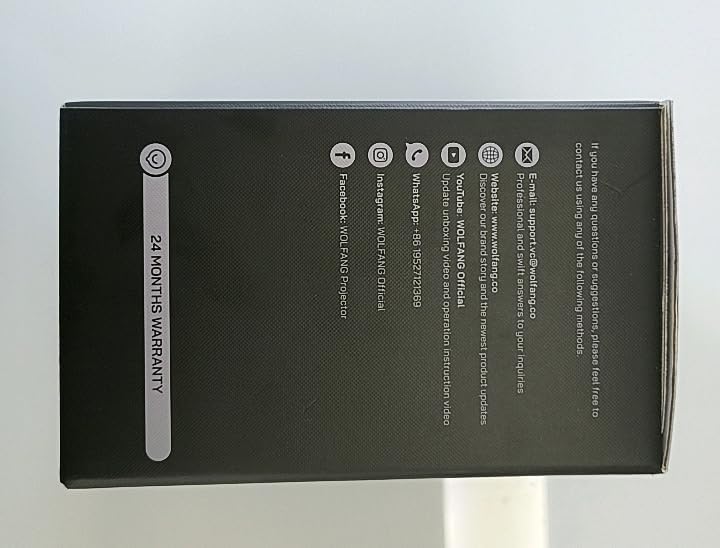
Aworan: Apa view of the WOLFANG Portable Projector WP05 box, clearly displaying a '24 MONTHS WARRANTY' badge and contact information.
11.2 Onibara Support
For any questions, suggestions, or support needs, please contact WOLFANG customer service using the following methods:
- Imeeli: support.tvc@wolfang.co
- Webojula: www.wolfang.co
- YouTube: WOLFANG Official (for instruction videos and product updates)
- WhatsApp: + 86 19527121353
- InstagÀgbo: WOLFANG Oṣiṣẹ
- Facebook: WOLFANG Projector


