1. Ifihan
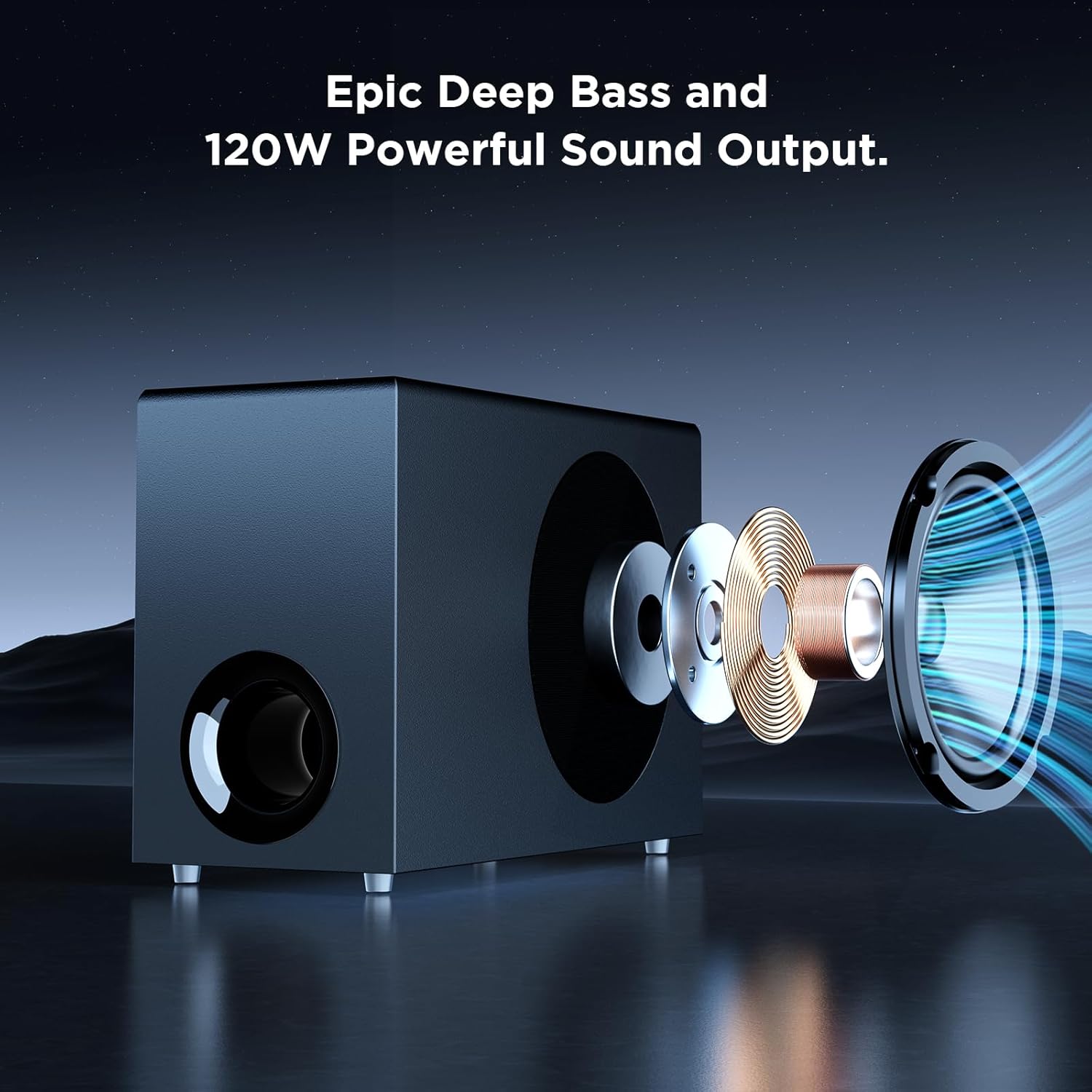
O ṣeun fun riraasing the MZEIBO Sound Bar with Subwoofer. This system is designed to enhance your audio experience for smart TVs, home theater systems, gaming, and music. With 120W audio output, Bluetooth 5.3 connectivity, and multiple input options including ARC, AUX, and Optical, it delivers clear, dynamic sound. This manual provides detailed instructions for proper setup, operation, and maintenance to ensure optimal performance and longevity of your device.
2. Alaye Aabo pataki
Jọwọ ka gbogbo awọn ilana aabo ni pẹkipẹki ṣaaju lilo ọja yii. Jeki iwe afọwọkọ yii fun itọkasi ọjọ iwaju.
- Ma ṣe fi ẹrọ naa han si ojo, ọrinrin, ṣiṣan, tabi sisọ.
- Ma ṣe gbe awọn nkan ti o kun fun awọn olomi, gẹgẹbi awọn vases, sori ẹrọ naa.
- Rii daju pe fentilesonu to dara. Ma ṣe dina eyikeyi awọn ṣiṣi atẹgun.
- Gbe awọn ẹrọ lori kan idurosinsin, alapin dada.
- Lo awọn asomọ/awọn ẹya ara ẹrọ ti a sọ pato nipasẹ olupese.
- Yọọ ohun elo nigba iji manamana tabi nigbati a ko lo fun igba pipẹ.
- Tọkasi gbogbo iṣẹ si awọn oṣiṣẹ iṣẹ ti o peye.
3. Package Awọn akoonu
Jẹrisi pe gbogbo awọn nkan wa ati ni ipo to dara:
- MZEIBO Sound Bar (Model: tv soundbar)
- Ti firanṣẹ Subwoofer
- Isakoṣo latọna jijin
- Okun agbara
- Quick Bẹrẹ Itọsọna
- ARC/Optical/3.5mm Audio Cables

Ipariview of the MZEIBO Sound Bar system, including the main soundbar unit, the wired subwoofer, and the remote control.
4. Ọja Ipariview
4.1 Àwọn Ẹ̀yà Ìró
The MZEIBO Sound Bar consists of a main soundbar unit and a wired subwoofer. The soundbar can be used as a single horizontal unit or separated into two vertical tower speakers.

The MZEIBO Sound Bar can be separated into two vertical tower speakers, shown here flanking a subwoofer, offering flexible placement options.
4.2 Awọn bọtini Iṣakoso ati Awọn ibudo
The soundbar features integrated control buttons and various input/output ports for connectivity.

A close-up of the soundbar's side panel, illustrating the integrated power and volume control buttons for direct operation.
This image displays the rear panel of the soundbar, highlighting the various input ports including HDMI ARC, AUX, and Optical for connecting different audio sources.
5. Eto
5.1 Unpacking ati Ibẹrẹ ayewo
Carefully remove all components from the packaging. Inspect for any signs of damage. Retain packaging for future transport or service needs.
5.2 Sound Bar Assembly (Optional)
The soundbar can be used as a single horizontal unit or split into two vertical tower speakers. To split, gently pull the two halves apart. To reassemble, align the connectors and push the halves together until they click securely.
5.3 Àwọn Àṣàyàn Ìgbékalẹ̀
Consider the following placement options for optimal sound and aesthetics:
- Ibi tabili: Place the soundbar (either as a single unit or two separated towers) on a flat surface, such as a TV stand, directly below your television. Ensure the subwoofer is placed on the floor for best bass response.
- Odi Odi: The soundbar can be mounted on a wall below your TV. Use appropriate mounting hardware (screws included) and ensure the wall can support the weight of the soundbar.

The soundbar and subwoofer are positioned on a media console beneath a television, demonstrating a typical desktop placement for home theater use.

The soundbar is shown mounted on the wall directly beneath a television, showcasing a space-saving installation option.
5.4 Nsopọ si Agbara
Connect the provided power cable to the DC IN port on the soundbar and then plug it into a wall outlet.
5.5 Awọn isopọ Ohun
Yan ọkan ninu awọn ọna wọnyi lati so orisun ohun rẹ pọ:
- HDMI (ARC): For the best audio quality and TV remote control integration, connect an HDMI cable from the soundbar's HDMI (ARC) port to your TV's HDMI ARC port.
- Ojú: Connect an Optical cable from the soundbar's OPT port to your TV's Optical Digital Audio Out port.
- AUX: Connect a 3.5mm audio cable from the soundbar's AUX port to the audio output of your device (e.g., TV headphone jack, computer).
- Bluetooth 5.3: For wireless connection, enable Bluetooth on your device and select "MZEIBO Sound Bar" from the list of available devices.
6. Isẹ
6.1 Agbara Tan / Pa
Press the power button on the soundbar or the remote control to turn the unit on or off. The soundbar will indicate its status with an LED light.
6.2 Iṣakoso iwọn didun
Adjust the volume using the '+' and '-' buttons on the soundbar or the volume buttons on the remote control.
6.3 Aṣayan titẹ sii
Press the 'Input' button on the remote control or the 'Mode' button on the soundbar to cycle through available input sources (ARC, Optical, AUX, Bluetooth).
6.4 Awọn ipo ohun
The soundbar offers three optimized sound modes for different content types:
- Ipo iroyin: Enhances vocal clarity for news broadcasts and dialogue-heavy content.
- Ipo Fiimu: Provides a dynamic and immersive audio experience for films.
- Ipo Orin: Optimizes sound for balanced music playback.
Select your desired mode using the dedicated buttons on the remote control.

An illustrative graphic demonstrating the three optimized sound modes available on the MZEIBO Sound Bar: News for clear dialogue, Movie for cinematic experience, and Music for balanced audio playback.
6.5 Iṣakoso latọna jijin
The included remote control provides full functionality for your soundbar.

The remote control for the MZEIBO Sound Bar, featuring buttons for power, volume, input selection, and sound mode adjustments.
7. Itọju
- Ninu: Lo asọ ti o rọ, ti o gbẹ lati nu awọn aaye ti ọpa ohun ati subwoofer. Maṣe lo awọn olutọpa olomi tabi awọn aerosols.
- Ibi ipamọ: Ti o ba tọju ẹyọ naa fun akoko ti o gbooro sii, ge asopọ kuro ni agbara ki o tọju rẹ si ibi ti o tutu, ti o gbẹ.
8. Laasigbotitusita
| Isoro | Owun to le Fa | Ojutu |
|---|---|---|
| Ko si agbara | Okùn agbára kò sopọ̀ mọ́ tàbí kò ṣiṣẹ́. | Rii daju pe okun agbara ti sopọ ni aabo si ọpa ohun ati iṣan agbara ti n ṣiṣẹ. |
| Ko si ohun | Incorrect input selected, volume too low, or incorrect cable connection. |
|
| Awọn oran sisopọ Bluetooth | Device not in pairing mode, too far from soundbar, or interference. |
|
| Isakoṣo latọna jijin ko ṣiṣẹ | Batteries depleted or obstruction between remote and soundbar. | Replace the remote control batteries. Ensure there are no obstructions blocking the remote's signal to the soundbar. |
9. Awọn pato
| Ẹya ara ẹrọ | Ẹ̀kúnrẹ́rẹ́ |
|---|---|
| Brand | MZEIBO |
| Orukọ awoṣe | tv soundbar |
| Agbọrọsọ Iru | Pẹpẹ ohun |
| Agbọrọsọ Agbara Ijade ti o pọju | 120 Wattis |
| Asopọmọra Technology | ARC, Auxiliary, Bluetooth, Optical, RCA |
| Ẹya Bluetooth | 5.3 |
| Kakiri Ohun ikanni iṣeto ni | 5.1 |
| Ọja Mefa | 33"D x 2.36"W x 2.36"H |
| Iwọn Nkan | 12.69 iwon |
| Ọna Iṣakoso | Bọtini Titari, Latọna jijin |
| Niyanju Lilo | For Computers, For DVD Players, For Gaming Consoles, For Music Players, For Surround Sound Systems, For Televisions |
| Awọn ẹrọ ibaramu | Tabili Kọmputa, Ere-idaraya Ere, Ile Itage, Kọǹpútà alágbèéká, Tẹlifíṣọ̀n |
10. Atilẹyin ọja ati Support
MZEIBO offers long-term after-sales service to ensure a worry-free purchase. If you encounter any issues during use or require technical assistance, please contact our customer support team. Refer to the Quick Start Guide for contact information or visit the official MZEIBO webojula.
11. Official ọja Video
An official video demonstrating the MZEIBO Soundbar with Subwoofer, highlighting its features and setup options.


