1. Ifihan
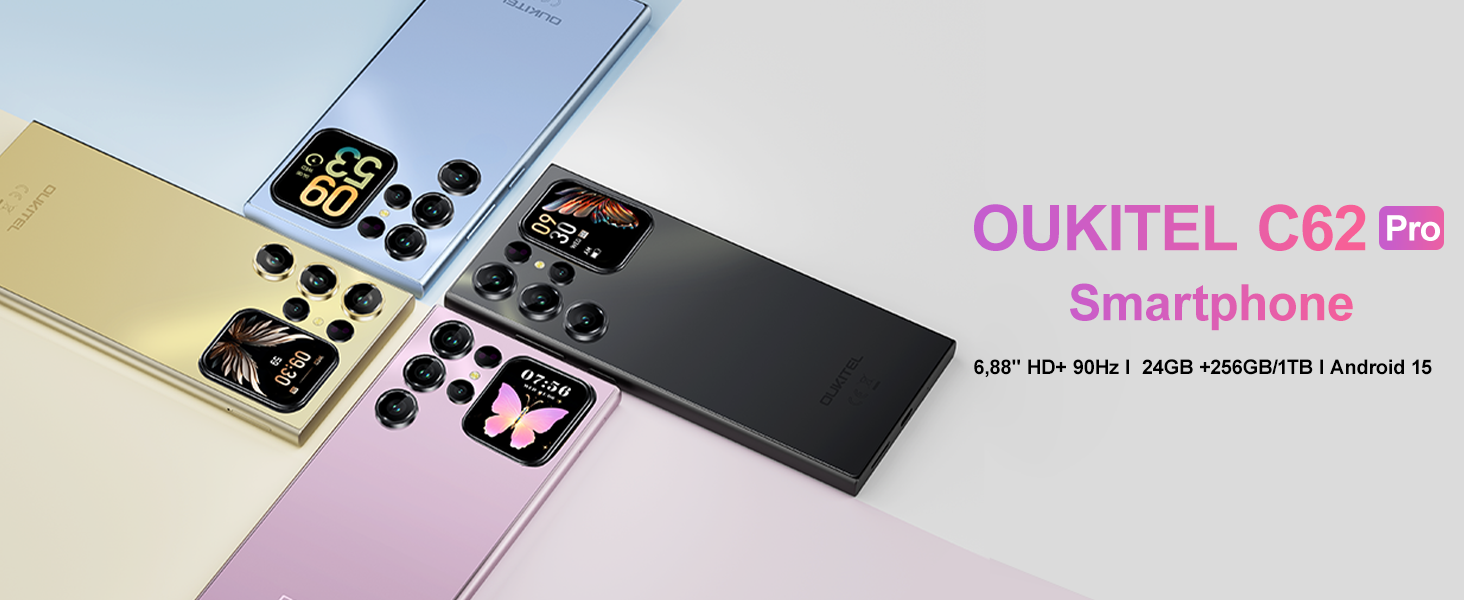
This manual provides essential information for using your OUKITEL C62 PRO Cell Phone. Please read it carefully to ensure proper operation and to maximize your device's potential. The OUKITEL C62 PRO is a feature-rich smartphone designed for daily use, offering a large display, efficient performance, and a long-lasting battery.
Fidio: OUKITEL C62 PRO Cell Phone Overview. This video provides a general introduction to the OUKITEL C62 PRO smartphone, highlighting its design and key features.
2. Eto
2.1. Unboxing ati Package Awọn akoonu
Upon opening your OUKITEL C62 PRO package, verify that all items are present:
- 1x OUKITEL C62 Pro Smartphone
- 1x Data USB
- 1x Type-C Charger
- 1x Itọsọna olumulo
- 1x Foonu Case
Aworan: The OUKITEL C62 PRO retail box displaying the smartphone and included accessories such as the data cable, Type-C charger, user manual, and phone case.
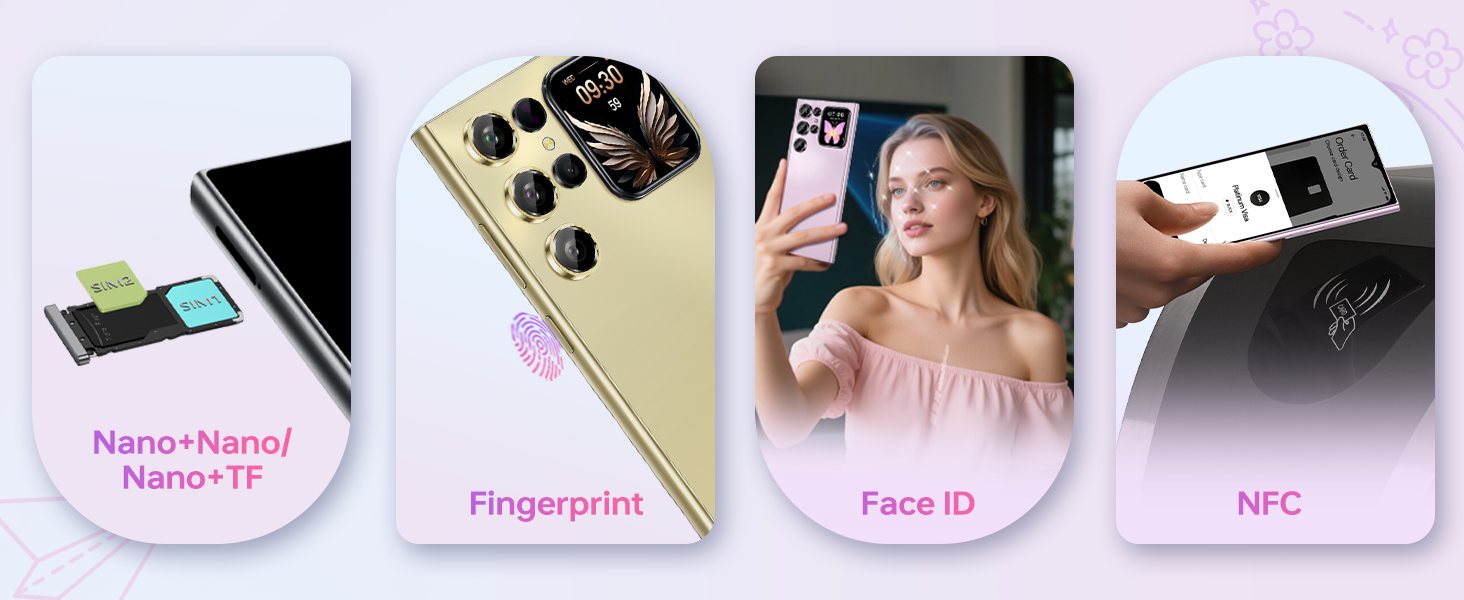
2.2. Fifi Kaadi SIM ati Kaadi TF sori ẹrọ
To install your SIM card(s) and/or TF (microSD) card:
- Wa atẹ SIM ni ẹgbẹ ti ẹrọ naa.
- Insert the provided SIM ejector tool into the small hole on the SIM tray and press gently until the tray pops out.
- Fi kaadi SIM Nano-SIM rẹ ati/tabi kaadi TF sinu awọn iho ti a yan lori atẹ naa. Rii daju pe awọn ifọwọkan goolu naa kọju si isalẹ.
- Fi ìṣọ́ra tì atẹ náà padà sínú ẹ̀rọ náà títí tí yóò fi rí bíi ti ẹ̀gbẹ́ rẹ̀.
Aworan: A sunmọ-soke view of the OUKITEL C62 PRO's SIM tray, illustrating the placement of Nano-SIM cards and a TF (microSD) card for dual SIM functionality or expanded storage.
2.3. Ngba agbara ẹrọ
Before first use, fully charge your OUKITEL C62 PRO. Connect the Type-C cable to the phone's charging port and the other end to the Type-C charger. Plug the charger into a power outlet. The battery indicator on the screen will show charging progress.
Aworan: An illustration highlighting the OUKITEL C62 PRO's 5150mAh battery capacity, indicating its long-lasting power for extended usage.
3. Ṣiṣẹ ẹrọ rẹ
3.1. Agbara Tan / Paa
- Lati Fi agbara: Tẹ bọtini agbara ki o si dimu titi aami OUKITEL yoo fi han.
- Lati Paarẹ: Tẹ ki o si mu awọn Power bọtini, ki o si yan "Power pipa" lati awọn aṣayan loju iboju.
- Lati Tun bẹrẹ: Tẹ mọlẹ bọtini agbara, lẹhinna yan "Tun bẹrẹ" lati awọn aṣayan.
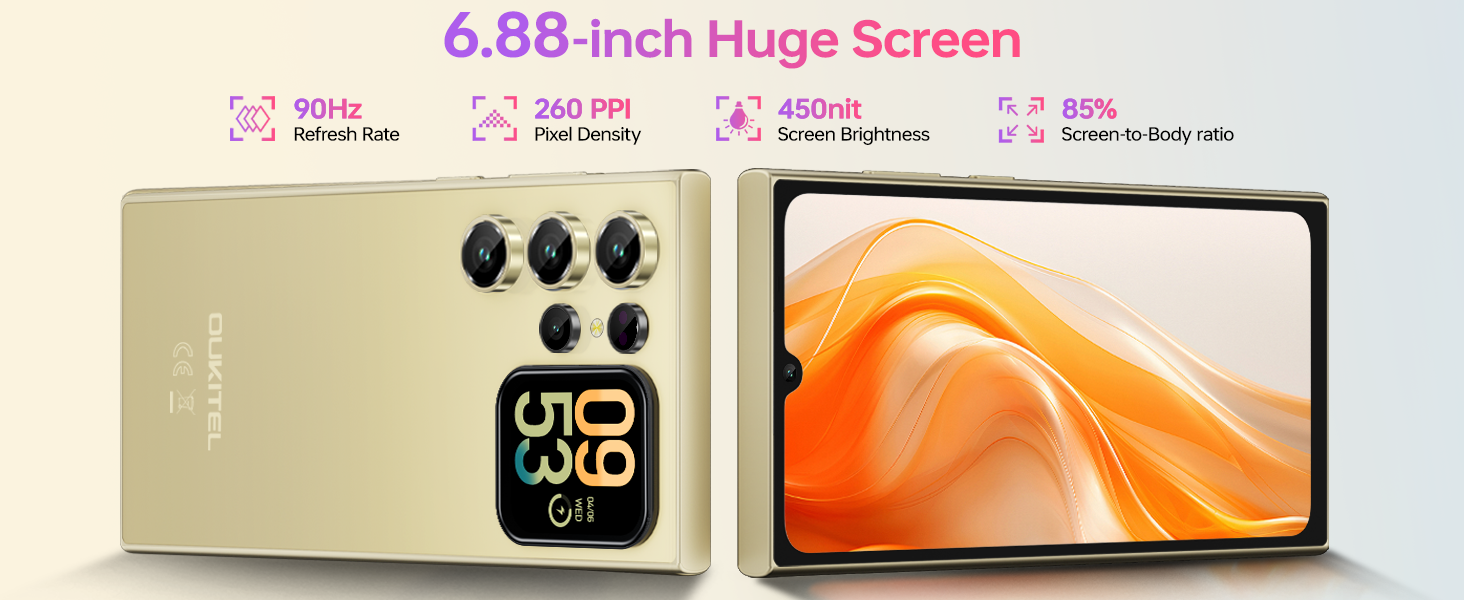
3.2. Main Display (6.88-inch)
The OUKITEL C62 PRO features a large 6.88-inch display with a 90Hz refresh rate, providing smooth visuals and responsive touch interaction. Navigate through apps, browse the web, and enjoy multimedia content with clarity.
Aworan: The OUKITEL C62 PRO showcasing its expansive 6.88-inch main display with a high screen-to-body ratio, 450 nits brightness, 1080*2460 resolution, and 260 PPI pixel density.
3.3. Rear Screen (1.81-inch)
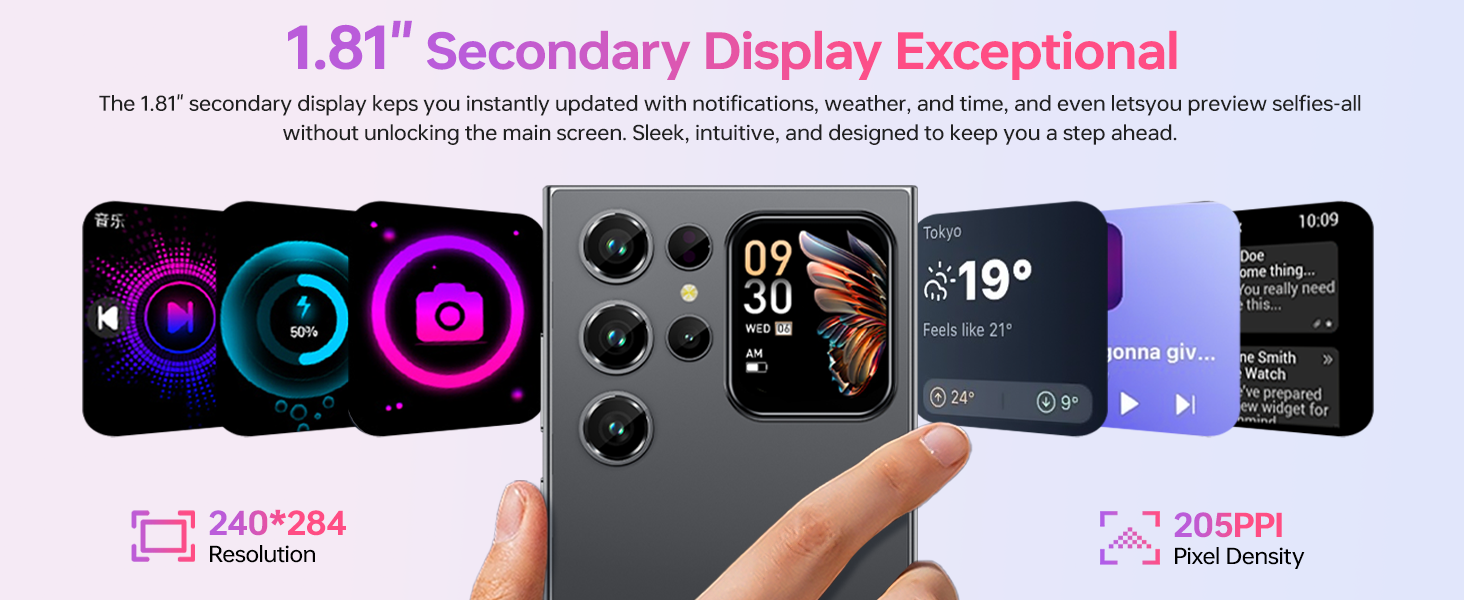
The innovative 1.81-inch rear screen provides quick access to essential information and functions without needing to unlock the main display. It can show the time, battery status, notifications, and caller information. It also serves as a convenient viewfinder for taking selfies with the main camera.
Aworan: The OUKITEL C62 PRO's 1.81-inch secondary display on the rear, demonstrating its ability to show various widgets like time, weather, music controls, and camera preview.
3.4. Awọn iṣẹ kamẹra
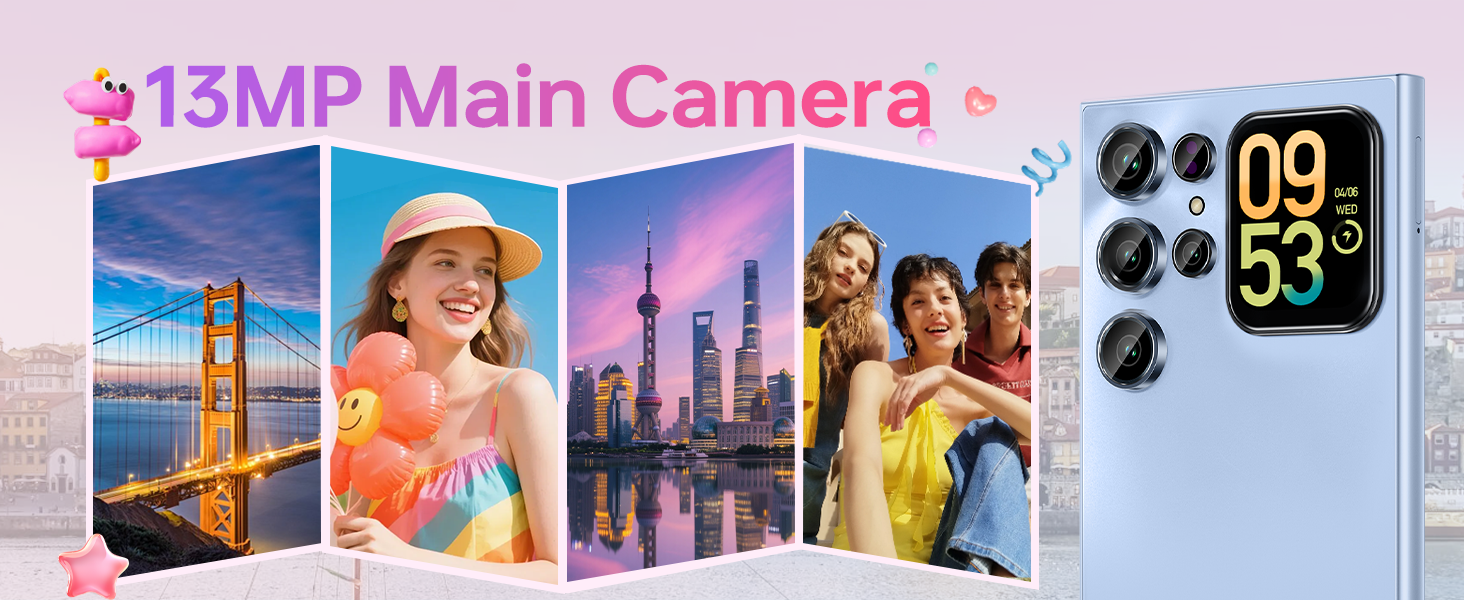
Your device is equipped with a 13MP main rear camera and a 5MP front camera. Access the camera application from the home screen or app drawer.
- Mu Awọn fọto: Tap the shutter button to capture images.
- Gbigbasilẹ fidio: Switch to video mode and tap the record button to start/stop recording. The phone supports 1080P video recording.
- Awọn ọna Ibon: Explore various modes such as Portrait, Night, Panorama, and Professional to enhance your photography.
Aworan: The OUKITEL C62 PRO's 13MP main camera capturing vibrant landscape and group photos, demonstrating its capability for various shooting scenarios.
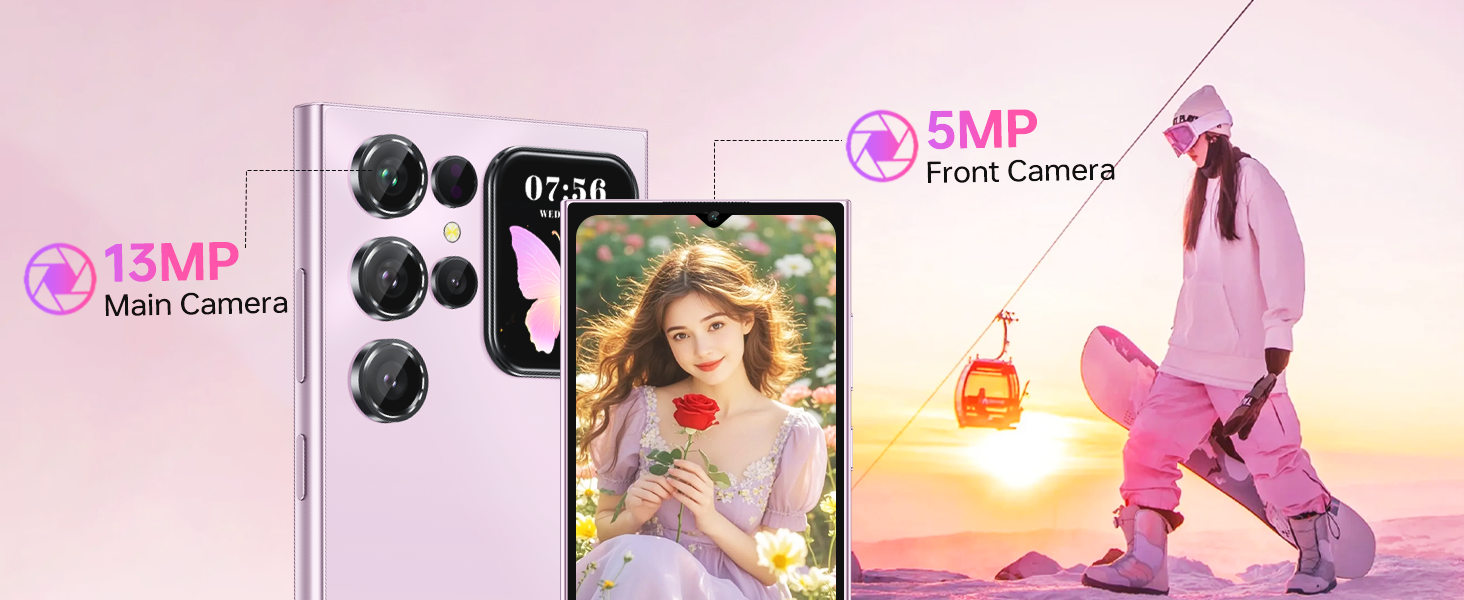
Aworan: The OUKITEL C62 PRO's 5MP front camera capturing clear selfies and group photos, highlighting its suitability for video calls and self-portraits.
3.5. Aabo Awọn ẹya ara ẹrọ
The OUKITEL C62 PRO offers multiple security options to protect your device and data:
- Ṣii silẹ oju: Register your face for quick and convenient unlocking.
- Apanirun Itanna ọwọ: Use your fingerprint for secure and fast access.
3.6. Asopọmọra
Ẹrọ naa ṣe atilẹyin fun ọpọlọpọ awọn aṣayan Asopọmọra:
- SIM Meji 4G: Use two SIM cards simultaneously for different networks or numbers. (Note: Supports T-Mobile carrier; not compatible with AT&T/Verizon).
- NFC: Enable Near Field Communication for contactless payments and data exchange.
- GPS: Utilize GPS, GLONASS, Galileo, and Beidou for accurate navigation and location services.
- Bluetooth 5.0: Connect to wireless headphones, speakers, and other Bluetooth-enabled devices.
- Wi-Fi (2.4G+5G): Sopọ si awọn nẹtiwọki alailowaya fun iraye si intanẹẹti.

Aworan: Ipariview of the OUKITEL C62 PRO's connectivity features, including GPS for navigation, Bluetooth 5.0 for wireless connections, a Type-C port for charging and data, and dual-band Wi-Fi (2.4G+5G).
3.7. Iṣakoso batiri
The 5150mAh battery provides extended usage time. To optimize battery life:
- Ṣatunṣe imọlẹ iboju.
- Pa awọn ohun elo ti ko lo ti nṣiṣẹ ni abẹlẹ.
- Pa Wi-Fi, Bluetooth, ati GPS nigbati o ko ba wa ni lilo.
- Enable battery saver mode when the battery is low.
4. Itọju
4.1. Ninu Rẹ Device
Lo asọ rirọ, ti ko ni lint lati nu iboju ati ara foonu rẹ mọ. Yago fun lilo awọn kẹmika lile tabi awọn ohun elo abrasive ti o le ba ẹrọ naa jẹ.
4.2. Software imudojuiwọn
Ṣayẹwo nigbagbogbo fun ati fi awọn imudojuiwọn sọfitiwia sori ẹrọ lati rii daju pe ẹrọ rẹ ni awọn ẹya tuntun, awọn abulẹ aabo, ati awọn ilọsiwaju iṣẹ. Lọ si Eto> Eto> Imudojuiwọn eto lati ṣayẹwo fun awọn imudojuiwọn.
4.3. Ibi ipamọ Management
The OUKITEL C62 PRO comes with 256GB of internal storage, expandable up to 1TB with a TF card. Regularly manage your storage by deleting unnecessary files, uninstalling unused apps, and moving large media files to cloud storage or the TF card.
Aworan: An illustration of the OUKITEL C62 PRO's memory configuration, highlighting its 24GB RAM (8GB physical + 16GB virtual) and 256GB ROM, with support for up to 1TB expandable storage.
5. Laasigbotitusita
Ti o ba pade awọn iṣoro pẹlu OUKITEL C62 PRO rẹ, tọka si awọn solusan ti o wọpọ wọnyi:
- Ẹrọ ti ko tan: Rii daju pe batiri ti gba agbara. So ṣaja pọ ki o duro fun iṣẹju diẹ ṣaaju igbiyanju lati tan-an lẹẹkansi.
- Awọn ohun elo kọlu tabi didi: Ti app iṣoro naa pa ki o si tun un ṣii. Ti iṣoro naa ba tẹsiwaju, mu cache app naa kuro (Eto > Apps > [App Name] > Ibi ipamọ > Pa cache kuro).
- Awọn iṣoro Asopọmọra Nẹtiwọọki: Check if your SIM card is properly inserted. Restart the device. Verify that mobile data or Wi-Fi is enabled and that you have a valid signal.
- Iṣẹ ṣiṣe ti o lọra: Close background applications. Clear cache and temporary files. Consider uninstalling unused apps.
- Idapada si Bose wa tele: As a last resort, if software issues persist, you can perform a factory reset. This will erase all data on your phone, so back up important information first. Go to Eto> Eto> Awọn aṣayan atunto> Pa gbogbo data rẹ (atunto ile-iṣẹ).
6. Awọn pato
Below are the technical specifications for the OUKITEL C62 PRO Cell Phone:
| Ẹya ara ẹrọ | Ẹ̀kúnrẹ́rẹ́ |
|---|---|
| Orukọ awoṣe | OUKITEL C62 PRO |
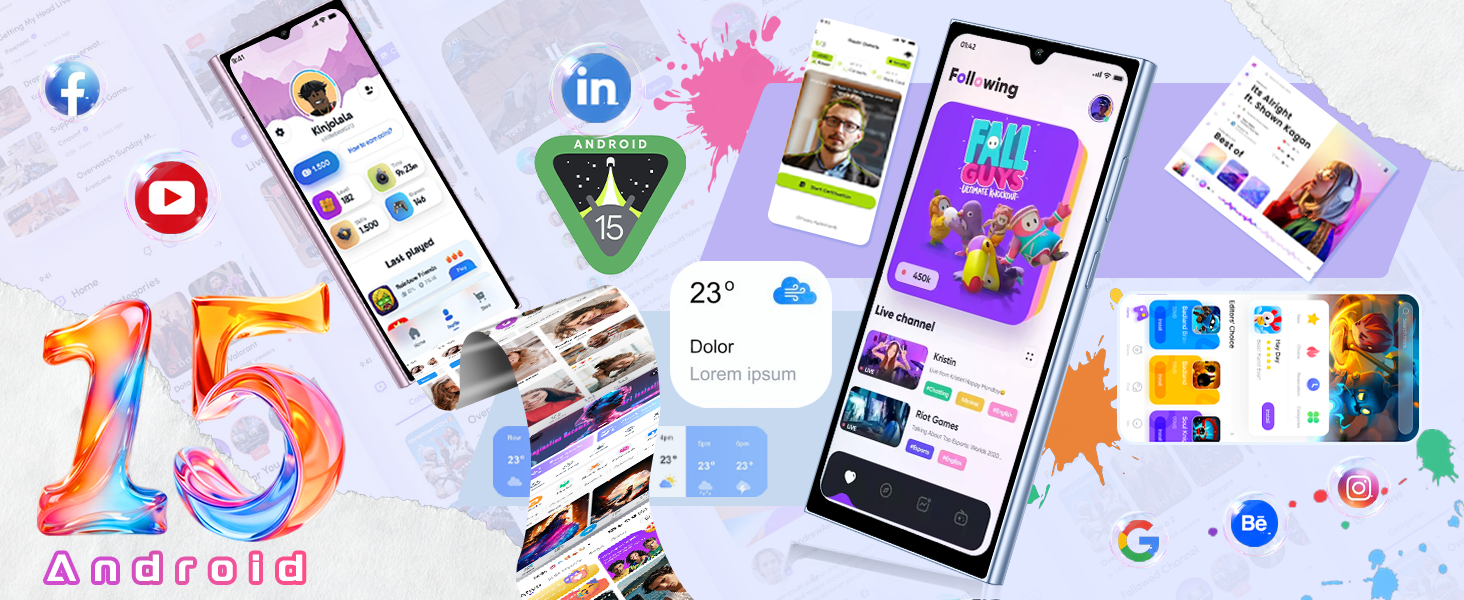
| Eto isesise | Android 15 |
| Iwon iboju | 6.88 inches |
| Oṣuwọn sọtun | 90Hz |
| Ramu Memory sori iwọn | 24 GB (8GB ti ara + 16GB foju) |
| Agbara Ibi ipamọ Iranti | 256 GB (A le faagun soke titi di 1TB nipasẹ kaadi TF) |
| Batiri Power Rating | 5150 Milionuamp Awọn wakati |
| Kamẹra akọkọ | 13MP |
| Kamẹra iwaju | 5MP |
| Cellular Technology | 4G (T-Mobile supported) |
| Asopọmọra Technology | Bluetooth 5.0, Wi-Fi (2.4G+5G), NFC, GPS |
| Pataki Awọn ẹya ara ẹrọ | Built-In GPS, Dual SIM, Expandable Memory, Supports Type-C, Supports USB OTG, 1.81" Rear Screen |
| Iwọn Nkan | 12.8 iwon (isunmọ 363g) |
| Awọn iwọn | 7.48 x 4.02 x 2.16 inches |
7. Atilẹyin ọja & Atilẹyin
7.1. atilẹyin ọja Information
Your OUKITEL C62 PRO Cell Phone is covered by a limited manufacturer's warranty. Please refer to the warranty card included in your package for specific terms, conditions, and duration. Keep your proof of purchase for warranty claims.
7.2. Onibara Support
For technical assistance, troubleshooting, or service inquiries, please contact OUKITEL customer support through their official website or the contact information provided in your warranty documentation. You may also visit the Ile itaja OUKITEL lori Amazon fun afikun ọja alaye.


