1. Ọja Ipariview
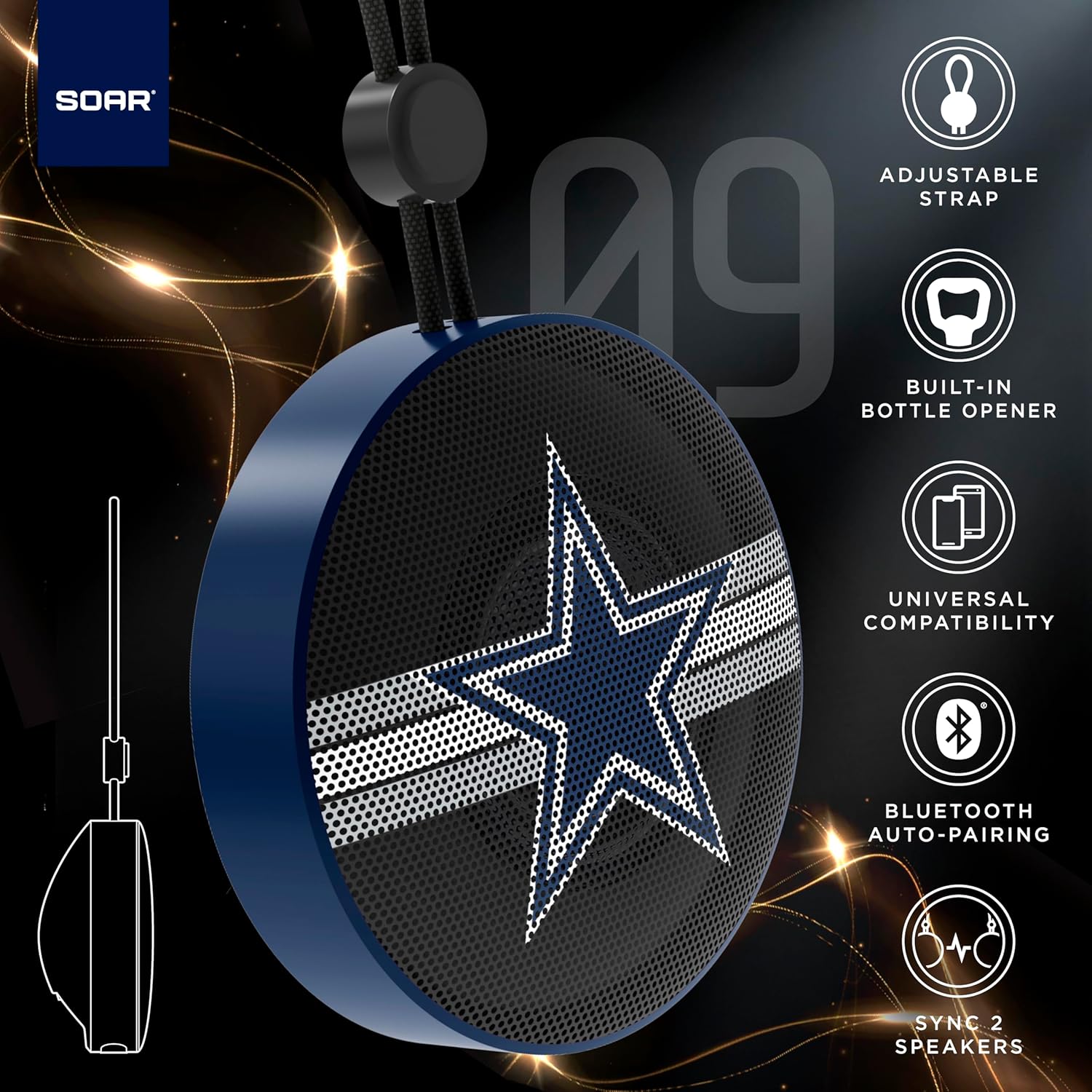
The SOAR NFL Bluetooth Bottle Opener Speaker is a compact and portable audio device designed for convenience and entertainment. It features 5W sound output, Bluetooth connectivity for wireless audio streaming, and a built-in bottle opener. The speaker includes an adjustable lanyard for easy carrying and offers up to 10 hours of playback on a single charge. It also supports dual pairing for an immersive stereo experience and has a built-in microphone for hands-free calls.

Iwaju view of the SOAR NFL Bluetooth Bottle Opener Speaker featuring the Arizona Cardinals logo.

The product packaging highlighting features like adjustable strap, 10-hour battery life, and built-in bottle opener.
2. Package Awọn akoonu
- SOAR NFL Bluetooth Bottle Opener Speaker
- USB-C Ngba agbara Cable
- Itọsọna olumulo
3. Eto
3.1 Gbigba agbara si Agbọrọsọ
Before first use, fully charge the speaker. Use the provided USB-C cable to connect the speaker's charging port to a compatible USB power source (e.g., wall adapter, computer USB port).
- Ìmọ́lẹ̀ àfihàn gbígbà agbára yóò máa tàn nígbà tí a bá ń gba agbára.
- The light will change or turn off once charging is complete.
Detail of the USB-C charging port and control buttons on the speaker.
3.2 Titan / Pa a
To power on the speaker, press and hold the power button until you hear an audible prompt or see the LED lights activate. To power off, press and hold the power button again.
3.3 Sisopọ Bluetooth
- Rii daju pe agbọrọsọ ti wa ni titan ati ni ipo sisopọ (itọkasi nipasẹ ina LED didan).
- Lórí ẹ̀rọ alágbèéká rẹ (fóònù alágbèéká, tábìlẹ́ẹ̀tì, àti bẹ́ẹ̀ bẹ́ẹ̀ lọ), mu Bluetooth ṣiṣẹ́.
- Wa fun available Bluetooth devices. The speaker will appear as "SOAR POP" or a similar name.
- Select the speaker from the list to connect. A confirmation tone or voice prompt will indicate successful pairing.
4. Isẹ
4.1 Ti ndun Audio
Once paired, you can stream audio from your device to the speaker. Use your device's controls to manage playback (play, pause, skip tracks) and adjust volume. The speaker itself may have basic playback controls (e.g., play/pause, next/previous track) as shown near the charging port.
4.2 Dual Pairing (True Wireless Stereo)
For an enhanced audio experience, two SOAR POP speakers can be paired together to create a stereo sound system. Refer to the specific instructions provided with your speakers for dual pairing mode activation.
4.3 Ohun èlò ìṣí ìgò tí a ṣe sínú rẹ̀
The speaker features a discreetly integrated bottle opener. Position the bottle cap under the metal opener and apply upward pressure to remove the cap.

The speaker demonstrating its built-in bottle opener function.
4.4 Adjustable Lanyard
The speaker includes a 10-inch adjustable lanyard for convenient portability. Attach it to a backpack, belt loop, or other gear for easy transport.

Image showing the speaker's dimensions and the adjustable lanyard for portability.
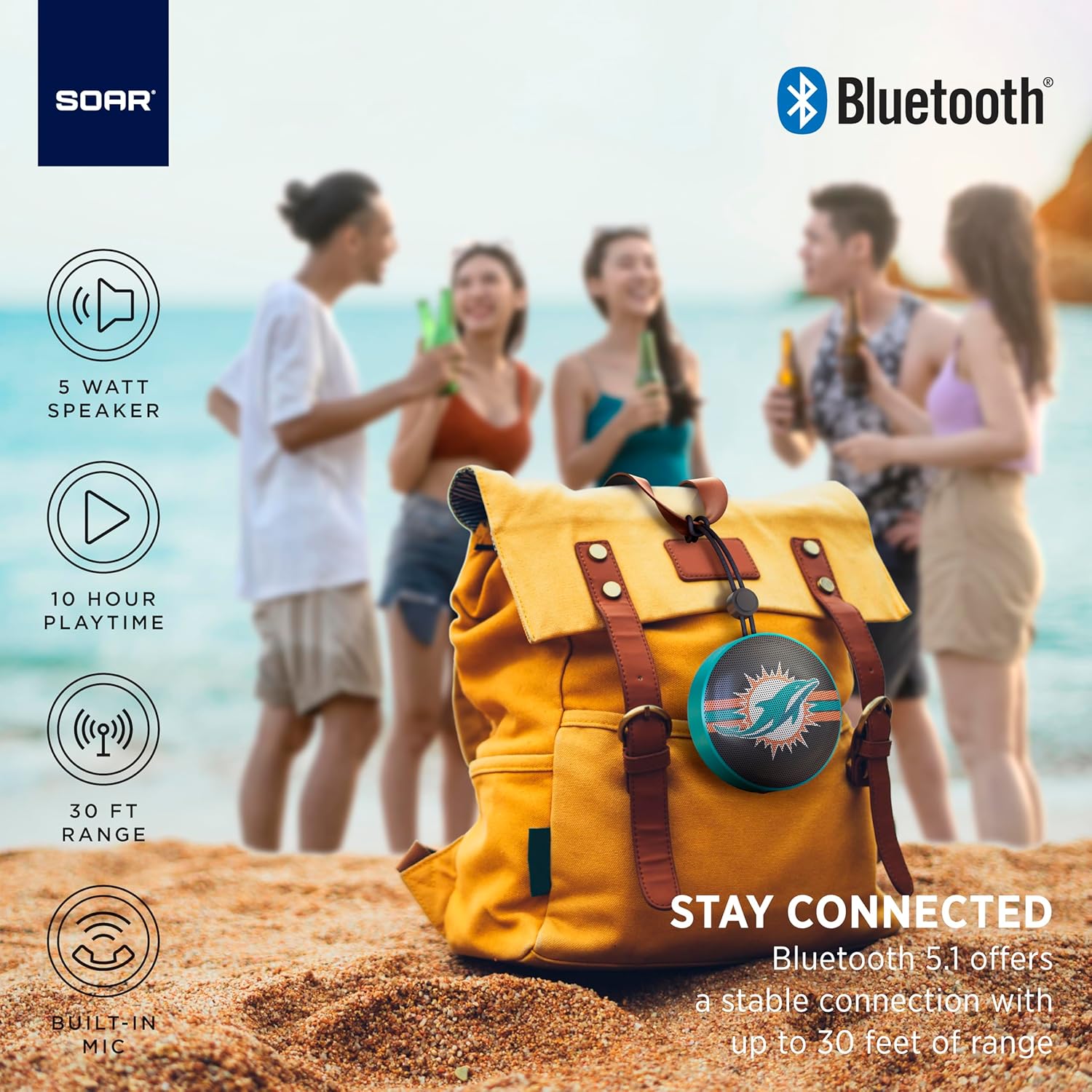
The portable speaker attached to a backpack, illustrating its on-the-go use.
4.5 Ọwọ-Ọfẹ Npe
With the built-in microphone, you can answer calls directly through the speaker when connected to your smartphone. Press the play/pause button to answer or end a call.
5. Itọju ati Itọju
- Ninu: Use a soft, dry cloth to clean the speaker. Do not use harsh chemicals or abrasive cleaners.
- Omi Resistance: The speaker is designed with IPX4 water resistance, meaning it is protected against splashing water from any direction. It is not intended for submersion in water. Ensure the charging port cover is securely closed to maintain water resistance.
- Ibi ipamọ: Tọju agbohunsoke ni itura, aye gbigbẹ kuro lati orun taara ati awọn iwọn otutu to gaju.
6. Laasigbotitusita
- Ko si Agbara: Rí i dájú pé agbọ́hùnsọ̀ náà ti gba agbára tán pátápátá. So ó pọ̀ mọ́ orísun agbára nípa lílo okùn USB-C.
- Ko le So pọ nipasẹ Bluetooth:
- Rii daju pe agbọrọsọ wa ni ipo sisopọ (LED didan).
- Ensure Bluetooth is enabled on your device and it is within range (up to 30 feet).
- Gbagbe ẹrọ naa lati awọn eto Bluetooth ti foonu rẹ ki o gbiyanju lati so pọ lẹẹkansi.
- Tun mejeeji agbọrọsọ ati ẹrọ rẹ bẹrẹ.
- Ko si Ohun:
- Ṣayẹwo awọn ipele iwọn didun lori mejeeji agbọrọsọ ati ẹrọ ti o sopọ.
- Ensure the speaker is successfully paired and connected to your device.
- Gbiyanju ohun ti ndun lati ohun elo ti o yatọ tabi orisun.
- Didara Ohun Ko dara:
- Gbé agbọ́hùnsọ̀ náà sún mọ́ ẹ̀rọ rẹ láti dín ìdènà kù.
- Rii daju pe ko si awọn idena laarin agbọrọsọ ati ẹrọ rẹ.
- Check if the speaker is fully charged. Low battery can affect sound quality.
7. Awọn pato
| Brand | SOAR |
| Nọmba awoṣe | NFL-BTX9-CARD |
| Ohun elo | Polymer |
| Ọja Mefa | 3.6"L x 1.8"W |
| Iwọn Nkan | 9.4 iwon |
| Agbara Agbọrọsọ | 5W |
| Igbesi aye batiri | Titi di wakati 10 |
| Ẹya Bluetooth | 5.1 |
| Omi Resistance | IPX4 (Protected against splashing of water) |
| UPC | 192129183983 |
8. Atilẹyin ọja ati Support
For warranty information and customer support, please refer to the documentation included with your product or visit the official SOAR webojula. Tọju iwe-ẹri rira rẹ fun awọn ẹtọ atilẹyin ọja.


