1. Ifihan
This manual provides essential information for using your new vivo Y31 Pro 5G smartphone. Please read it carefully to ensure proper operation and to maximize the device's features. Keep this manual for future reference.

Aworan: Iwaju view of the vivo Y31 Pro 5G smartphone, showcasing ifihan rẹ.
2. Ohun ti o wa ninu Apoti
Daju pe gbogbo awọn ohun kan wa ninu apoti ọja rẹ:
- Foonuiyara vivo Y31 Pro 5G
- Foonu Case
- Adapter agbara
- Okun USB
- SIM Atẹ ejector
- Abojuto Iboju (Ti a ti lo tẹlẹ)
3. Eto
3.1. Fifi sori kaadi SIM
- Wa atẹ kaadi SIM ni ẹgbẹ ẹrọ rẹ.
- Fi SIM atẹ ejector ọpa sinu kekere iho tókàn si awọn atẹ ki o si tẹ rọra titi ti atẹ yoo jade.
- Fi kaadi SIM Nano-SIM rẹ àti/tàbí kaadi microSD sínú àwo náà pẹ̀lú àwọn ohun tí ó ní wúrà tí ó kọjú sí ìsàlẹ̀, kí ó rí i dájú pé wọ́n wà ní ìtòsí tó tọ́.
- Fi iṣọra tun fi atẹ sii sinu foonu titi ti o fi tẹ sinu aaye.
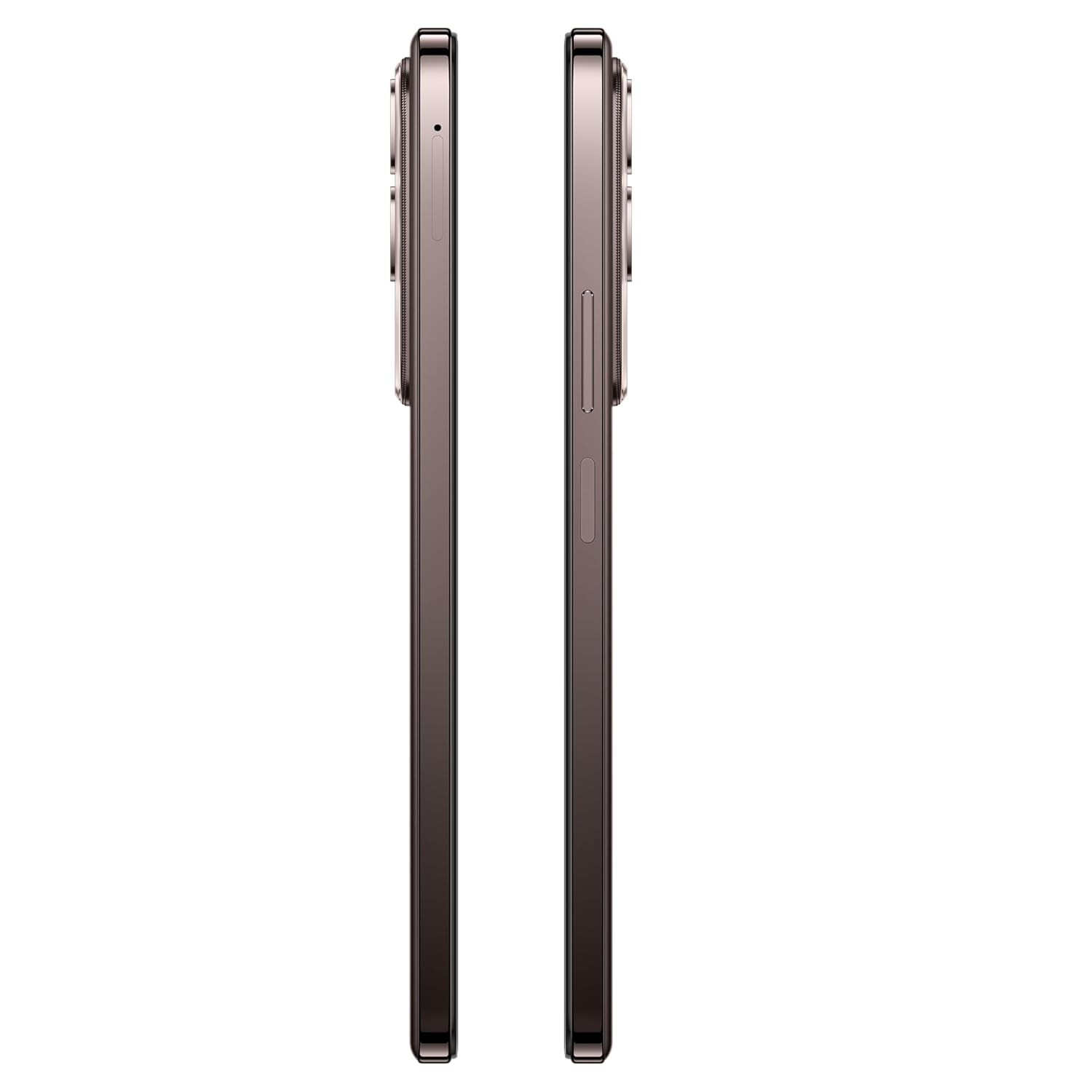
Aworan: Apa view of the vivo Y31 Pro 5G, showing the SIM card tray location.
3.2. Agbara akọkọ Lori ati Awọn Eto Ipilẹ
- Tẹ ki o si mu bọtini agbara (ti o wa ni apa ọtun) titi ti aami vivo yoo fi han.
- Tẹle awọn itọnisọna loju iboju lati yan ede rẹ, agbegbe, ati sopọ si nẹtiwọki Wi-Fi kan.
- Wọle pẹlu akọọlẹ Google rẹ tabi ṣẹda tuntun lati wọle si awọn iṣẹ Google ati Play itaja.
- Set up your screen lock method (PIN, pattern, password, fingerprint, or face unlock).
4. Ṣiṣẹ ẹrọ rẹ
4.1. Ifihan Awọn ẹya ara ẹrọ
The vivo Y31 Pro 5G features a 17.06 cm (6.72 inch) High Brightness FHD+ display with a 120 Hz refresh rate and up to 1050 Nits brightness for clear visuals and smooth scrolling.
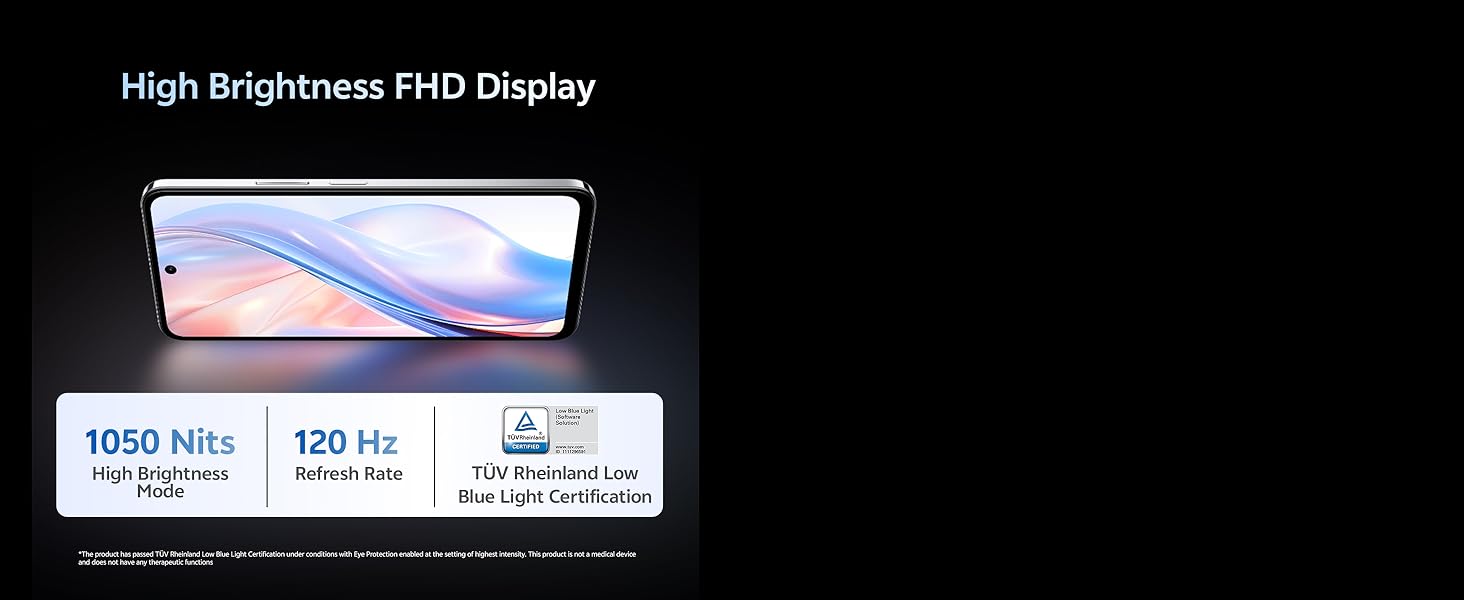
Image: Illustration highlighting the phone's high brightness FHD display with 1050 Nits and 120 Hz refresh rate.
4.2. Lilo kamẹra
Your device is equipped with a 50 MP + 2 MP rear camera system and an 8 MP selfie camera. It supports 4K video recording.
- Mu Awọn fọto: Open the Camera app, select 'Photo' mode, and tap the shutter button.
- Gbigbasilẹ Awọn fidio: Switch to 'Video' mode and tap the record button to start/stop.
- Awọn ẹya AI: Utilize AI Erase and AI Photo Enhance for improved image quality and editing.
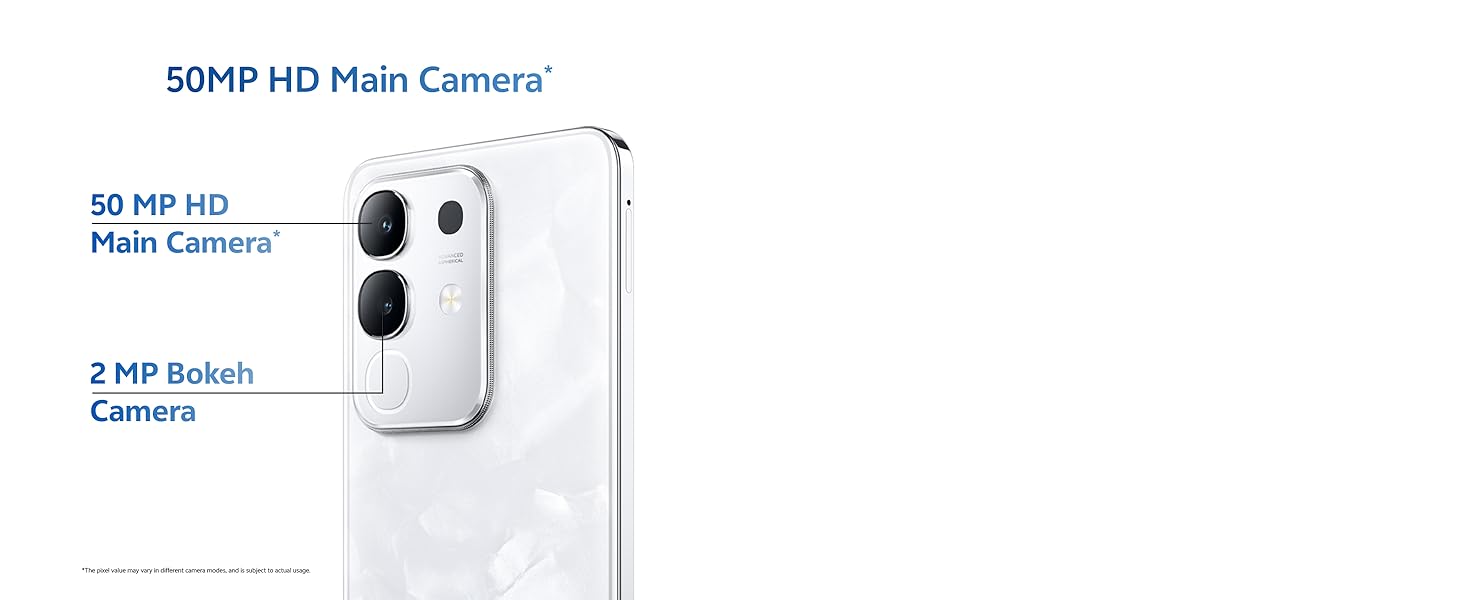
Image: Close-up of the vivo Y31 Pro 5G's rear camera module, showing the 50 MP main camera and 2 MP bokeh camera.

Image: Comparison showing video quality with and without 4K recording on the vivo Y31 Pro 5G.
4.3. Iṣakoso batiri
The device is powered by a 6500 mAh battery and supports 44W FlashCharge. For optimal battery life:
- Use the provided power adapter and USB cable for charging.
- Yago fun awọn iwọn otutu to gaju.
- Ṣakoso lilo ohun elo abẹlẹ ati imọlẹ iboju.
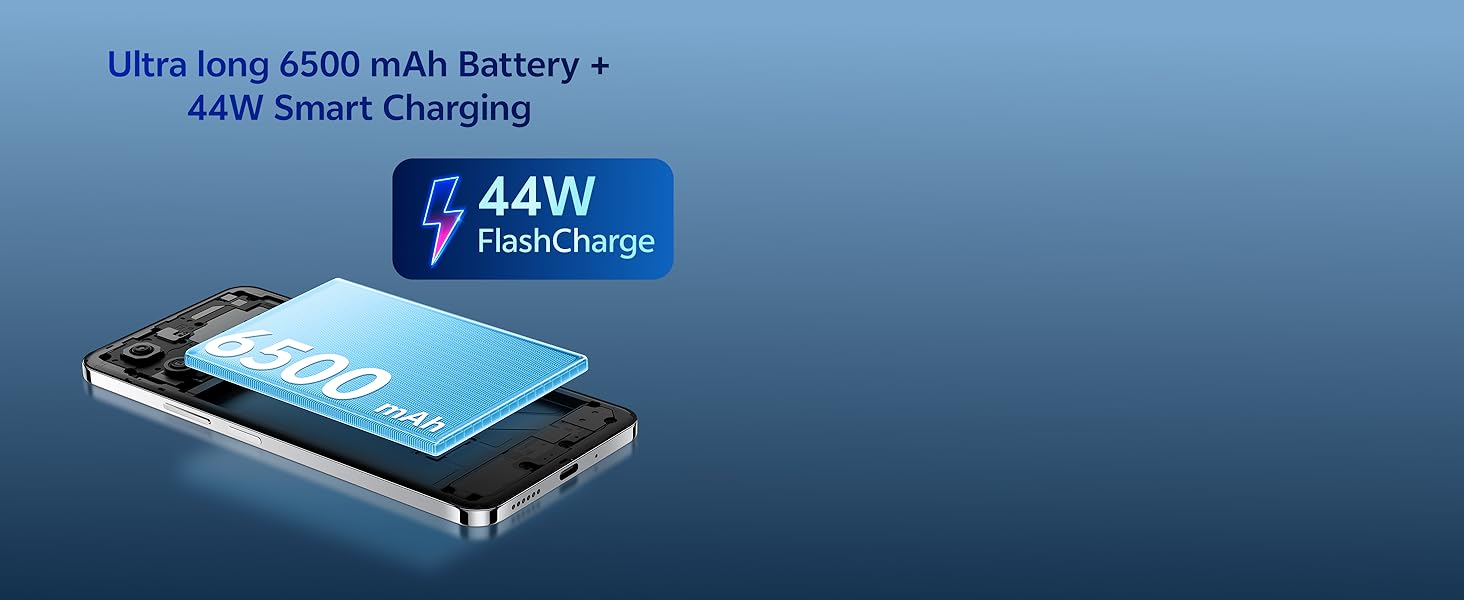
Image: Illustration of the vivo Y31 Pro 5G's 6500 mAh battery and 44W FlashCharge technology.
4.4. Asopọmọra
The vivo Y31 Pro 5G supports 5G network connectivity, Bluetooth, and built-in GPS.
- Wi-Fi: Lọ si Eto> Nẹtiwọọki & intanẹẹti> Wi-Fi lati sopọ si awọn nẹtiwọọki to wa.
- Bluetooth: Go to Settings > Connected devices > Bluetooth to pair with other devices.
- 5G: Ensure your SIM card and plan support 5G for high-speed mobile data.
4.5. Ohun
The device features dual stereo speakers for enhanced audio output.
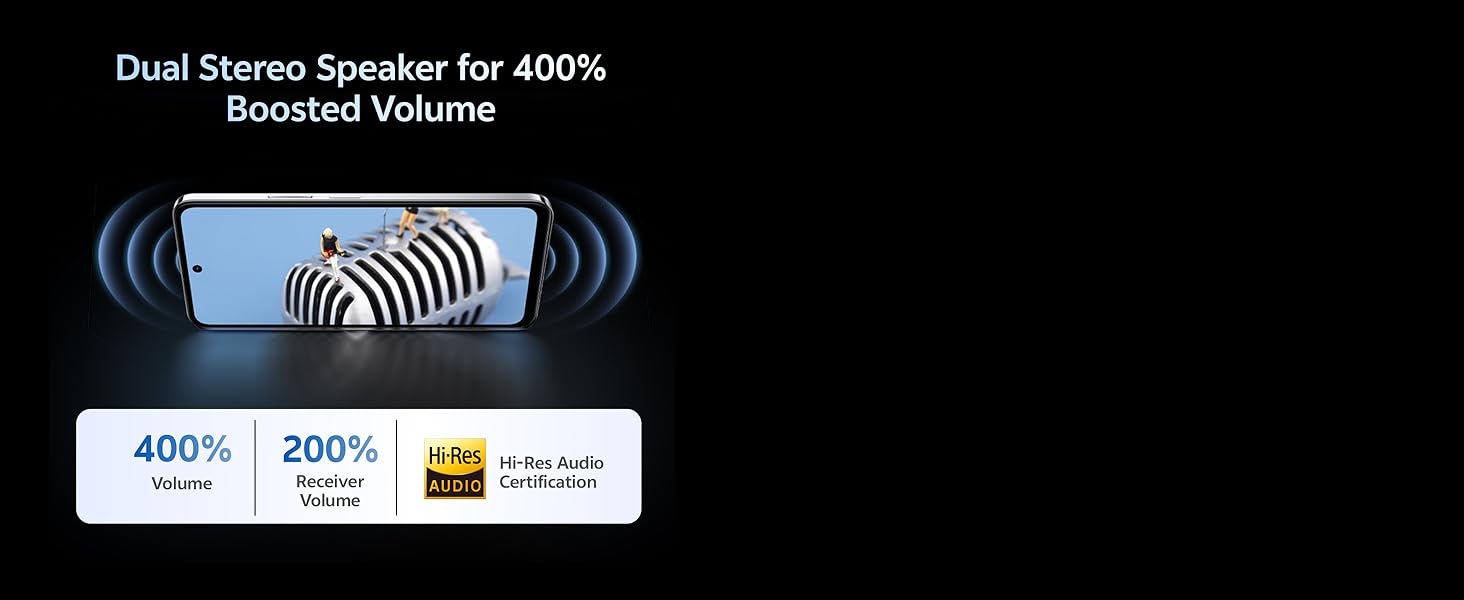
Image: Illustration depicting the dual stereo speaker system of the vivo Y31 Pro 5G.
5. Itọju
5.1. Ninu Rẹ Device
- Lo asọ ti ko ni lint lati nu iboju ati ara.
- Yago fun lilo awọn kẹmika lile tabi awọn ohun elo abrasive.
- The device has an IP64 rating for dust and splash resistance. Avoid submerging it in water.
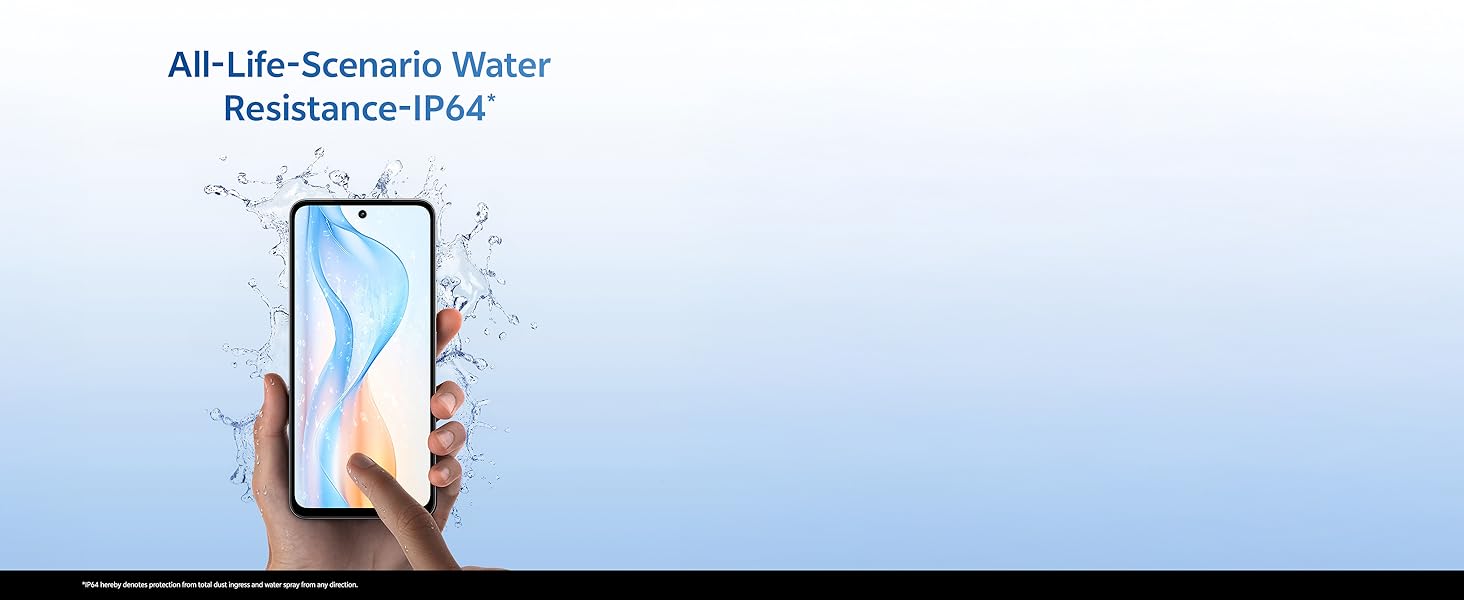
Image: Illustration demonstrating the IP64 water resistance of the vivo Y31 Pro 5G against splashes.
5.2. Software imudojuiwọn
Regularly check for software updates to ensure your device has the latest features and security patches. Go to Settings > System > System update.
6. Laasigbotitusita
6.1. Awọn ọrọ ti o wọpọ
- Ẹrọ ti ko tan: Ensure the battery is charged. Connect to the power adapter for at least 10 minutes before attempting to power on.
- Awọn ohun elo ikọlu: Clear the cache of the problematic app (Settings > Apps > [App Name] > Storage & cache > Clear cache). If the issue persists, reinstall the app.
- Ifihan nẹtiwọki ti ko dara: Ṣàyẹ̀wò bí o ṣe fi SIM káàdì rẹ sí. Lọ sí agbègbè tí ó ní ààbò nẹ́tíwọ́ọ̀kì tó dára jù.
- Batiri mimu yarayara: Din imọlẹ iboju ku, mu awọn ohun elo abẹlẹ ti ko wulo, pa Wi-Fi/Bluetooth nigbati ko si ni lilo.
6.2. Atunto ile-iṣẹ
Ti ẹrọ rẹ ba ni iriri awọn ọran itẹramọṣẹ, atunto ile-iṣẹ le yanju wọn. Ikilọ: Eyi yoo nu gbogbo data lori foonu rẹ rẹ. Ṣe afẹyinti data pataki ṣaaju ki o to tẹsiwaju. Lọ si Eto> Eto> Awọn aṣayan atunto> Pa gbogbo data rẹ (atunṣe ile-iṣẹ).
7. Awọn pato
| Ẹya ara ẹrọ | Sipesifikesonu |
|---|---|
| Awoṣe | vivo Y31 Pro 5G |
| Eto isesise | Funtouch OS 15 |
| isise | MediaTek Dimensity 7300 |
| Àgbo | 8GB |
| Ibi ipamọ inu | 128GB |
| Ifihan | 17.06 cm (6.72 inch) FHD+, 1050 Nits, 120 Hz Refresh Rate |
| Kamẹra ẹhin | 50 MP + 2 MP |
| Kamẹra Selfie | 8 MP |
| Agbara Batiri | 6500 mAh |
| Gbigba agbara | Gbigba agbara filasi 44W |
| Asopọmọra | 5G, Bluetooth, GPS |
| Awọn iwọn | 16.6 x 7.6 x 0.8 cm |
| Iwọn | 204 g |
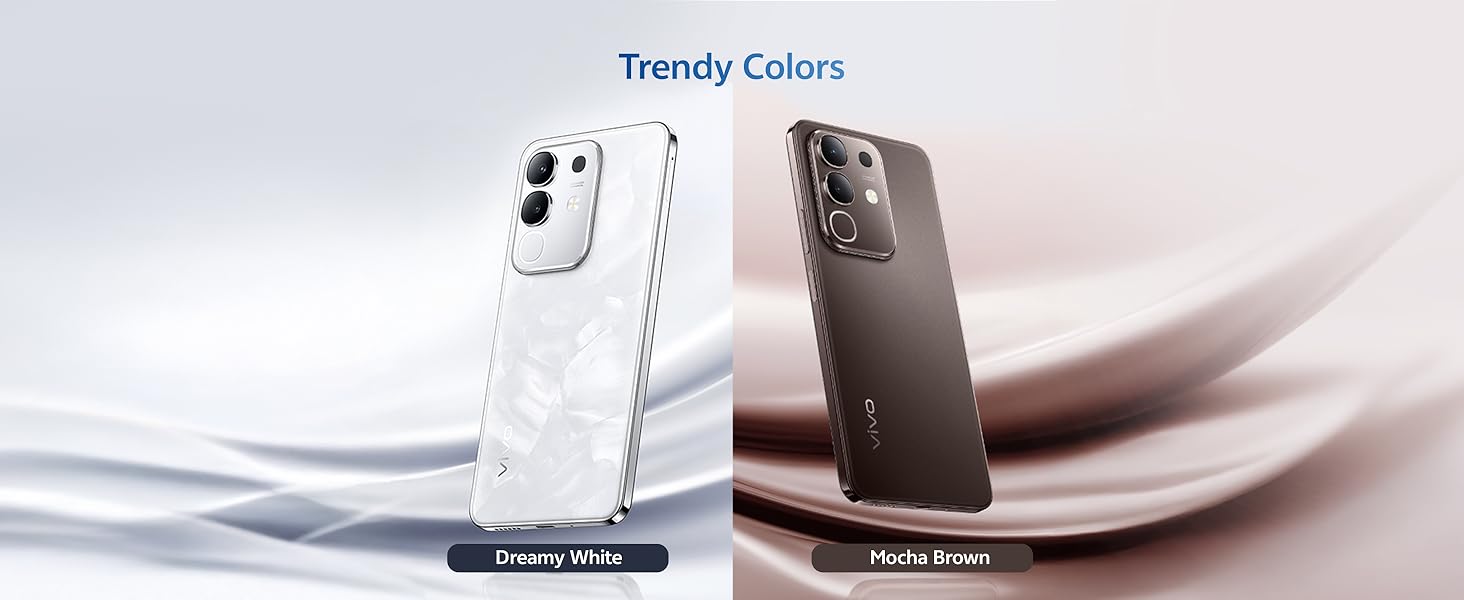
| Iduroṣinṣin | Military Grade (MIL-STD-810H tested), IP64 Dust and Splash Resistance |
Aworan: Pariview of the vivo Y31 Pro 5G's powerful Dimensity 7300 processor and ultra-long 6500 mAh battery with 44W FlashCharge.
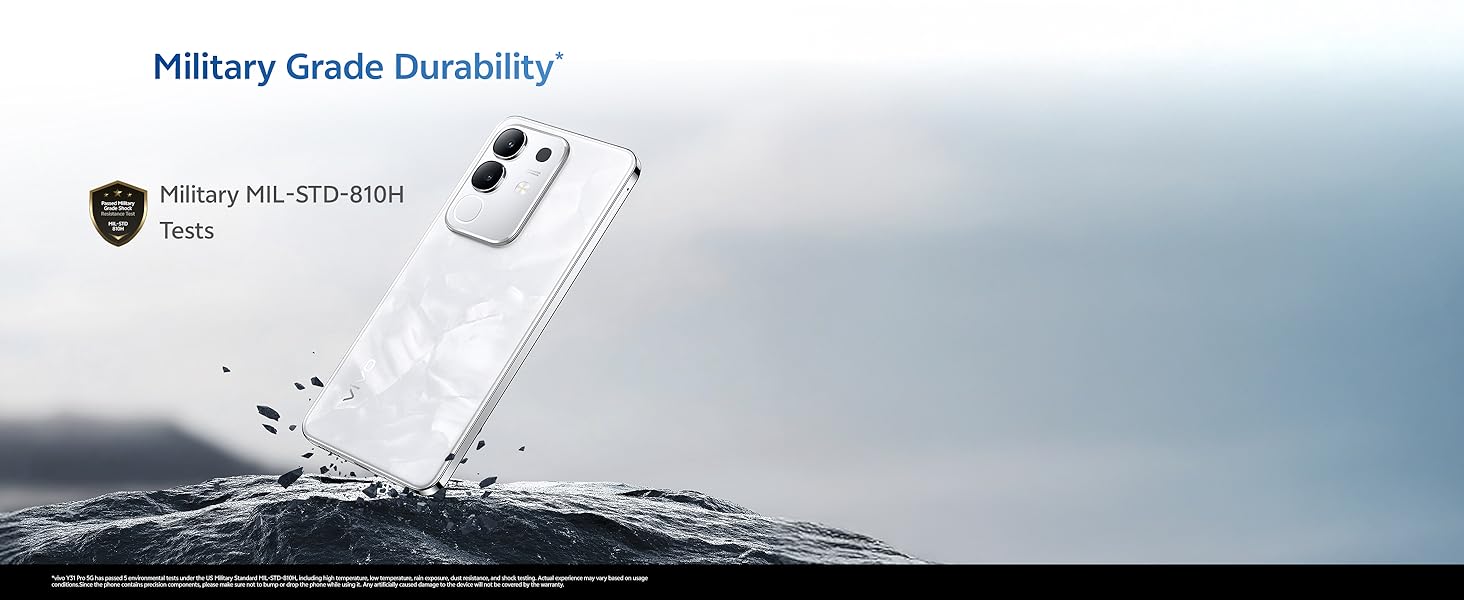
Image: The vivo Y31 Pro 5G demonstrating military-grade durability (MIL-STD-810H tested).
8. Atilẹyin ọja ati Support
Your vivo Y31 Pro 5G smartphone comes with a standard manufacturer's warranty. For detailed warranty terms and conditions, please refer to the warranty card included in your product packaging or visit the official vivo support webojula.
For technical support, service, or further assistance, please contact vivo customer service through their official channels. You can find contact information on the vivo website or in your device's 'Settings' under 'About phone' or 'Support'.
Olupese: Vivo Mobile India Pvt Ltd
Ilu isenbale: India


