1. Ifihan
This manual provides essential information for setting up, operating, and maintaining your LG 27US550-W 27-inch 4K UHD UltraFine IPS Monitor. Please read this manual thoroughly before using the product to ensure proper and safe operation. Keep this manual for future reference.
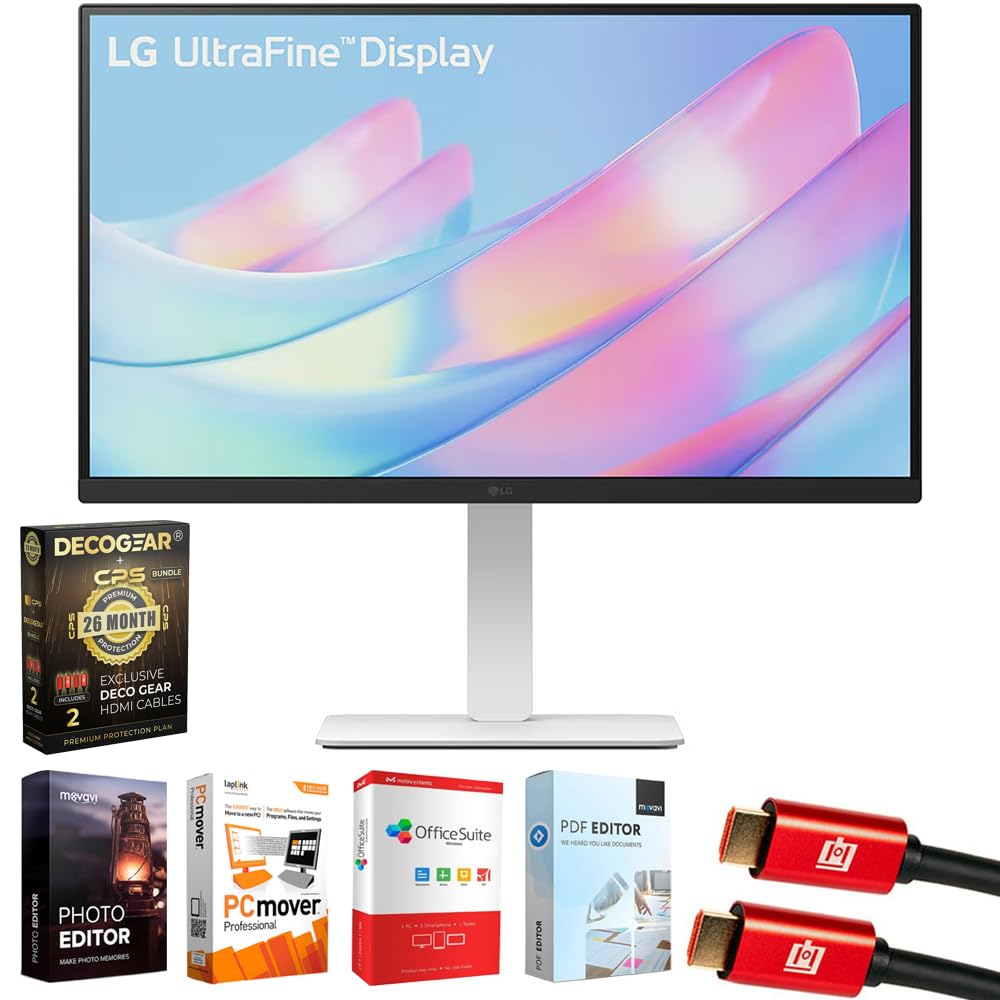
olusin 1: Iwaju view of the LG 27US550-W monitor.
2. Ohun ti o wa ninu Apoti
Jẹrisi pe gbogbo awọn paati wa ninu package:
- LG 27-inch 4K UHD UltraFine IPS Monitor (Model: 27US550-W)
- Monitor Stand and Base
- Okun agbara
- 1.5m HDMI Okun
- Itọsọna olumulo / Awọn ọna Bẹrẹ Itọsọna
- VESA Screws (for optional wall mounting)
- 2x Deco Gear 6FT Universal 4K HDMI 2.0 Cable with 28AWG Pure Copper Conductors
- Tech Smart USA Elite Suite 18 Standard Editing Software Bundle
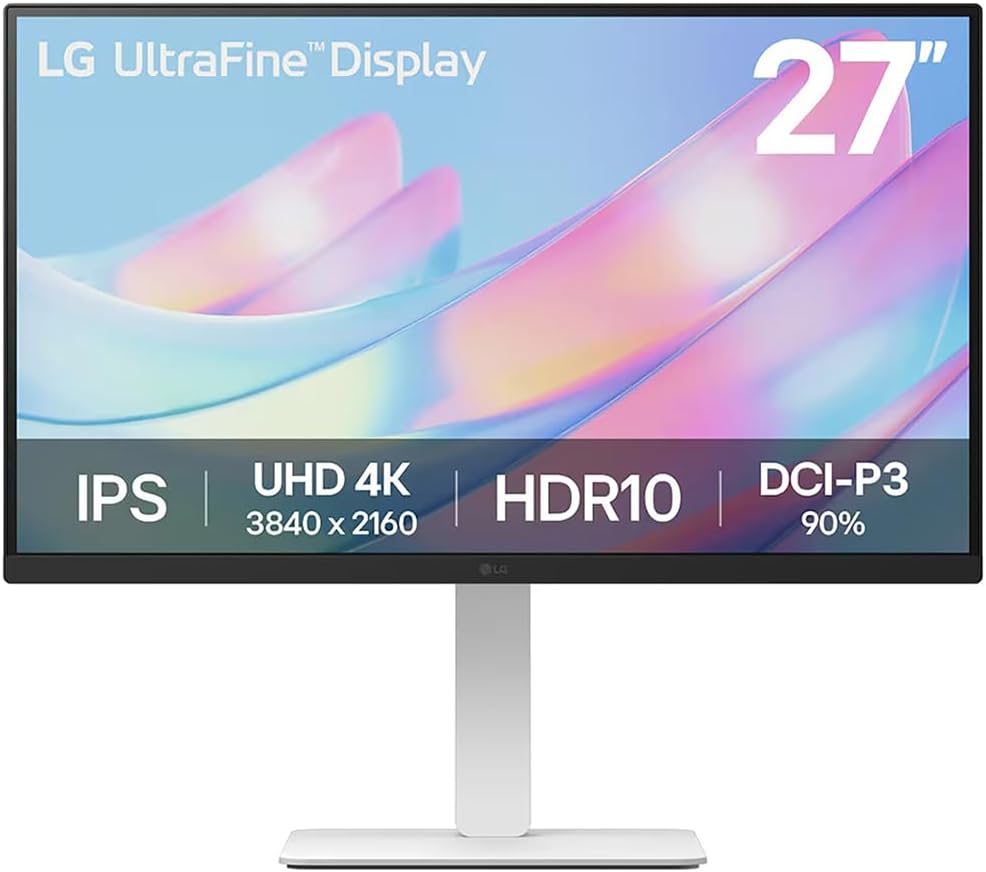
Figure 2: Contents of the LG 27US550-W monitor package.
3. Eto
3.1. Apejọ Atẹle
The monitor stand and base are designed for tool-free assembly. Simply attach the stand to the base, then secure the assembled stand to the back of the monitor until it clicks into place.
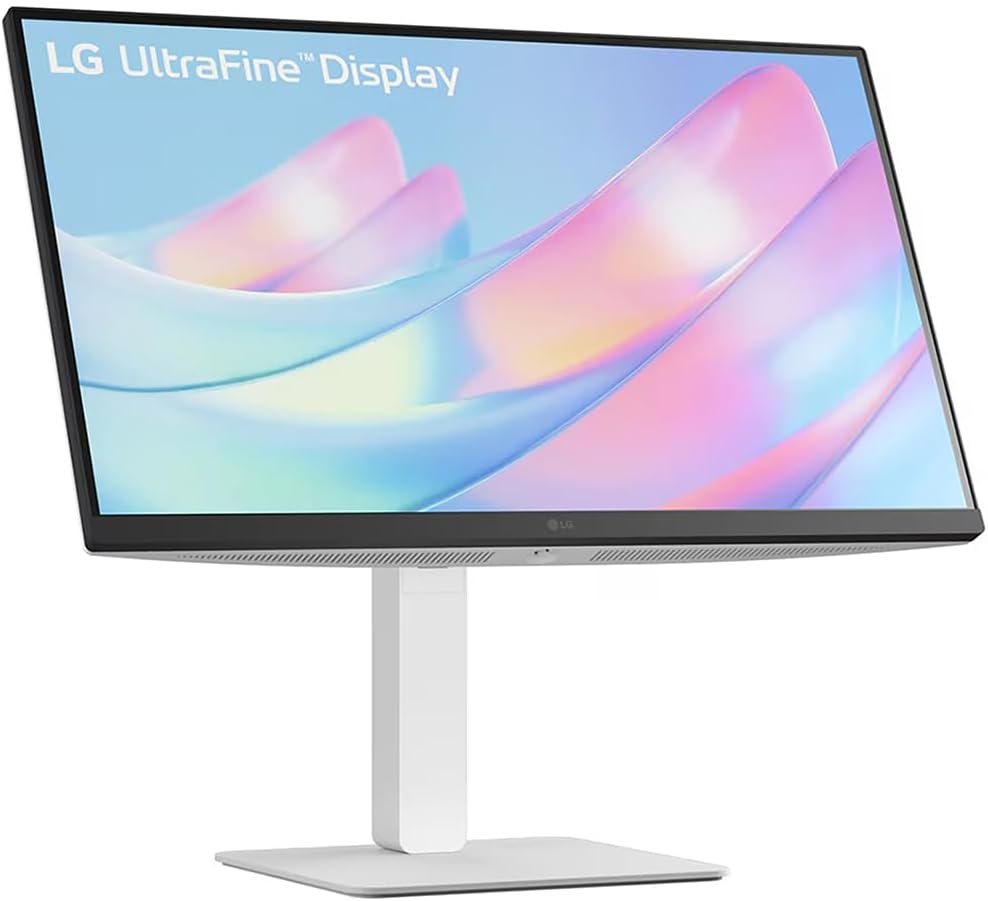
Figure 3: Assembled LG 27US550-W monitor on its stand.
3.2. Video Connections
Connect your computer or other devices to the monitor using the appropriate cables. The LG 27US550-W features multiple input options:
- HDMI2.0: For high-definition video and audio. Two HDMI ports are available.
- Ibudo Ifihan 1.4: For high-resolution video and audio.
- USB-A 2.0: For connecting peripheral devices.
- Ohun Jade: Fun sisopọ awọn agbohunsoke ita tabi agbekọri.
Video 1: This video demonstrates the general steps for connecting video and power cables to a monitor. Note that the specific monitor model shown in the video may differ from your LG 27US550-W, but the connection principles are similar.
3.3. Asopọ agbara
Connect the power cord to the monitor's DC-IN port and then plug the other end into a power outlet.
4. Ṣiṣẹ Atẹle
4.1. Agbara Tan / Paa
Press the power button, usually located on the bottom or back of the monitor, to turn it on or off.
4.2. Ifihan Awọn ẹya ara ẹrọ
- 4K UHD (3840x2160) IPS Display: Experience stunning visual clarity and vibrant colors with a sharp resolution.
- HDR10 & DCI-P3 90% (Typ.): Enjoy brilliant, cinematic visuals with enhanced brightness up to 300 nits and accurate color reproduction for realistic depth and detail.
- 3-side Virtually Borderless Design: Maximizes screen space and minimizes distractions, ideal for multi-monitor setups.
4.3. Awọn atunṣe Ergonomic
Ṣe akanṣe rẹ viewing experience for optimal comfort and productivity:
- Tẹ: Ṣatunṣe igun iboju siwaju tabi sẹhin.
- Giga: Gbe tabi dinku atẹle si ipele oju.
- Swivel: Yi iboju ni petele.
- Pivot: Rotate the screen vertically for portrait mode.

Figure 4: LG 27US550-W monitor adjusted to portrait orientation.
4.4. LG Switch App
Utilize the LG Switch app to optimize your workflow. This application allows you to:
- Divide the display into up to 6 sections for efficient multitasking.
- Change theme designs.
- Launch video call platforms with mapped hotkeys.
5. Itọju
Lati rii daju igbesi aye gigun ati iṣẹ to dara julọ ti atẹle rẹ, tẹle awọn itọnisọna itọju wọnyi:
- Ninu: Gently wipe the screen with a soft, lint-free cloth. For stubborn marks, use a screen-cleaning solution specifically designed for monitors. Avoid harsh chemicals or abrasive materials.
- Afẹfẹ: Rii daju pe awọn ṣiṣi atẹgun ti atẹle naa ko ni idinamọ lati ṣe idiwọ igbona.
- Ibi ipamọ: Nigbati o ko ba wa ni lilo fun awọn akoko ti o gbooro sii, tọju atẹle naa ni itura, aye gbigbẹ kuro lati orun taara ati awọn iwọn otutu to gaju.
6. Laasigbotitusita
Ti o ba pade awọn ọran pẹlu atẹle rẹ, tọka si awọn igbesẹ laasigbotitusita ti o wọpọ wọnyi:
- Ko si Agbara: Ṣayẹwo boya okun agbara ti sopọ ni aabo si atẹle mejeeji ati iṣan agbara. Rii daju pe iṣan agbara jẹ iṣẹ-ṣiṣe.
- Ko si ifihan agbara: Verify that the video cable (HDMI, DisplayPort) is correctly connected to both the monitor and your computer. Ensure the correct input source is selected on the monitor.
- Iboju didan: Check the video cable for damage or loose connections. Try adjusting the refresh rate in your computer's display settings.
- Awọn awọ ti ko tọ: Reset the monitor to factory settings via the On-Screen Display (OSD) menu. Ensure your computer's graphics drivers are up to date.
- Awọn ọrọ ohun: If using the monitor's audio output, ensure external speakers/headphones are properly connected and selected as the output device on your computer.
For further assistance, consult the full user manual or contact LG customer support.
7. Awọn pato
| Ẹya ara ẹrọ | Sipesifikesonu |
|---|---|
| Nọmba awoṣe | 27US550-W |
| Iwon iboju | 27 inches |
| Ipinnu | 3840 x 2160 Pixels (4K UHD 2160p) |
| Apakan Ipin | 16:9 |
| Panel Iru | IPS |
| HDR atilẹyin | HDR10 |
| Awọ Gamut | DCI-P3 90% (Aṣoju) |
| Imọlẹ Aworan | 300 nit |
| Iboju Iboju | Matte |
| Ọja Mefa | 24.15 x 9.97 x 21.23 inches |
| Iwọn Nkan | 7.3 iwon |
| Olupese | LG |
8. Atilẹyin ọja ati Support
Your LG 27US550-W monitor comes with a LG 1 Year Limited ProtectionNi afikun, akopọ yii ni Deco Gear CPS Exclusive 26 Months Premium Extended Service Protection Plan, which covers accidental damage and burn-in.
For warranty claims or technical support, please refer to the contact information provided in your product documentation or visit the official LG support webojula.