Awọn Itọsọna Aabo pataki
Please read all safety instructions carefully before using this electric heater. Failure to follow these instructions may result in electric shock, fire, or personal injury. Keep this manual for future reference.
- Yọọ ẹrọ igbona nigbagbogbo nigbati o ko ba wa ni lilo tabi ṣaaju ṣiṣe mimọ.
- Ma ṣe lo ẹrọ igbona ni tutu tabi damp awọn ipo.
- Pa awọn ohun elo ti o le jona ni o kere ju mita kan (ẹsẹ mẹta) kuro ni ẹrọ gbigbona naa.
- Do not insert any objects into the heater's vents or openings.
- Ensure the power cord is not damaged and is placed away from heated surfaces.
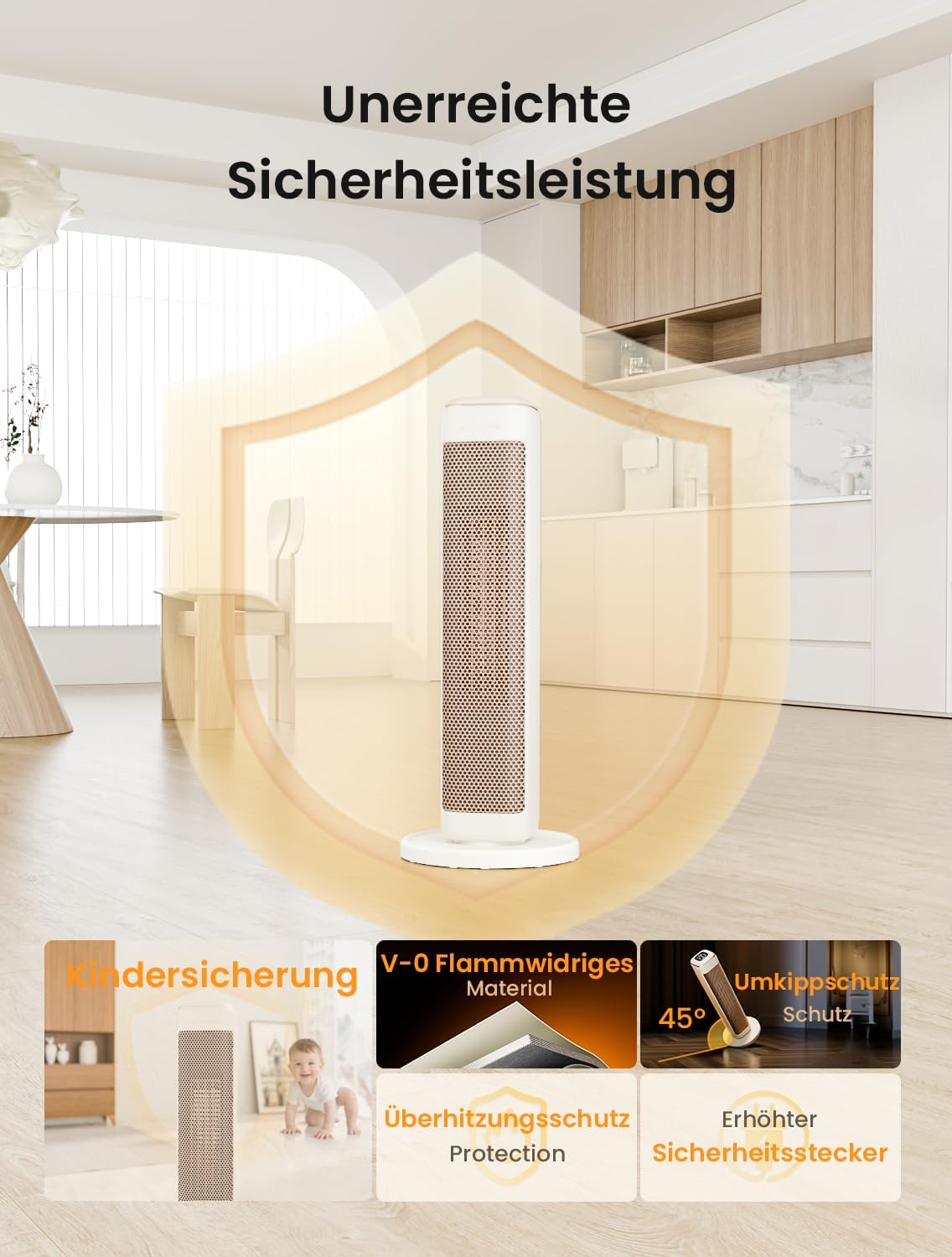
Image: Unmatched Safety Performance. This image illustrates the comprehensive safety features of the AIRMATE HP20242R FX heater, including Child Lock, V-0 Flame Retardant Material, Overheat Protection, Tip-Over Protection, and an Enhanced Safety Plug. These features are designed to ensure safe operation in various environments.
Ọja Pariview
The AIRMATE HP20242R FX is a powerful electric heater designed for efficient and rapid heating. It utilizes PTC ceramic heating technology to deliver warmth quickly and effectively.

Image: 2000W PTC Ceramic Fast Heating. This image shows the AIRMATE HP20242R FX heater in a modern living room setting, emphasizing its 2000W power and PTC ceramic heating element for rapid heat distribution. The graphic indicates a 2x greater range and 200% air heating volume.

Àwòrán: Ìwọ̀n Ọjà. This image provides a visual representation of the heater's dimensions: Height 25 inches, Width 4.01 inches, and Length 4.01 inches. These measurements are crucial for proper placement and space consideration.
Ṣeto
1. Unpacking
- Fi ìṣọ́ra yọ ohun èlò ìgbóná náà kúrò nínú àpótí rẹ̀.
- Remove all packing materials, including any protective films or ties.
- Inspect the heater for any signs of damage. Do not operate if damaged.
2. Ifiweranṣẹ
- Place the heater on a firm, level surface to ensure stability and proper operation of the tip-over switch.
- Ensure there is at least 1 meter (3 feet) of clear space around the heater to allow for proper airflow and prevent fire hazards.
- Ma ṣe gbe ẹrọ igbona si taara labẹ iṣan agbara kan.
3. Asopọ agbara
- Ensure the heater is switched off before plugging it into a power outlet.
- Plug the heater directly into a 220-240V AC, 50Hz grounded wall outlet. Do not use extension cords or power strips, as this may cause overheating.
Awọn ilana Iṣiṣẹ
1. Agbara lori / Paa
- Press the Power button on the control panel to turn the heater on or off.
2. Mode Selection and Heat Settings
The heater offers multiple operating modes and two heat settings for customized comfort.

Image: 24-Hour Timer and Operating Modes. This image displays the heater's control panel, highlighting the 24-hour timer function and three distinct operating modes: Smart Mode, Sleep Mode, and Eco Mode. It also indicates the availability of 2 heat settings.
- Ipo Smart: Automatically adjusts heating power based on ambient temperature to maintain a comfortable environment.
- Ipo orun: Operates at a lower heat setting and reduced fan speed for quiet operation, ideal for nighttime use.
- Ipo Eco: Optimizes energy consumption by maintaining a set temperature with minimal power usage.
- Use the dedicated buttons to cycle through the 2 available heat settings (e.g., Low, High).
3. Iṣẹ Aago
Set the heater to operate for a specific duration using the 24-hour timer.
- Press the Timer button to activate the timer. Each press will increase the operating time in increments (e.g., 1 hour, 2 hours, up to 24 hours).
- The heater will automatically turn off once the set time has elapsed.
4. Oscillation Iṣẹ
Activate the oscillation feature for wider heat distribution across the room.
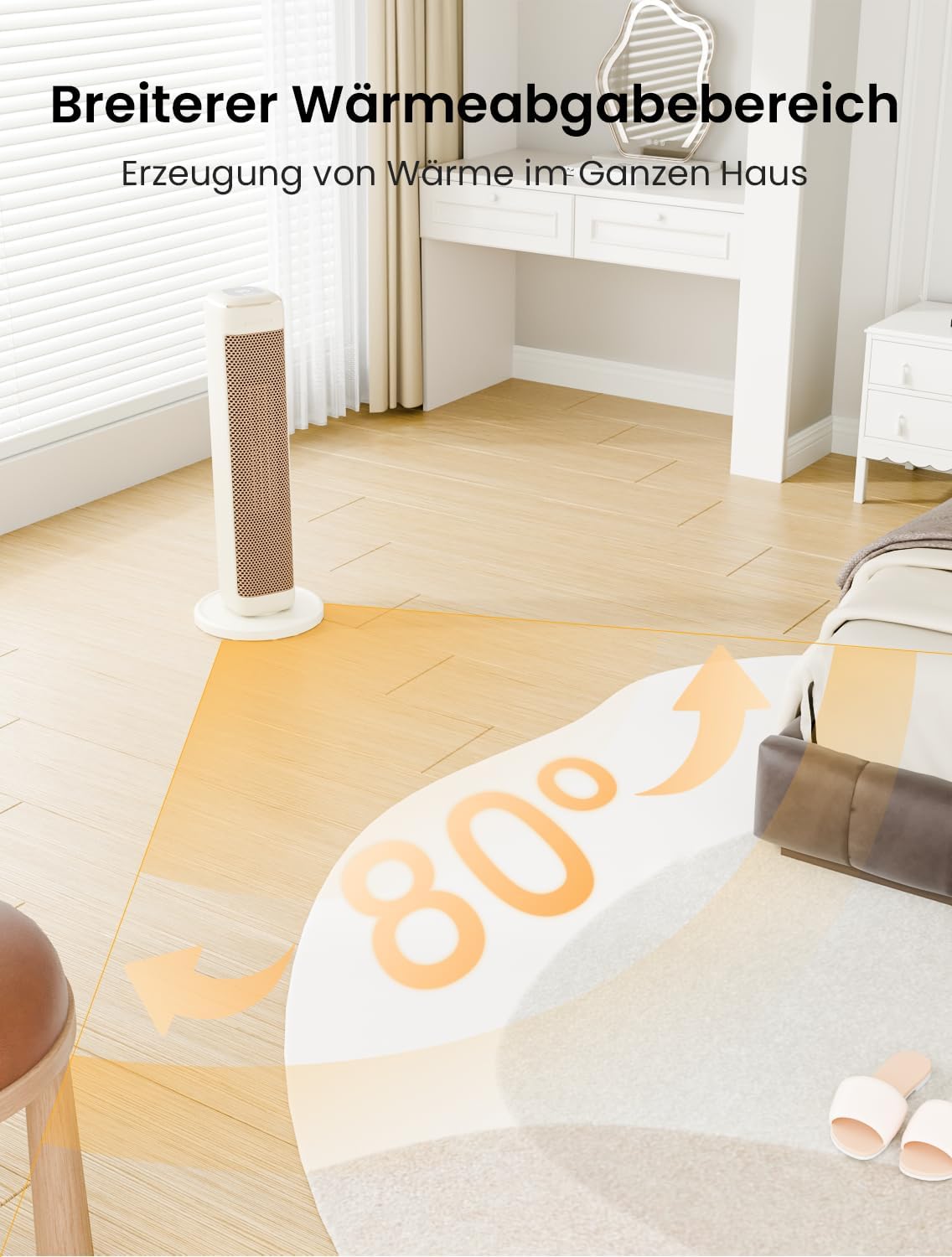
Image: Wider Heat Output Area. This image demonstrates the heater's ability to distribute warmth over an 80-degree area, ensuring heat generation throughout the room. The arrows indicate the wide oscillation range.
- Press the Oscillation button to start the heater rotating from side to side.
- Tẹ bọtini naa lẹẹkansi lati da oscillation duro ni ipo ti o fẹ.
5. Ariwo Ipele
The AIRMATE HP20242R FX is designed for quiet operation, especially in Sleep Mode.

Image: More Restful Sleep. This image highlights the heater's low noise output, specifically mentioning 32dB for AIRMATE, compared to other heaters (45dB) and a whisper (35dB). This feature promotes a more peaceful environment, especially during sleep.
Itoju
1. Ninu
- Yọọ ẹrọ ti ngbona nigbagbogbo ki o jẹ ki o tutu patapata ṣaaju ṣiṣe mimọ.
- Mu ese ita gbangba pẹlu asọ, damp asọ. Ma ṣe lo abrasive ose tabi epo.
- Use a vacuum cleaner with a brush attachment to gently remove dust from the air intake and output vents.
- Má ṣe tẹ ohun èlò ìgbóná náà sínú omi tàbí kí omi má ṣe rọ̀ sínú ilé.
2. Ibi ipamọ
- If storing the heater for an extended period, clean it thoroughly as described above.
- Store the heater in its original packaging or a protective cover in a cool, dry place.
- Rii daju wipe okun agbara ti wa ni afinju we ati ki o ko kinked.
Laasigbotitusita
If you encounter any issues with your AIRMATE HP20242R FX heater, please refer to the following common problems and solutions:
| Isoro | Owun to le Fa | Ojutu |
|---|---|---|
| Alagbona ko ni tan-an | No power supply; Tip-over switch activated; Power button not pressed. | Check if the heater is properly plugged into a working outlet. Ensure the heater is on a flat, stable surface. Press the Power button. |
| Ko si igbejade ooru | Low heat setting selected; Overheat protection activated. | Increase the heat setting. Unplug the heater, allow it to cool for 30 minutes, then plug it back in and restart. Clear any obstructions from air vents. |
| Ariwo dani tabi olfato | Dust accumulation; Foreign object inside; First use (new heater smell). | Unplug and clean the heater. If the smell persists after initial use, discontinue use and contact support. Do not attempt to open the heater. |
| Oscillation ko ṣiṣẹ | Obstruction; Motor issue. | Ensure no objects are blocking the heater's rotation. If the issue persists, contact customer support. |
If the problem persists after attempting these solutions, please contact AIRMATE customer support for assistance.
Awọn pato
- Awoṣe: HP20242R
- Brand: ỌFẸ
- Agbara: 2000W
- Elegbona: PTC seramiki
- Mefa (H x W x L): 25 inches x 4.01 inches x 4.01 inches (63.5 cm x 10.19 cm x 10.19 cm)
- Àwọ̀: Funfun
- Voltage: 220-240V AC, 50Hz
- Awọn ẹya: 2 Heat Settings, 3 Operating Modes (Smart, Sleep, Eco), 24-Hour Timer, 80° Oscillation, Tip-Over Protection, Overheat Protection, Child Lock, V-0 Flame Retardant Material, Low Noise Operation (32dB).
Atilẹyin ọja ati Support
This AIRMATE HP20242R FX heater comes with a standard manufacturer's warranty. Please refer to the warranty card included in your product packaging for specific terms and conditions, including the warranty period and coverage details.
For technical support, warranty claims, or any other inquiries, please contact AIRMATE customer service through the contact information provided on your purchase receipt or the official AIRMATE webojula.
Please have your model number (HP20242R) and proof of purchase ready when contacting support.


