Ọrọ Iṣaaju
Thank you for choosing the Monster Mission ANC200 Wireless Gaming Headset. This manual provides detailed instructions for setting up, operating, and maintaining your headset to ensure optimal performance and an immersive gaming experience. Please read this manual thoroughly before using the product.
Alaye Aabo pataki
- Má ṣe fi agbekọri naa han si awọn iwọn otutu ti o ga julọ, ọriniinitutu, tabi awọn agbegbe ibajẹ.
- Yago fun sisọ tabi tẹri agbekari si awọn ipa to lagbara.
- Ma ṣe tuka tabi gbiyanju lati tun agbekari naa ṣe funrararẹ. Eyi yoo sọ atilẹyin ọja di ofo.
- Fi aṣọ gbígbẹ tó rọ, tó sì rọ̀ nu agbekọri naa. Má ṣe lo awọn kemikali líle tabi awọn ohun elo ti o nfi pa ẹnu.
- Gbigbọ gigun ni awọn ipele iwọn didun giga le fa ibajẹ igbọran. Ṣatunṣe iwọn didun si ipele ailewu.
Package Awọn akoonu
Jọwọ ṣayẹwo pe gbogbo awọn ohun kan wa ninu apo rẹ:
- Monster Mission ANC200 Wireless Gaming Headset
- 2.4GHz USB Wireless Transmitter
- Okun Ngba agbara USB
- 3.5mm Audio USB
- Afowoyi Olumulo (iwe-ipamọ yii)
Ọja Pariview
Familiarize yourself with the various parts and controls of your Monster Mission ANC200 headset.
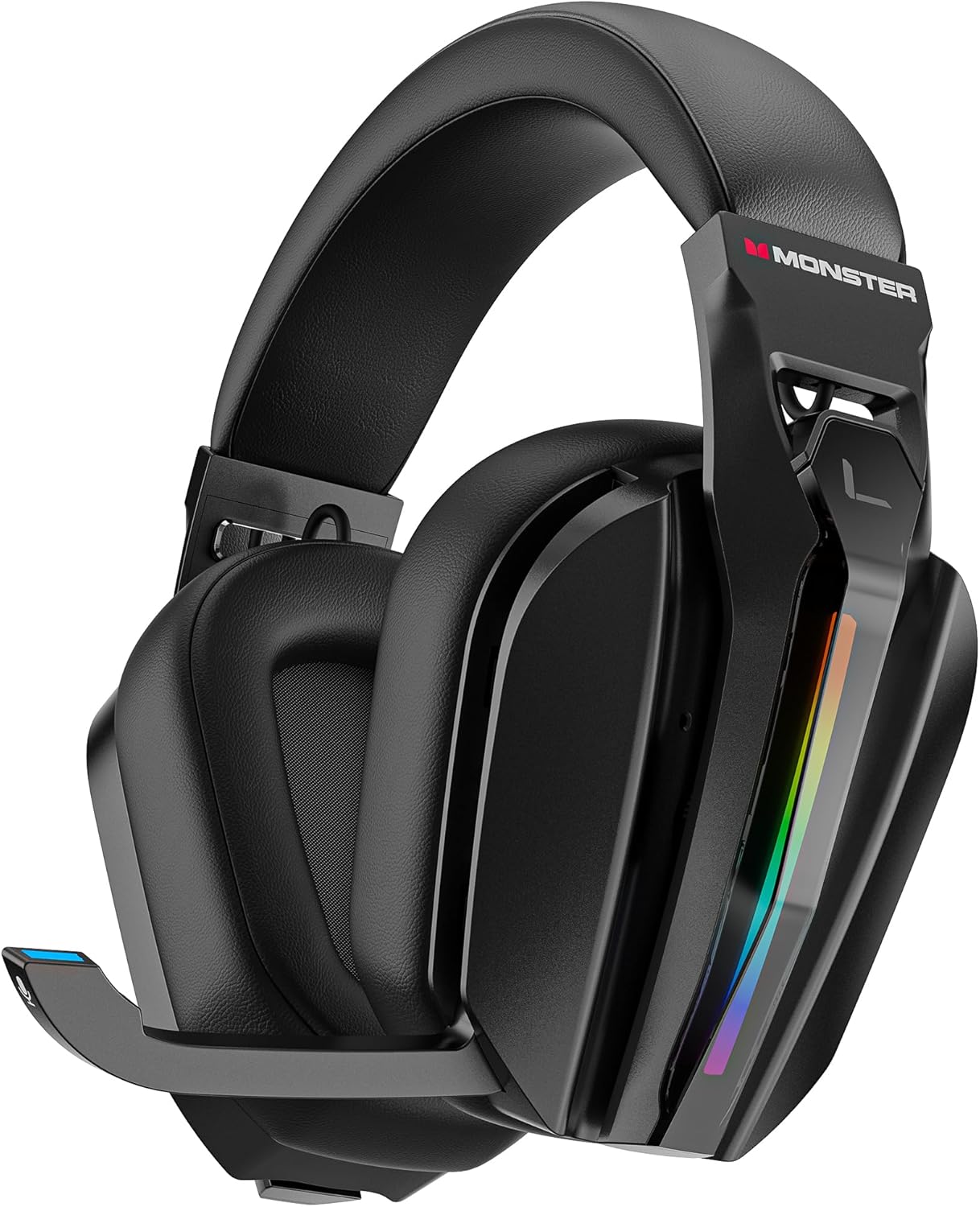
Aworan: Iwaju view of the Monster Mission ANC200 Wireless Gaming Headset, showcasing its black design, padded earcups, and retractable microphone.
Àwọn Ẹ̀yà Agbekọrí:
- Akọkọ ti o le ṣatunṣe: Fun ibamu itunu.
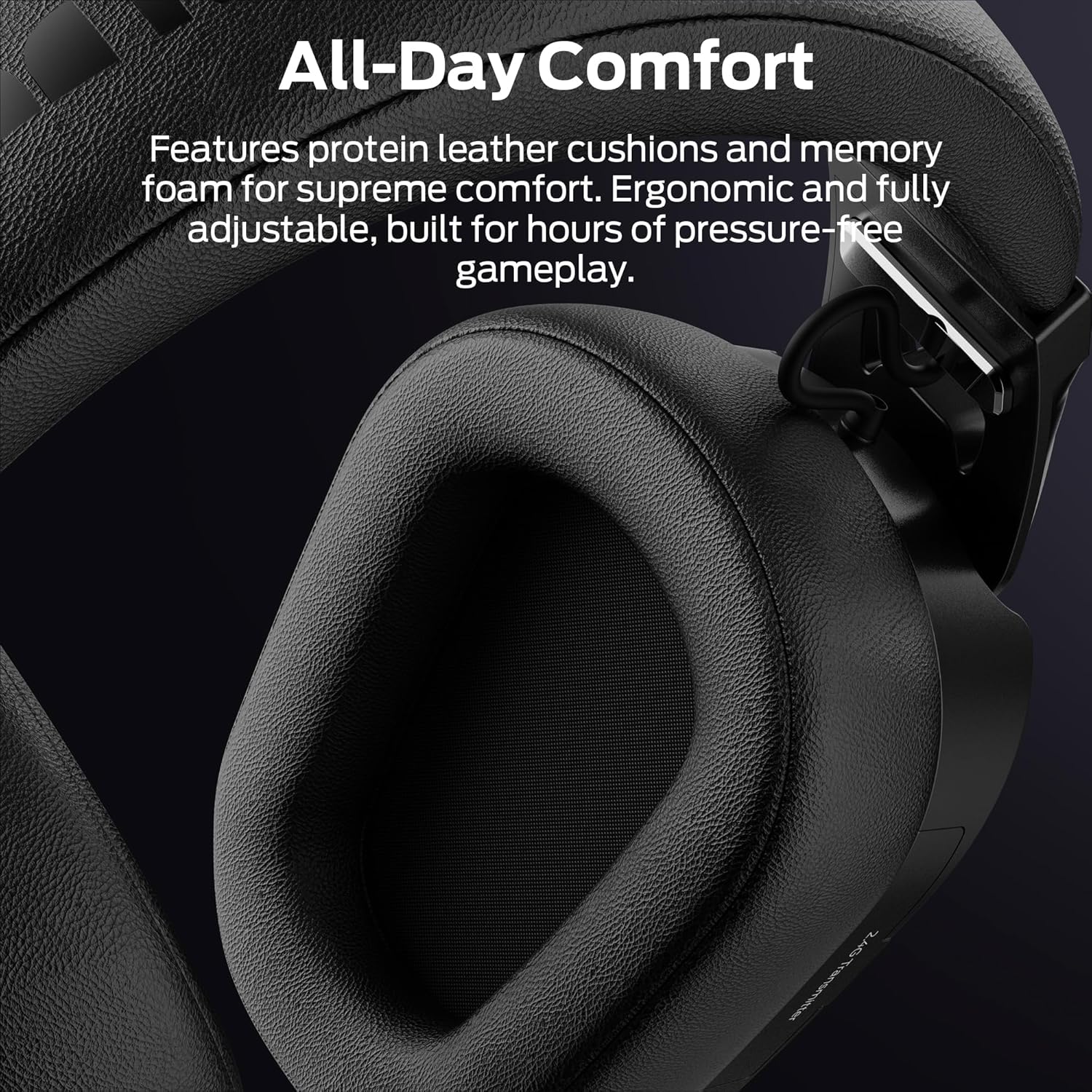
- Àwọn Etí tí a fi ìbòrí ṣe: Protein leather cushions with memory foam for comfort.
- Gbohungbohun ti o le fa pada: Stealth design, AI noise filtering.
- Imọlẹ RGB: Customizable light effects on earcups.
- Control Buttons/Dials: (Specific controls will be detailed in Operating Instructions)
- 2.4GHz USB Transmitter Storage: Integrated compartment for the wireless dongle.
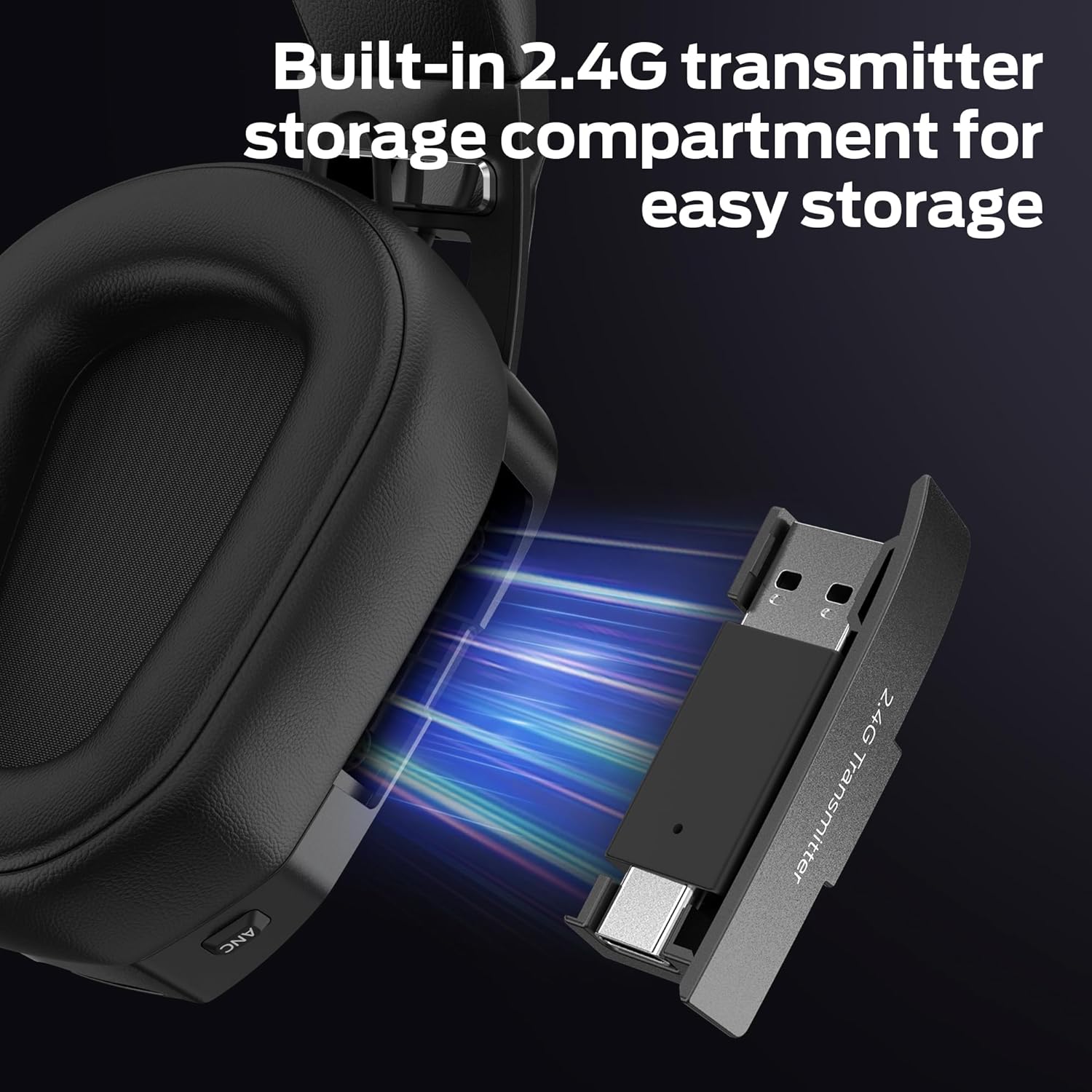
Aworan: Sun mo tipetipe view of the headset's earcup, showing the built-in storage compartment for the 2.4GHz USB transmitter, with the transmitter partially inserted.
Eto Itọsọna
1. Ngba agbara si Agbekọri
- So okun gbigba agbara USB pọ si ibudo gbigba agbara agbekari.
- So opin keji okun USB pọ si orisun agbara (fun apẹẹrẹ, ibudo USB kọnputa, ohun ti nmu badọgba ogiri USB).
- The LED indicator on the headset will show charging status. A full charge takes approximately 3 hours.
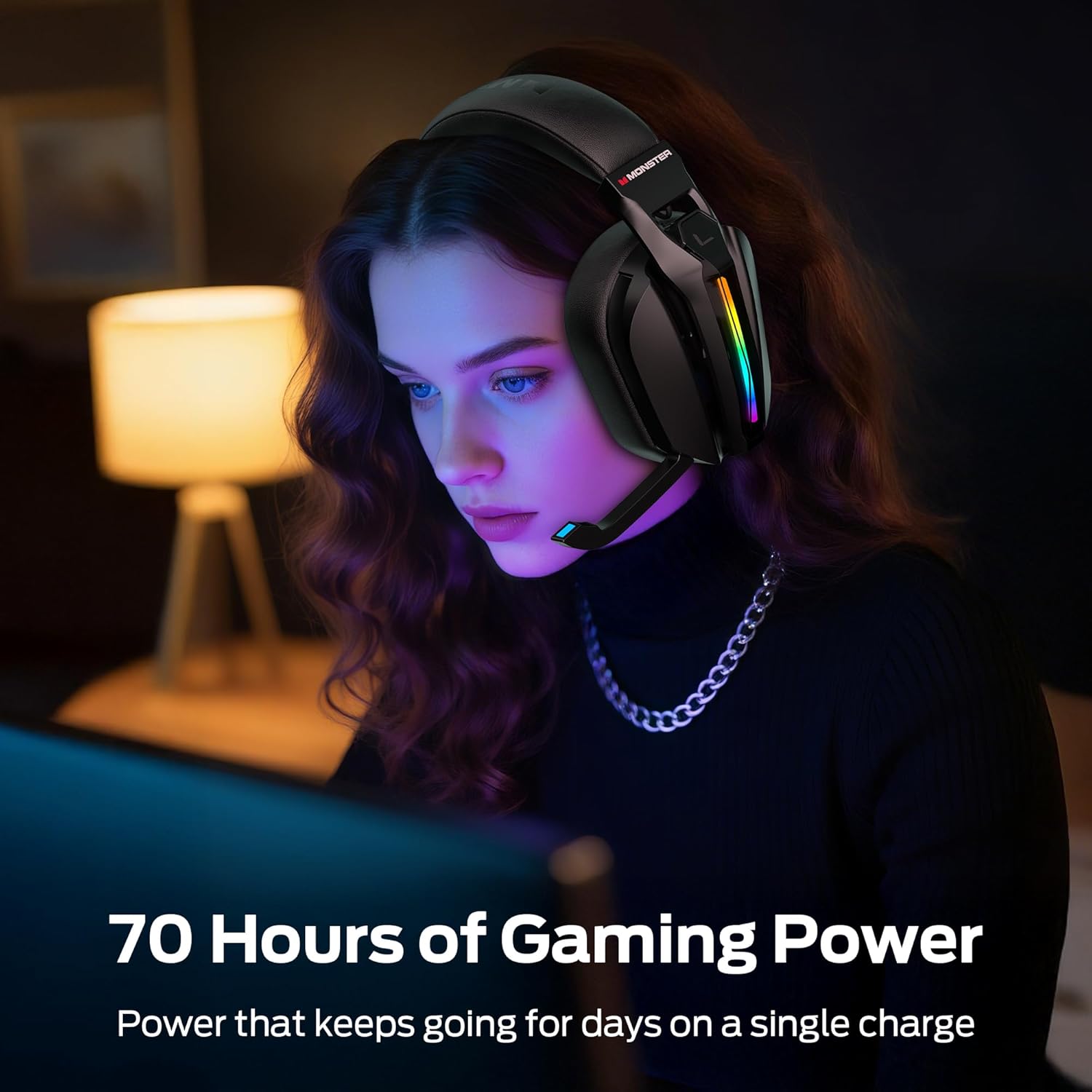
- A full charge provides up to 70 hours of gameplay (40 hours with RGB lighting active).
2. Connecting via 2.4GHz Wireless (PC, PS5, PS4, Laptop)
- Remove the 2.4GHz USB wireless transmitter from its storage compartment on the headset.
- Plug the USB transmitter into an available USB port on your PC, PS5, PS4, or laptop.
- Power on the headset. The headset will automatically attempt to connect to the transmitter.
- Once connected, the LED indicator on both the headset and transmitter will show a stable light.
- On your device, ensure the Monster Mission ANC200 is selected as the audio output and input device.

Aworan: Illustration showing the 2.4GHz wireless connection setup, with the USB transmitter plugged into a device and the headset wirelessly connected, highlighting ultra-low latency.
3. Connecting via Bluetooth 6.0 (Mobile, Laptop, Switch)
- Rii daju pe agbekari ti ni agbara lori.
- Press and hold the Bluetooth pairing button (refer to Product Overview for exact location) until the LED indicator flashes, indicating pairing mode.
- On your device (mobile, laptop, Nintendo Switch), go to Bluetooth settings and search for available devices.
- Select "Monster Mission ANC200" from the list.
- Nígbà tí a bá so wọ́n pọ̀, àmì LED tó wà lórí agbekọri náà yóò fi ìmọ́lẹ̀ tó dúró ṣinṣin hàn.
4. Connecting via 3.5mm AUX Cable (Universal Compatibility)
- Connect one end of the 3.5mm audio cable to the AUX port on the headset.
- Connect the other end of the 3.5mm audio cable to the audio jack of your device.
- The headset will operate in passive mode when connected via 3.5mm AUX, meaning some features like ANC or RGB lighting may not be available or require the headset to be powered on.
Aworan: An illustration demonstrating the multiple connection methods (2.4GHz, Bluetooth, 3.5mm AUX) for the headset, showing compatibility with PC, mobile, laptop, PS4/PS5, and Nintendo Switch.
Awọn ilana Iṣiṣẹ
1. Agbara Tan / Paa
- Agbara Tan: Tẹ mọlẹ bọtini agbara fun isunmọ awọn aaya 3 titi ti Atọka LED yoo tan imọlẹ.
- Agbara Pa: Tẹ mọlẹ bọtini agbara fun isunmọ awọn aaya 3 titi ti itọkasi LED yoo wa ni pipa.
2. Iṣakoso iwọn didun
- Use the Volume Up (+) and Volume Down (-) buttons/dial on the headset to adjust the audio output level.
3. Gbohungbohun Lilo
- Extend Microphone: Gently pull the retractable microphone out from the earcup. Position it near your mouth for optimal voice pickup.
- Retract Microphone: Gently push the microphone back into the earcup when not in use.
- Pakẹ́/Yipadanu: Press the Microphone Mute button (refer to Product Overview for exact location) to toggle microphone mute. The LED on the microphone tip may indicate mute status.
4. Ifagile Ariwo Nṣiṣẹ (ANC)
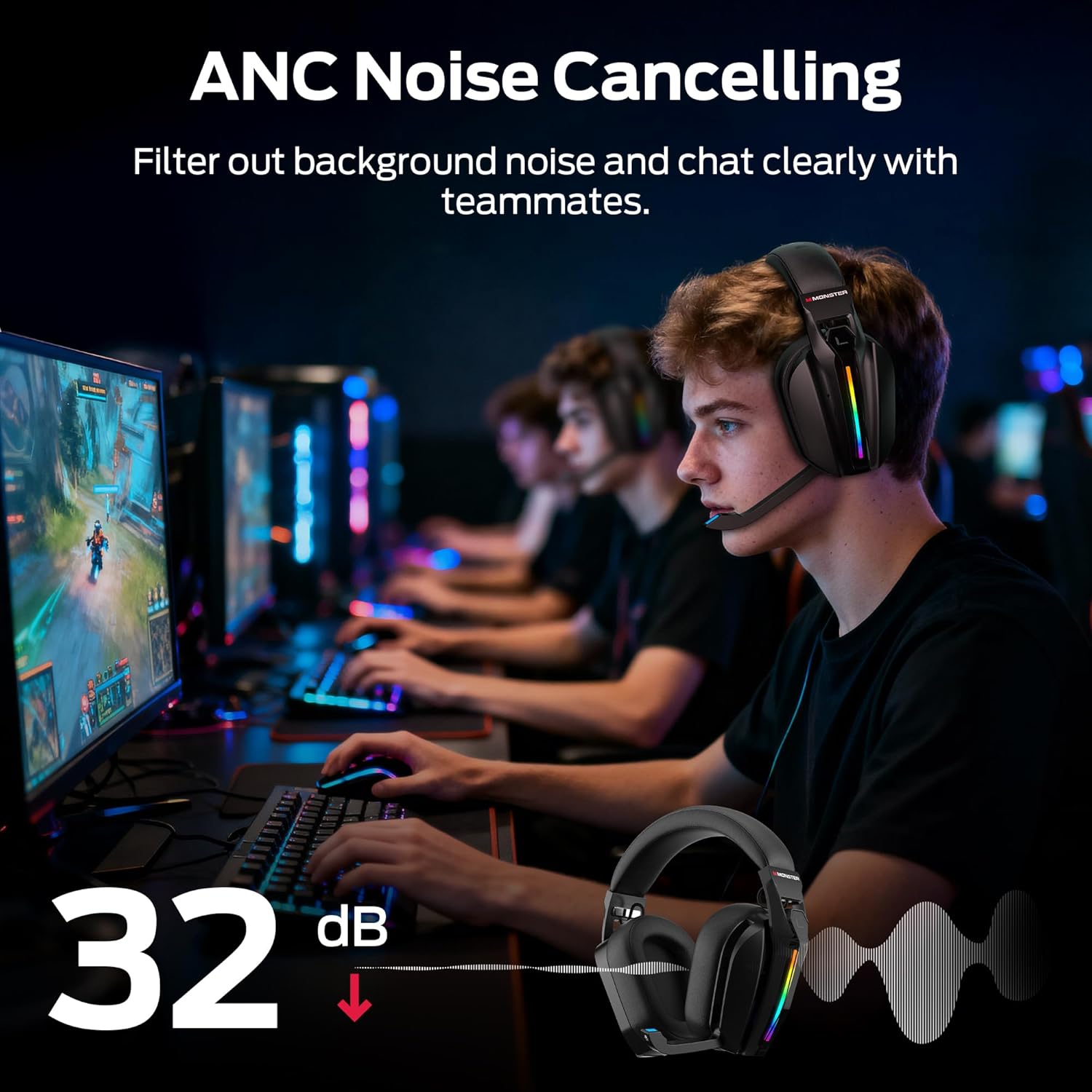
- Press the ANC button (refer to Product Overview for exact location) to activate or deactivate Active Noise Cancellation.
- When ANC is active, the headset will reduce ambient background noise, allowing for greater focus.
Aworan: A visual representation of the Active Noise Cancellation (ANC) feature, showing how external noise is filtered out for clearer audio and communication.
5. EQ Modes (Game / Music)
- Press the EQ Mode button (refer to Product Overview for exact location) to switch between Game Mode and Music Mode.
- Game Mode (7.1 Virtual Surround Sound): Optimized for gaming, providing immersive surround sound for positional audio cues.
- Ipo Orin: Optimized for rich, detailed audio playback for music and other media.
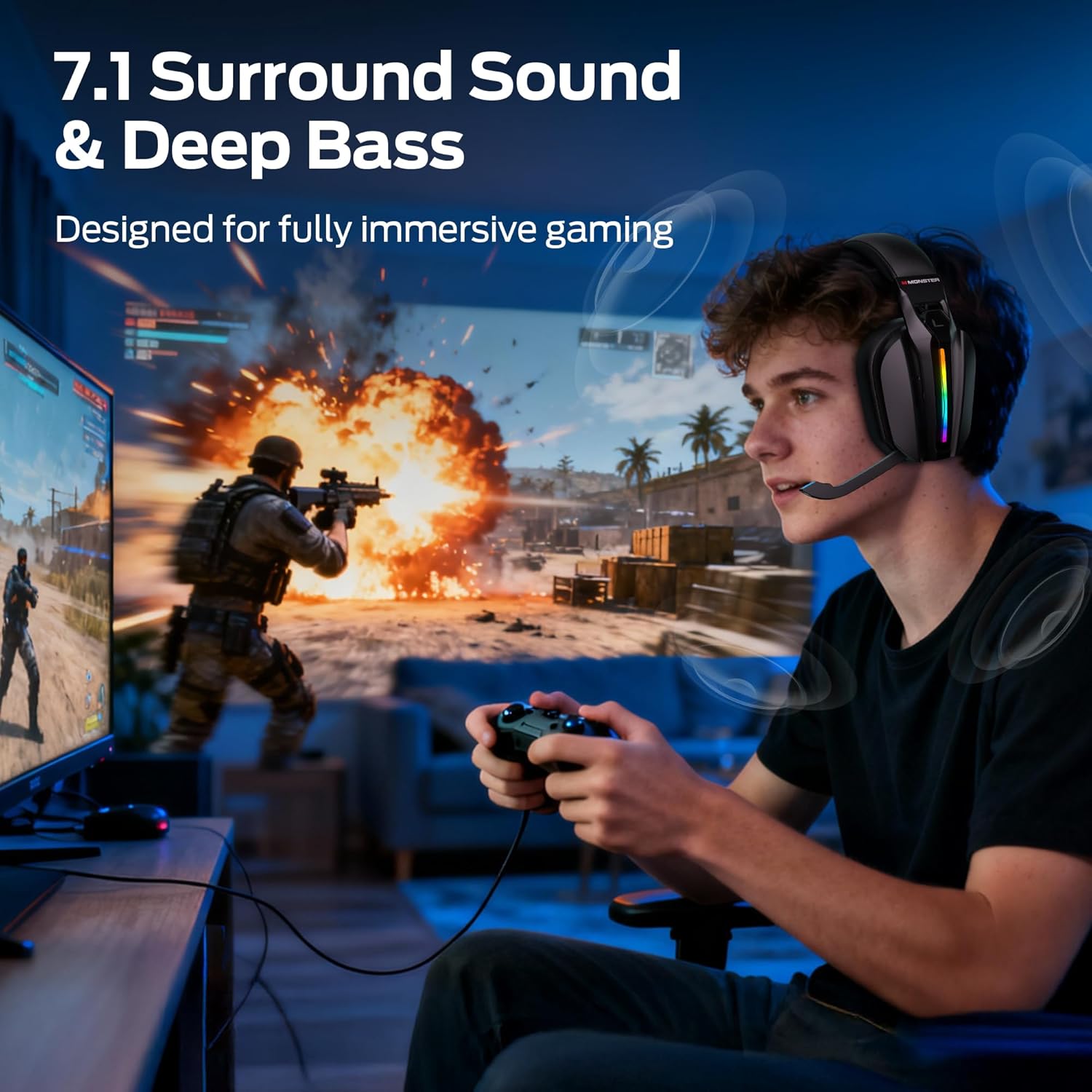
Aworan: A gamer wearing the headset, illustrating the immersive experience provided by 7.1 surround sound and deep bass, designed for gaming.
6. RGB Lighting Iṣakoso
- The headset features customizable RGB lighting. Refer to the specific button (if available) or combination of buttons for cycling through light effects or turning them off.
Aworan: Close-up of the headset's earcup, showcasing the million-color RGB lighting with a gradient effect, labeled "Glow and Flow".
Itoju
- Ninu: Wipe the headset with a soft, dry, lint-free cloth. Do not use liquid cleaners or sprays directly on the headset.
- Ibi ipamọ: Store the headset in a cool, dry place away from direct sunlight and extreme temperatures. When not in use, retract the microphone and store the 2.4GHz USB transmitter in its designated compartment.
- Itọju Batiri: Lati pẹ aye batiri, yago fun gbigba agbara agbekari ni kikun nigbagbogbo. Gba agbara rẹ nigbagbogbo, paapaa ti kii ṣe ni lilo igbagbogbo.
Laasigbotitusita
| Isoro | Owun to le Solusan |
|---|---|
| Ko si ohun lati agbekari. |
|
| Gbohungbohun ko ṣiṣẹ. |
|
| Headset not connecting wirelessly. |
|
| ANC not functioning. |
|
Awọn pato
| Orukọ awoṣe: | Monster Mission ANC200 (MH22240) |
| Imọ-ẹrọ Asopọmọra: | 2.4GHz Wireless, Bluetooth 6.0, 3.5mm AUX Wired |
| Ibaraẹnisọrọ Alailowaya: | Bluetooth, 2.4GHz |
| Awọn ẹya Olohun: | 7.1 Virtual Surround Sound (Game Mode), Dual EQ Modes (Game/Music) |
| Iṣakoso Ariwo: | Active Noise Cancellation (ANC), AI Noise Filtering for Microphone |
| Gbohungbohun: | Stealth Retractable Mic |
| Igbesi aye batiri: | Up to 70 hours (without RGB), 40 hours (with RGB) |
| Akoko gbigba agbara: | O fẹrẹ to awọn wakati 3 |
| Lairi: | Ultra-low latency (under 20ms via 2.4GHz) |
| Gbigbe Eti: | Lori Eti |
| Ohun elo: | Plastic, Protein Leather Cushions, Memory Foam |
| Àwọ̀: | Dudu |
| Nọmba Awoṣe Nkan: | MH22240 |
| Awọn iwọn: | 25.2 x 24.89 x 11.1 cm; 608g |
Atilẹyin ọja ati Support
Monster products are designed to provide reliable performance. For warranty information, technical support, or customer service inquiries, please refer to the official Monster webaaye tabi kan si atilẹyin alabara wọn taara.
- Atilẹyin Ayelujara: Be ni osise aderubaniyan webojú òpó wẹ́ẹ̀bù fún àwọn ìbéèrè tó ń wáyé nígbà gbogbo, àwọn ìgbàsílẹ̀ awakọ̀, àti àwọn ohun èlò ìrànlọ́wọ́.
- Kan si Iṣẹ Onibara: Refer to your product packaging or the Monster webaaye fun awọn alaye olubasọrọ.


