Ọrọ Iṣaaju
This manual provides essential information for the safe and efficient use of your Volkano Valencia Series Ladies Smart Watch. Please read these instructions carefully before using the device and retain them for future reference.
Ohun ti o wa ninu Apoti
- Volkano Valencia Series Smart Watch (VK-5050-GD)
- Ibudo Ngba agbara Alailowaya
- Itọsọna olumulo
Ọja Pariview
The Volkano Valencia Series Smart Watch features a 1.32" AMOLED touchscreen display and a metal mesh strap. It offers various functionalities including Bluetooth wireless calling, health tracking, multi-sport modes, and smart notifications.

Aworan: Iwaju view of the Volkano Valencia Smart Watch, showing the circular AMOLED display with digital time, heart rate, and step count. The rose gold metal mesh strap is visible.
Aworan: Pada view of the Volkano Valencia Smart Watch, highlighting the optical heart rate and blood oxygen sensors, along with the wireless charging contacts. The model number VK-5050 is visible.
Ṣeto
1. Ngba agbara si Smart Watch
Before first use, fully charge the smart watch. Place the watch onto the included wireless charging dock. Ensure the charging contacts on the watch align with the dock. The watch display will indicate charging status. A full charge typically takes approximately 2 hours.
2. Agbara Tan / Paa
- Agbara Tan: Press and hold the side button for a few seconds until the Volkano logo appears.
- Agbara Pa: Tẹ bọtini ẹgbẹ ki o si di mu, lẹhinna yan aṣayan 'Agbara Pa' lori iboju naa.
3. Sopọ pẹlu Foonuiyara Foonuiyara Rẹ
- Download the companion application from your smartphone's app store (compatible with Android 5.1+ and iOS 8.0+).
- Rii daju pe Bluetooth ti ṣiṣẹ lori foonuiyara rẹ.
- Open the application and follow the on-screen instructions to add your device.
- Select "VK-5050-GD" or a similar device name from the list of available Bluetooth devices in the app.
- Jẹrisi ibeere sisopọ lori aago mejeeji ati foonuiyara rẹ.
Awọn ilana Iṣiṣẹ
1. Ipilẹ Lilọ kiri
- Afi ika te: Rọ apa osi/ọtun, soke/isalẹ lati lọ kiri nipasẹ awọn akojọ aṣayan ati awọn ẹya ara ẹrọ. Tẹ lati yan.
- Bọtini ẹgbẹ: Tẹ lati pada si iboju ile tabi ji ifihan naa.
2. Bluetooth Wireless Calling
Nígbà tí o bá ti so mọ́ fóònù alágbéka rẹ, o lè ṣe àti gba àwọn ìpè tààrà láti ọ̀dọ̀ aago rẹ.
- Ṣiṣe awọn ipe: Access the dialer or contact list on your watch.
- Gbigba Awọn ipe: An incoming call notification will appear on the watch. Tap to answer or decline.
3. Olùrànlọ́wọ́ Ohun Tí A Ṣe Nínú Rẹ̀
Activate the voice assistant feature on your watch to perform tasks such as setting reminders, checking weather, or controlling music using voice commands.
4. Smart Notifications
Receive real-time alerts for calls, messages, emails, and app notifications directly on your wrist. Ensure notification permissions are enabled in your smartphone's settings and the companion app.
5. Remote Camera & Music Control
- Iṣakoso kamẹra: Open the camera function in the companion app on your phone, then use your watch as a remote shutter button.
- Iṣakoso Orin: Control playback (play/pause, skip tracks) of music playing on your smartphone through the watch's music control interface.
6. Health Tracking
The watch monitors various health metrics:
- Atẹle Oṣuwọn ọkan: Pese awọn kika oṣuwọn ọkan ti nlọ lọwọ tabi lori ibeere.
- Atẹgun Ẹjẹ: Ṣe iwọn awọn ipele itẹlọrun atẹgun ẹjẹ.
- Pedometer: Tracks daily steps taken.
- Olutọpa kalori: Ṣíṣe àyẹ̀wò àwọn kalori tí a jó da lórí ìṣiṣẹ́ ara.
For accurate readings, ensure the watch is worn snugly on your wrist, approximately one finger-width above the wrist bone.
7. Olona-idaraya Awọn ọna
The watch supports over 100 multi-sport modes to track various physical activities. Select the desired sport mode from the watch menu to record specific workout data.
8. Water Resistance (3 ATM)
The watch is rated 3 ATM water-resistant, meaning it is protected from splashes such as rain or hand washing. It is kii ṣe suitable for immersion in water, swimming, or sauna use.

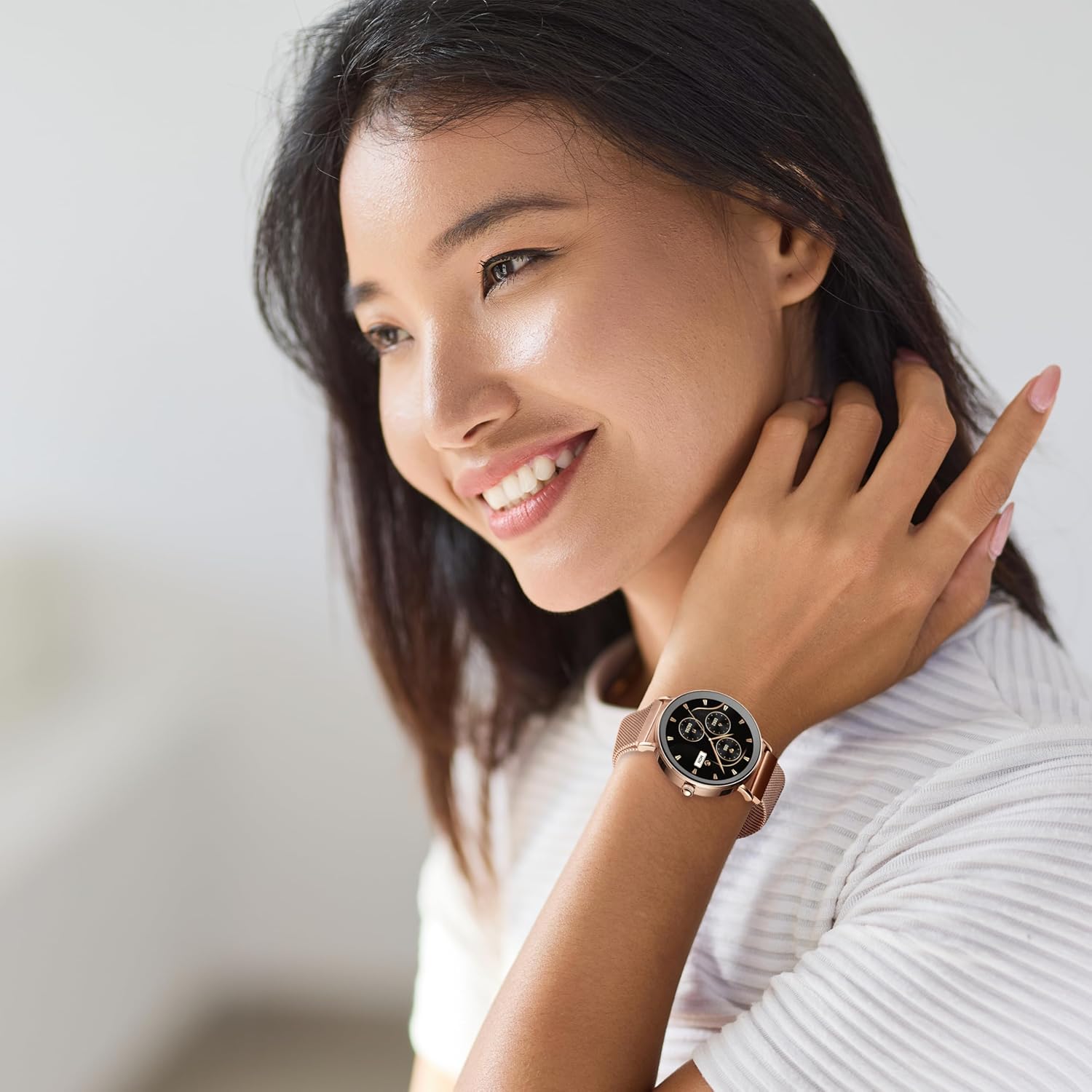
Aworan: A woman smiling, wearing the Volkano Valencia Smart Watch on her left wrist. The watch features a rose gold finish and a metal mesh strap.
Itoju
1. Ninu
Wipe the watch screen and body with a soft, dry, lint-free cloth. For the strap, use a slightly damp cloth if necessary, then dry thoroughly. Avoid using harsh chemicals or abrasive materials.
2. Itọju batiri
To prolong battery life, avoid fully discharging the watch frequently. Charge the watch regularly, especially if it will not be used for an extended period. Store in a cool, dry place.
3. Àwọn Ìlànà Ìdènà Omi
Adhere strictly to the 3 ATM water resistance rating. Do not immerse the watch in water, expose it to high-pressure water jets, or use it in saunas or steam rooms. Water damage due to improper use is not covered under warranty.
Laasigbotitusita
- Wo ti ko tan: Ensure the watch is fully charged. Connect it to the wireless charging dock for at least 30 minutes.
- Ko le so pọ pẹlu foonuiyara:
- Rii daju pe Bluetooth ti ṣiṣẹ lori foonu rẹ.
- Make sure the watch is within Bluetooth range (typically 10 meters).
- Tun bẹrẹ aago mejeeji ati foonuiyara rẹ.
- Check if the companion app has necessary permissions.
- Awọn alaye ilera ti ko pe: Ensure the watch is worn correctly, snugly on the wrist, and the sensors are clean. Avoid excessive movement during measurements.
- Awọn iwifunni ko han: Verify that notifications are enabled in both your phone's settings and the companion application. Ensure the watch is connected via Bluetooth.
Awọn pato
| Nọmba awoṣe | VK-5050-GD |
| Ẹya Bluetooth | 5.3 Low Energy (JL7012 Chipset) |
| Ifihan | Iboju ifọwọkan AMOLED 1.32" |
| Iranti | 640KB RAM + 128Mb Flash Storage |
| Batiri | 230mAh (2-3 days active use / up to 15 days standby) |
| Gbigba agbara | Wireless Dock Included |
| Ibamu | Android 5.1+ | iOS 8.0+ |
| Omi Resistance | 3 ATM (Splash-proof, not for immersion) |
| Àwọ̀ | Rose Gold |
Atilẹyin ọja ati Support
Atilẹyin ọja olupese
This Volkano product is covered by a 1-odun lopin atilẹyin ọja from the date of purchase. This warranty covers manufacturing defects and workmanship under normal use. Damage resulting from misuse, accidents, unauthorized modifications, or failure to follow instructions is not covered.
You may be eligible for an additional 12-month extension to your warranty, totaling 24 months of coverage, by registering your product. Please refer to the Volkano official website or product packaging for registration details.
Onibara Support
For technical assistance, troubleshooting, or warranty claims, please contact Volkano customer support. Refer to the contact information provided on the official Volkano webaaye tabi apoti ọja rẹ.