Ọrọ Iṣaaju
The CADDXFPV Protos FPV Drone RTF Kit offers a compact, high-performance first-person view flying experience. Designed for both beginners and experienced pilots, this kit includes everything needed to start flying, featuring advanced digital video transmission, multiple flight modes, and a durable design. This manual provides essential information for setup, operation, maintenance, and troubleshooting to ensure a safe and enjoyable flight experience.
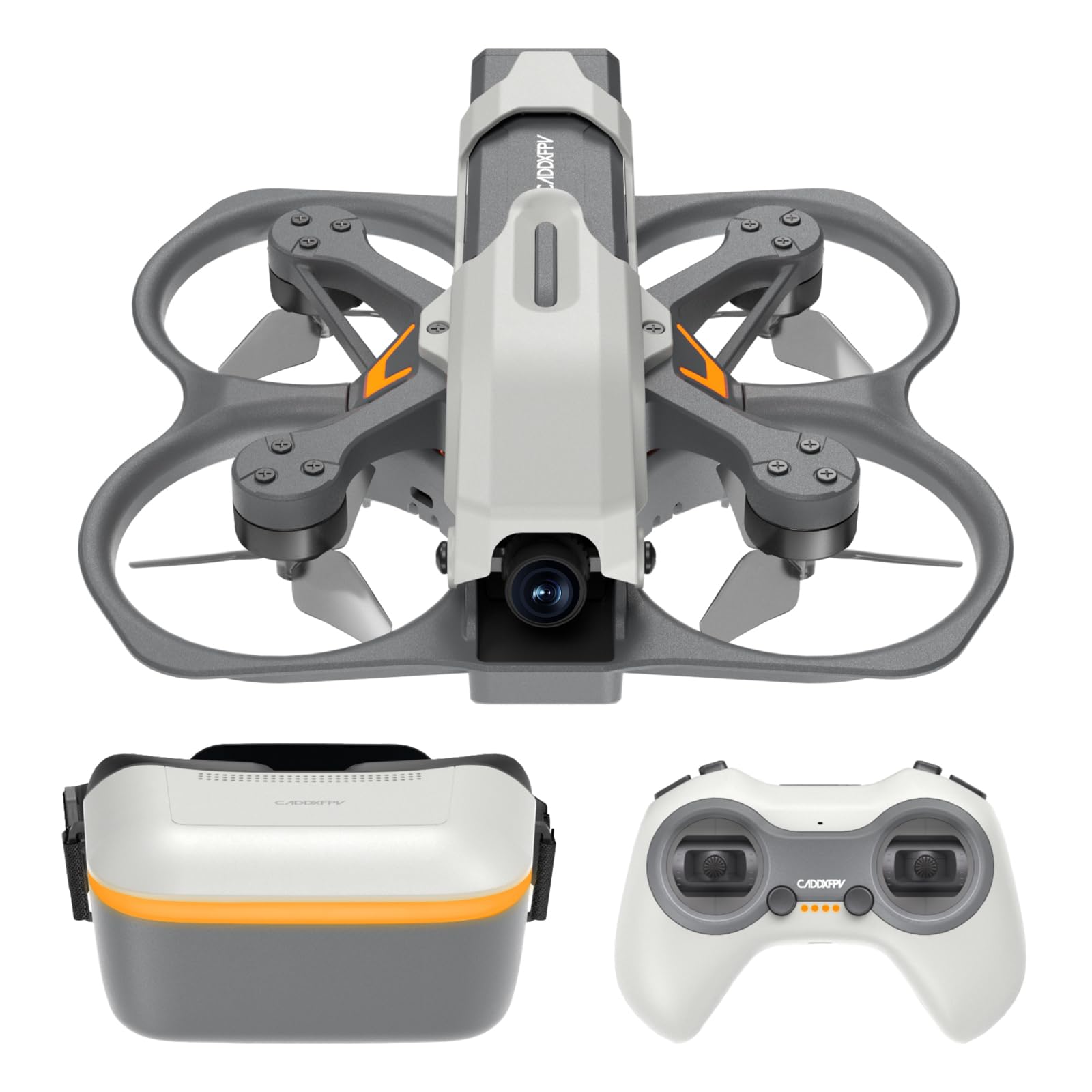
Image: The complete CADDXFPV Protos FPV Drone RTF Kit, neatly arranged within its protective carrying case, showcasing the drone, FPV goggles, and Uni-Master controller.
Ohun ti o wa ninu Apoti
Your CADDXFPV Protos FPV Drone RTF Kit includes the following items:
- Protos Drone x 1
- FPV Goggles x 1
- Uni-Master Controller x 1
- Drone Batteries (2S 840mAh) x 3
- 3-in-1 2S Charging Butler x 1
- Goggles Battery x 1
- Goggles Power Cord x 1
- Iru-C Okun x 1
- Spare Canopy x 1
- Àwọn ohun èlò ìfọṣọ x 4
- Aṣọ mimọ x 1
- Gbe apoti x 1
Note: The charging butler charger is not included.
Video: A detailed unboxing and initial flight demonstration of the CADDXFPV Protos Drone Kit, showcasing all included components and basic operation.
Ọja Pariview
Protos Drone
The Protos drone is a lightweight (100g) and compact (1.6 inches) FPV quadcopter, designed for agility and durability. It features a 1/3-inch Starvis II sensor 2MP camera with a 160° wide-angle lens for crisp 1080P/60FPS HD video transmission via its 6g Ascent HD VTX. The single-piece polymer body ensures high crash resistance.

Image: The CADDXFPV Protos Drone resting in the palm of a hand, emphasizing its ultra-compact and lightweight design.

Aworan: A alaye view of the FPV Brushless Motor, illustrating its high RPM and optimized power for rapid flight.
Awọn oju iboju FPV
The FPV goggles provide an immersive 4.5-inch screen with 1080P/60FPS clarity and ultra-low 30ms latency. They feature blue-light filtering for eye comfort, an all-in-one design with built-in high-gain antennas, and support for prescription lenses. The goggles are designed for a comfortable, customizable fit.
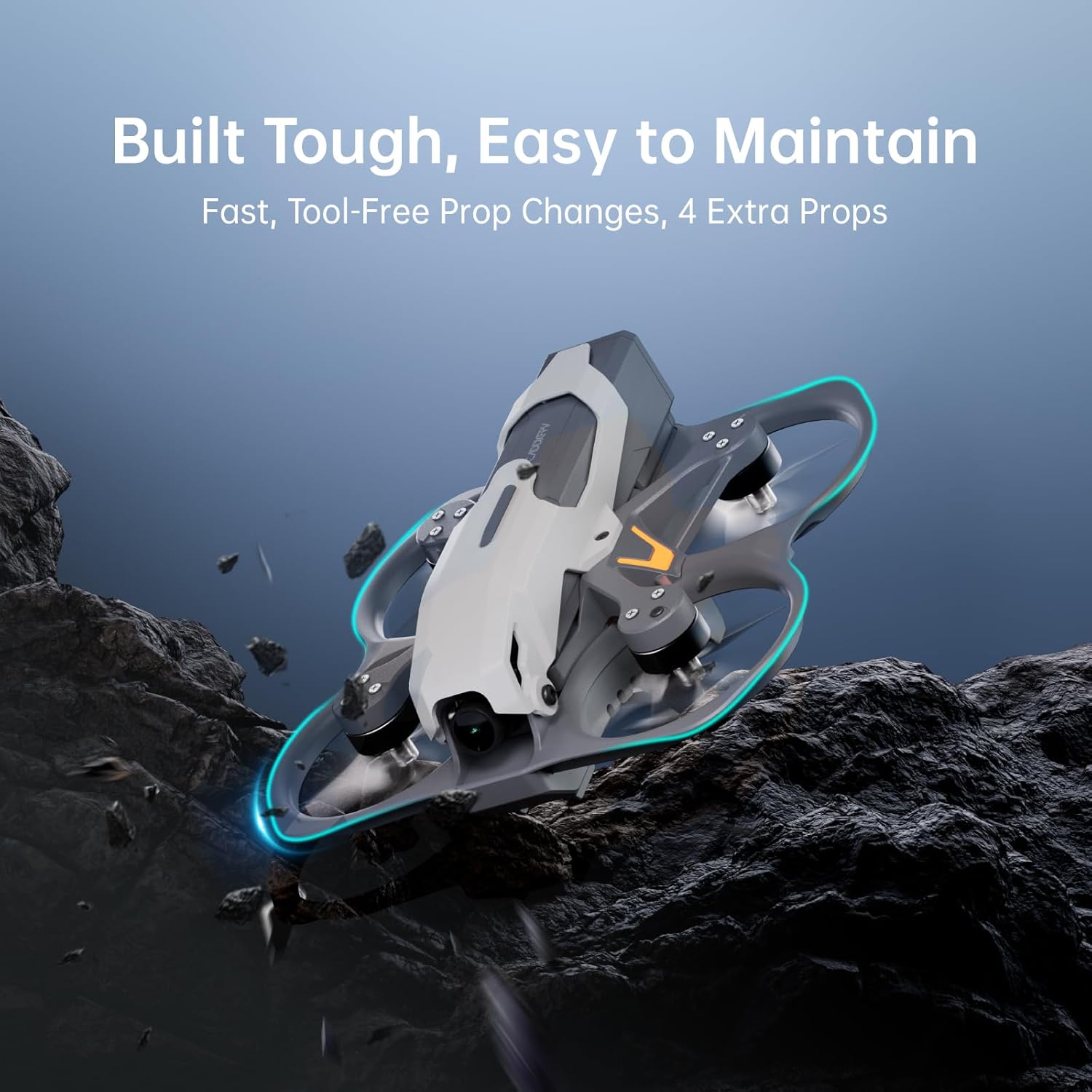
Image: The CADDXFPV FPV Goggles, showing the adjustable head strap and the overall design for an immersive viewiriri iriri.
Video: A demonstration of the immersive FPV experience provided by the Avatar HD Goggles X, highlighting their clarity and comfort.
Uni-Master Controller
The Uni-Master controller is a gamepad-style remote with clearly labeled switches for various functions, including arm/disarm, flight modes, beeper alarm, and flip-over mode. It supports ELRS 2.4 for reliable control and includes a rechargeable 18650 battery.

Image: The CADDXFPV Uni-Master Controller, featuring clearly labeled switches for various flight modes and functions.
Ṣeto
Awọn batiri gbigba agbara
The kit includes three 840mAh drone batteries and one goggles battery. Use the provided 3-in-1 smart charging butler for the drone batteries, which recharges them in approximately 20 minutes via Type-C. The goggles battery can be charged using the included goggles power cord and a Type-C cable.

Image: The 3-in-1 smart charging hub from CADDXFPV, designed to efficiently charge multiple drone batteries simultaneously.
Controller and Drone Power On
- Power on the Uni-Master Controller first by pressing and holding the power button until it beeps and the indicator light turns green.
- Connect a fully charged battery to the Protos Drone. The drone will power on automatically.
FPV Goggles Setup
- Connect the goggles battery to the FPV Goggles using the provided power cord.
- Power on the goggles. They should automatically search for and connect to the drone's video feed.
- Adjust the goggles' focus by extending or retracting the screen portion to match your eyesight.
Video: A comprehensive unboxing and product demonstration of the CADDXFPV Protos Drone Kit, detailing the setup process for the drone, controller, and FPV goggles.
Ṣiṣẹ
Awọn ọna ofurufu
The Protos Drone supports three intelligent flight modes, selectable via a switch on the Uni-Master Controller:
- Position Hold: Ideal for beginners, this mode allows the drone to hover stably in place.
- Self-Stabilizing (Angle Mode): Provides assisted flight, automatically leveling the drone when controls are released. Suitable for cruising.
- Manual (Acro Mode): Offers full manual control for advanced maneuvers and freestyle flying.
Video: A dynamic showcase of the Powerful Protos Drone, demonstrating its capabilities for family adventures and various flight scenarios.
Ipilẹ Flight idari
- Ihamọra: Ensure the throttle stick is at its lowest position. Flip the designated arm switch on the controller to arm the motors.
- Bo kuro: Gently increase the throttle to lift off.
- Ibalẹ: Slowly decrease the throttle until the drone lands. Disarm the motors after landing.
To ti ni ilọsiwaju Awọn ẹya ara ẹrọ
- Smart Hover & Fail-Safe Lock: Utilizes optical flow, texture lock, laser positioning, and altitude control for precise indoor hovering and emergency recovery.
- Flip Over Mode: A dedicated switch allows the drone to flip itself upright if it lands upside down.
- Beeper Alarm: Activate the beeper alarm from the controller to locate a lost drone.

Image: An illustration detailing the Smart Hover and Fail-Safe Lock functionalities, including optical flow sensor, texture lock, altitude control, and laser positioning.
Itoju
Rirọpo Propeller
The drone's design allows for fast, tool-free propeller changes. Four spare propellers are included in the kit. Refer to the propeller warning card for correct orientation before flight.

Image: An illustration detailing the easy disassembly process of the drone, allowing for smooth battery removal and maintenance.
Itọju Batiri
The 3-in-1 smart charger supports storage charge functionality, which is crucial for extending battery lifespan. Always store batteries at the recommended charge level when not in use for prolonged periods.
Ninu
A cleaning cloth is provided for maintaining the FPV goggles and drone camera lens. Keep lenses clean for optimal video clarity.
Laasigbotitusita
Video Interference
If experiencing video interference, especially indoors, adjust the VTX power output. The Ascent HD VTX delivers stable, low-latency video, but strong Wi-Fi signals can cause disruption. Ensure goggles antennas are positioned optimally.
Goggle Clarity
If the FPV image appears blurry, adjust the screen's distance from your eyes by extending or retracting the goggles' front section. The goggles also support prescription lenses for enhanced clarity.
Lost Drone
In case the drone is lost from sight, activate the beeper alarm function on the Uni-Master Controller to help locate it.
Awọn pato
| Brand | CADDXFPV |
| Orukọ awoṣe | Protos Drone Kit |
| Iwọn Nkan | 3.2 iwon (isunmọ 90.7g) |
| Ọja Mefa | 4.33"L x 4.05"W x 1.61"H |
| Ohun elo | Plastic (Ultra-light, single-piece polymer) |
| Ipinnu Yaworan fidio | 1080p, 720p |
| Pataki Awọn ẹya ara ẹrọ | Ènìyàn Àkọ́kọ́ View (FPV), Image Stabilization, Lightweight, Night Vision Camera, Rechargeable |
| Batiri Cell Tiwqn | Litiumu Iwon |
| Akoko ofurufu | Up to 10 minutes per battery (3 batteries included) |
Atilẹyin ọja & Atilẹyin
CADDXFPV is committed to customer satisfaction. If you encounter any issues with your Protos FPV Drone RTF Kit, please contact customer support.
- 30 Ọjọ: Exchange / Return
- 360 Ọjọ: Atilẹyin ọja
- Imeeli Atilẹyin Onibara: service@caddxfpv.com
- Iṣẹ onibara: 24 x 7 x 365


