1. Ifihan
This manual provides essential information for setting up, operating, maintaining, and troubleshooting your OPPO A6 Pro 5G smartphone. Please read this guide thoroughly to ensure proper use and to maximize the device's capabilities.
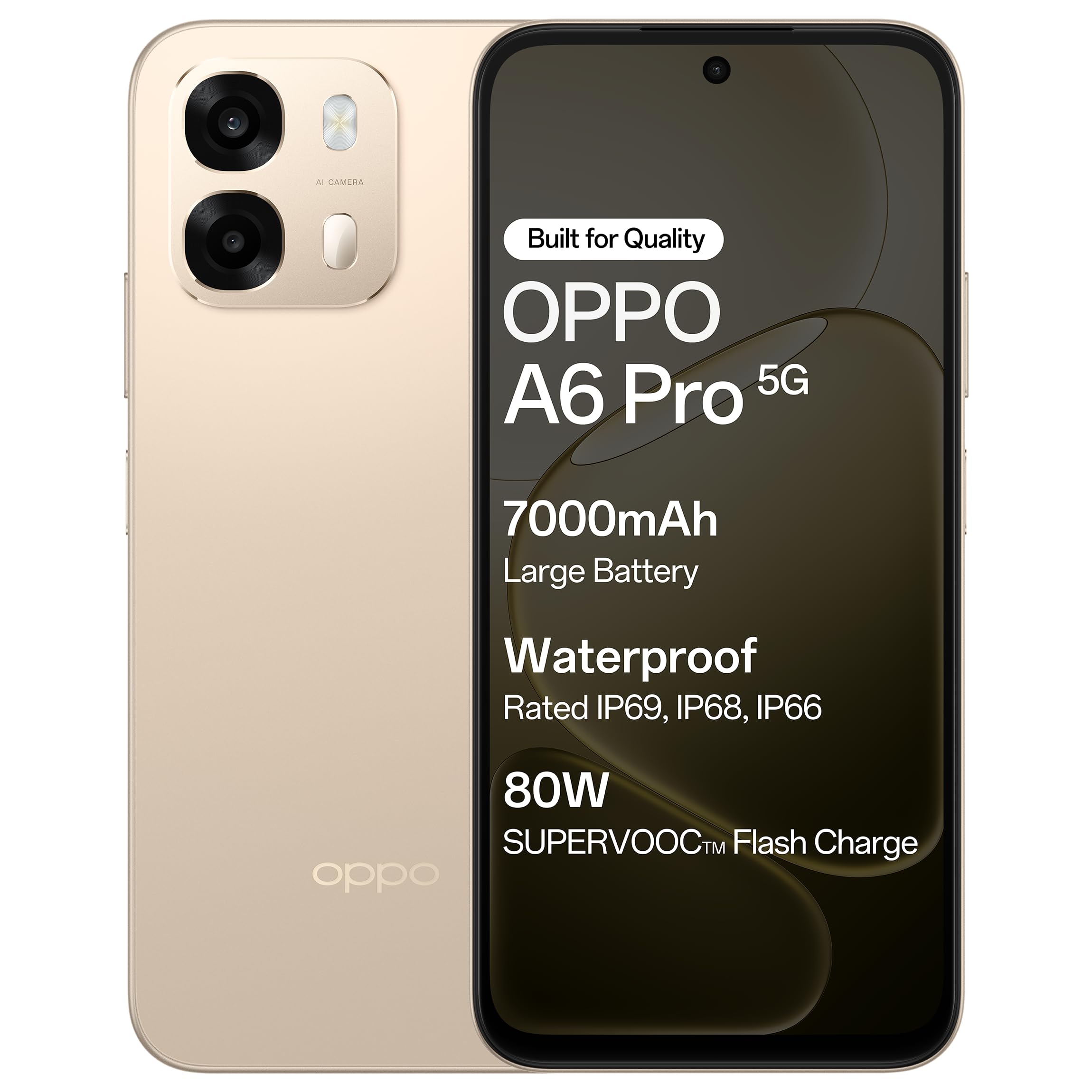
olusin 1.1: Iwaju view of the OPPO A6 Pro 5G smartphone.
2. Package Awọn akoonu
Daju pe gbogbo awọn ohun kan wa ninu akopọ ọja rẹ:
- Foonu alagbeka OPPO A6 Pro 5G
- Adapter agbara
- Okun USB
- Foonu Case
- SIM Atẹ ejector
3. Eto
3.1. Fi kaadi SIM ati kaadi SD sii
- Wa atẹ kaadi SIM ni ẹgbẹ ti ẹrọ naa.
- Fi SIM atẹ ejector ọpa sinu kekere iho tókàn si awọn atẹ ki o si tẹ rọra titi ti atẹ yoo jade.
- Gbe awọn kaadi Nano-SIM rẹ ati/tabi kaadi microSD sinu awọn iho ti a yan lori atẹ. Rii daju pe awọn olubasọrọ goolu dojukọ si isalẹ.
- Fi iṣọra tun fi atẹ sii sinu foonu titi ti o fi tẹ sinu aaye.
3.2. Gbigba agbara akọkọ
Before first use, it is recommended to fully charge your device. Connect the USB cable to the power adapter and then to the phone's charging port. Plug the power adapter into a wall outlet.

Figure 3.1: The device screen displaying 80W SUPERVOOC Flash Charge status.
3.3. Agbara Lori ati Iṣeto ni ibẹrẹ
- Tẹ bọtini agbara (ti o wa ni apa ọtun) ki o si di mu titi ti aami OPPO yoo fi han.
- Tẹ̀lé àwọn ìtọ́ni tó wà lójú ìbòjú láti yan èdè rẹ, agbègbè rẹ, sopọ̀ mọ́ nẹ́tíwọ́ọ̀kì Wi-Fi, kí o sì ṣètò àkọọ́lẹ̀ Google rẹ.
- Configure security features such as fingerprint unlock or face unlock as desired.
4. Awọn ilana Iṣiṣẹ
4.1. Ipilẹ Lilọ kiri
- Bọtini agbara: Tẹ ki o si dimu mọ lati tan/pa tabi tun bẹrẹ iṣẹ. Tẹ fun igba diẹ lati ti/ṣi iboju naa.
- Awọn bọtini iwọn didun: Ṣàtúnṣe iwọn didun media, iwọn didun ipe, tabi iwọn didun ohun orin.
- Awọn Afarajuwe Fọwọkan: Fọwọ ba lati yan, ra lati yi lọ, fun pọ lati sun.
4.2. Ṣiṣe Awọn ipe ati Fifiranṣẹ Awọn ifiranṣẹ
Tap the Phone icon to make calls. Tap the Messages icon to send and receive text messages.
4.3. Lilo kamẹra
Open the Camera app to capture photos and videos. Tap the shutter button to take a picture. Swipe left or right to switch between modes like Photo, Video, Portrait, etc.

Figure 4.1: The 50MP Ultra-Clear Camera capturing a detailed landscape.
4.4. Asopọmọra
Access Wi-Fi and Bluetooth settings from the Quick Settings panel (swipe down from the top of the screen) or through the Settings app.

Figure 4.2: AI LinkBoost 3.0 ensures stable online connectivity.
5. Key Awọn ẹya ara ẹrọ
5.1. Ifihan
The OPPO A6 Pro 5G features a 17.14 cm (6.75-inch) HD+ IPS LCD Ultra Bright 1125 nits Display with a 120Hz high refresh rate, providing smooth visuals and enhanced outdoor visibility.

Figure 5.1: The 120Hz Ultra Bright Display offers fluid visuals.
5.2. Batiri ati Ngba agbara
Equipped with a massive 7000mAh battery, the device supports extended usage. The 80W SUPERVOOC Flash Charge technology allows for rapid charging. Additionally, the phone supports wired reverse charging, enabling it to charge other devices using a C-to-C data cable.
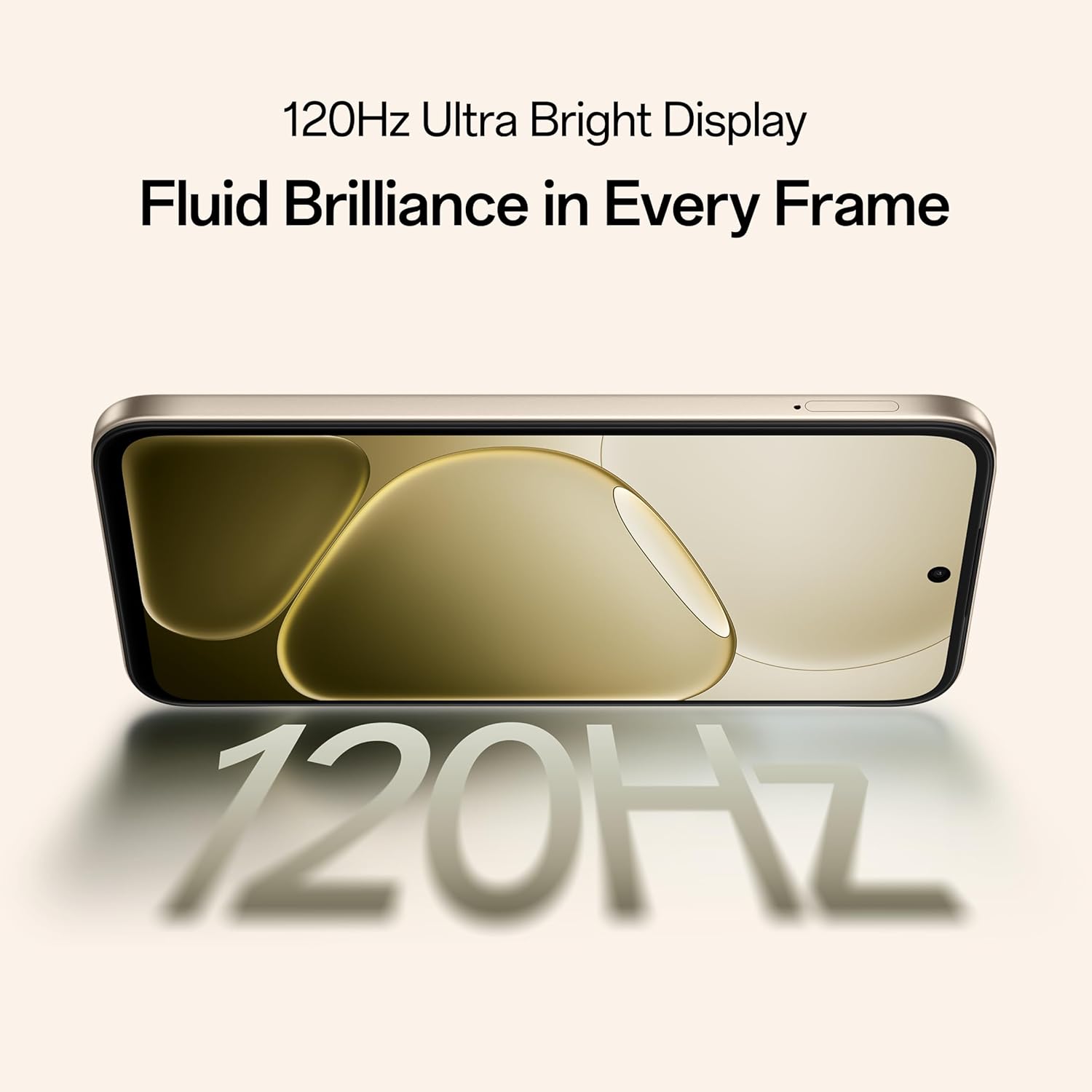
Figure 5.2: Internal representation of the 7000mAh large battery.

Figure 5.3: The device performing reverse wired charging to another gadget.
5.3. Agbara
The OPPO A6 Pro 5G features triple IP-rated durability (IP69, IP68, and IP66), providing protection against water jets, immersion, hot water, steam, and dust.

Figure 5.4: The device demonstrating IP69 water and dust resistance.
5.4. Iṣẹ ṣiṣe
Powered by the 6nm MediaTek Dimensity 6300 chipset, the phone offers enhanced performance and power efficiency with reliable 5G connectivity. It is optimized for long-lasting smoothness, tested to deliver up to 60 months of fluency.

Figure 5.5: The MediaTek Dimensity 6300 mobile platform.

Figure 5.6: The device designed for 60-month fluency protection.
5.5. itutu System
An advanced cooling system, featuring a large vapor chamber and expanded graphite layers, helps maintain low temperatures during intensive use, ensuring stable performance.

olusin 5.7: exploded view illustrating the SuperCool VC System.
5.6. Kamẹra
The 50MP AI camera includes intelligent features like AI Eraser, AI Recompose, and AI Perfect Shot for enhanced photography.
6. Itọju
6.1. Ninu ẹrọ
Use a soft, lint-free cloth to clean the screen and body of the phone. Avoid using harsh chemicals or abrasive materials. For stubborn stains, slightly dampen awọn asọ pẹlu omi.
6.2. Software imudojuiwọn
Ṣayẹwo nigbagbogbo fun ati fi awọn imudojuiwọn sọfitiwia sori ẹrọ lati rii daju iṣẹ ṣiṣe to dara julọ, aabo, ati iraye si awọn ẹya tuntun. Lilö kiri si Ètò > Nípa ẹ̀rọ > Àtúnṣe tuntun lati ṣayẹwo fun awọn imudojuiwọn.
6.3. Itọju batiri
To prolong battery life, avoid exposing the phone to extreme temperatures. It is recommended to keep the battery charge between 20% and 80% for daily use.
6.4. Ibi ipamọ Management
Lokọọkan ko ṣe pataki files, cache data, and uninstall unused applications to free up storage space and maintain device speed. You can manage storage in Eto > Ibi ipamọ.
7. Laasigbotitusita
This section addresses common issues you might encounter with your OPPO A6 Pro 5G.
| Isoro | Ojutu |
|---|---|
| Ẹrọ naa ko ṣiṣẹ | Ensure the battery is charged. Connect to the charger for at least 10 minutes, then try powering on again. If it still doesn't work, perform a force restart by holding the Power button and Volume Up button simultaneously for about 10 seconds. |
| Awọn ohun elo n kọlu tabi didi | Clear the app's cache (Settings > Apps > [App Name] > Storage > Clear cache). If the issue persists, uninstall and reinstall the app. Ensure your device software is up to date. |
| Poor Wi-Fi or mobile data connection | Restart your phone. Check if Wi-Fi is enabled and you are within range of a known network. For mobile data, ensure your SIM card is properly inserted and mobile data is enabled in settings. Contact your service provider if the issue persists. |
| Batiri n ṣan ni kiakia | Reduce screen brightness, disable unused features like Bluetooth/GPS, close background apps, and check battery usage in Settings to identify power-hungry applications. |
8. Awọn pato
Key technical specifications for the OPPO A6 Pro 5G (Model CPH2827):
| Ẹya ara ẹrọ | Ẹ̀kúnrẹ́rẹ́ |
|---|---|
| Nọmba awoṣe | CPH2827 |
| Eto isesise | Android 15 |
| Ifihan | 17.14 cm (6.75") HD+ IPS LCD, 120Hz, 1125 nits |
| isise | Ìwọ̀n MediaTek 6300 (6nm) |
| Àgbo | 8 GB |
| Ibi ipamọ inu | 256 GB |
| Kamẹra ẹhin | 50MP AI kamẹra |
| Agbara Batiri | 7000 mAh |
| Gbigba agbara | 80W SUPERVOOC Flash Charge, Wired Reverse Charging |
| Asopọmọra | 5G, Bluetooth, USB, Wi-Fi |
| Awọn iwọn (LxWxH) | 15.8 x 7.5 x 0.7 cm |
| Iwọn | 198 g |
| Rating agbara | IP69, IP68, IP66 |
9. Atilẹyin ọja ati Support
9.1. Alaye Olupese
Olupese: OPPO MOBILES INDIA PVT LTD.
Adirẹsi: 5th FLOOR, Tower B, BUILDING, N-8, DLF Cyber City, DLF Phase 2, Gurugram, Haryana 122002, India
9.2. onibara Service
For technical support, warranty claims, or service inquiries, please contact OPPO customer service at 18001032777 or visit the official OPPO webaaye fun alaye diẹ sii.


