AIMOS Manuals & User Guides
AIMOS specializes in high-quality computer peripherals, primarily focusing on advanced KVM switches, USB volume controllers, and multi-monitor setup solutions.
About AIMOS manuals on Manuals.plus
About AIMOS Peripherals
AIMOS is a technology brand dedicated to enhancing workspace productivity and connectivity through innovative computer peripherals. The brand is best known for its wide range of KVM (Keyboard, Video, and Mouse) switches, which seamlessly support dual and triple monitor setups, high-resolution displays up to 8K, and fast USB 3.0 data transfer. Whether for professional office environments, gaming setups, or home theaters, AIMOS provides reliable solutions to streamline device management and reduce desk clutter.
In addition to KVM switches, AIMOS offers USB volume controllers, wireless Bluetooth folding keyboards, and high-performance docking stations. Designed for broad compatibility, their plug-and-play devices work across Windows, Mac, and Android systems without the need for complex driver installations.
AIMOS manuals
Titun Afowoyi lati manuals+ curated fun yi brand.
AIMOS HDMI Display Port KVM Switch 3 Monitors User Manual
AIMOS KVM303 USB 3.0 KVM Switch Instruction Manual
AIMOS 4-Port Dual Monitor HDMI KVM Switch Overview
AIMOS 4-Port Triple Monitor KVM Switch Connection Guide
AIMOS KVM303 User Manual: 3-Computer, 3-Monitor 8K/4K KVM Switch
AIMOS manuals from online retailers
AIMOS HDMI 2.0 4-Port KVM Switch User Manual
KVM Switch 2 Computers 2 Monitors, KCEVE Dual Monitor HDMI KVM Switcher USB 3.0 Version, 4K@60Hz HD Resolution, Support Copy and Extended Display, with EDID Function to Keep Window in Right Place 2 IN 2 OUT USB 3.0 (With EDID) - User Manual
KCEVE Triple Monitor KVM Switch User Manual
AIMOS USB KVM Switcher 4 Computers Sharing 4 USB Devices Instruction Manual
AIMOS USB Volume Controller Knob User Manual
USB Volume Control, AIMOS Lnline Volume Knob Lossless Audio Computer with 6.57ft USB Cable Mute Volume Control and PC Speakers Switch Control Module for XP, MAC, Vista, Win 7, 8, 10, Android Etc
AIMOS USB C Dual Monitor KVM Switch Instruction Manual
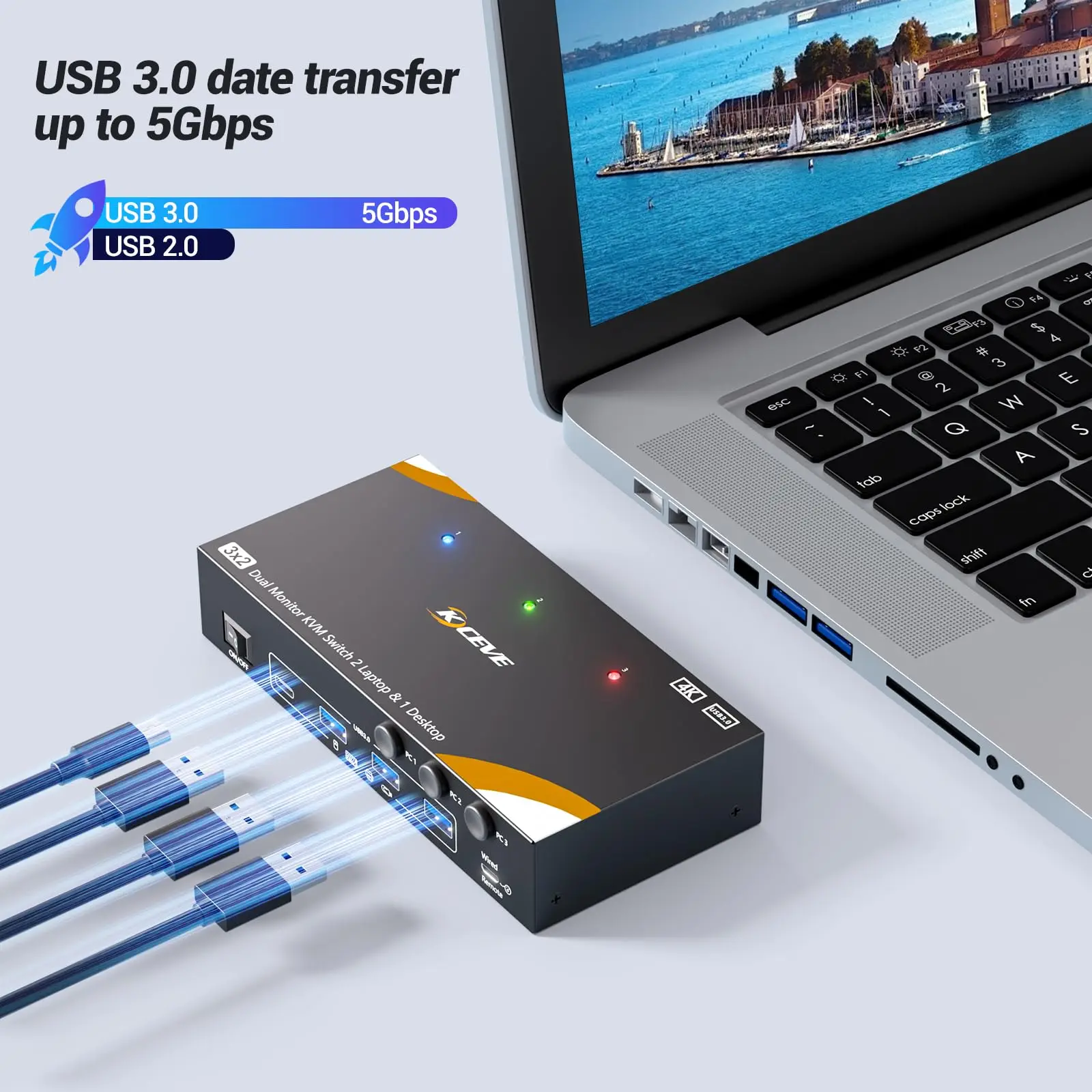
KCEVE KVM Switch 2 Monitors 3 Computers HDMI DP USB C User Manual
AIMOS 8202DH 4K@144Hz HDMI DisplayPort Dual Monitor KVM Switch User Manual
User Manual for AIMOS 8K 4X2 HDMI Matrix and 4X1 HDMI Switch with Audio Output
AIMOS Wireless HDMI Transmitter and Receiver with KVM Function User Manual
AIMOS Thunderbolt KVM Switch Docking Station User Manual
User Manual: AIMOS USB C KVM Switch 4K@60Hz Dual Monitor
Triple Monitor KVM Switch 203DH User Manual
KF8700 Folding Wireless Bluetooth Keyboard with Touchpad User Manual
AIMOS HDMI KVM Switch (AIM8PH) User Manual
AIMOS AM-KVM 201CL 2-in-1 HDMI/USB KVM Switch User Manual
User Manual for 8K HDMI KVM Switch
AIMOS video guides
Wo iṣeto, fifi sori ẹrọ, ati awọn fidio laasigbotitusita fun ami iyasọtọ yii.
AIMOS support FAQ
Awọn ibeere ti o wọpọ nipa awọn itọnisọna, iforukọsilẹ, ati atilẹyin fun ami iyasọtọ yii.
-
How do I set up my AIMOS KVM switch for multiple monitors?
Connect your computers to the KVM inputs using high-quality HDMI or DisplayPort cables, and ensure cables are kept as short as possible for stable signal. Then, connect your monitors to the KVM outputs and plug your keyboard and mouse into the dedicated USB ports on the switch.
-
Why is my AIMOS USB volume control knob not working?
Ensure the USB cable is securely connected to your computer. The controller is plug-and-play and requires no drivers, but you may need to select the correct audio output device in your system's sound settings.
-
Can the AIMOS KVM switch support 4K or 8K resolutions?
Yes, many AIMOS KVM switches support high video resolutions such as 4K at 144Hz and 8K at 60Hz. To achieve these resolutions, you must ensure that your monitors, host computers, and video cables are all fully matched and compatible with the target frame rate and resolution.
-
Does the AIMOS KVM switch require drivers to install?
No, most AIMOS KVM switches and USB multimedia controllers are entirely plug-and-play. They are compatible with multiple operating systems, including Windows, Mac, and Android, without any mandatory driver installations.